What is Laser Show Designer Software? (A Simple Guide)
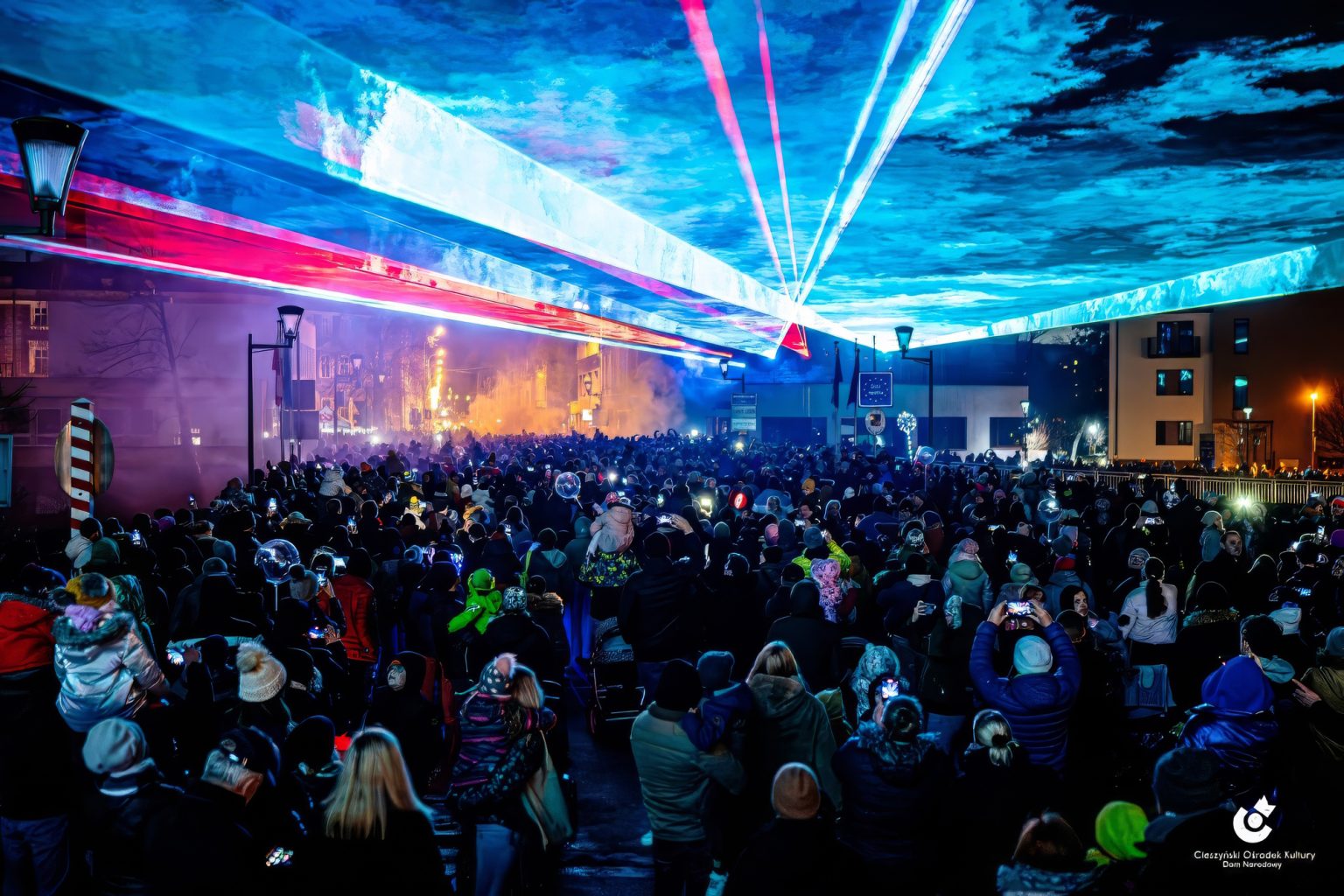
Every professional laser show you see at a concert is controlled by a powerful tool: laser show designer software. It acts as the digital “brain.” It directs every beam, color, and pattern to sync perfectly with the music.
In the past, getting access to these softwares were difficult. They are often expensive, complex, and restricted to industry insiders with big budgets.
But things have changed. Today, professional-grade design tools are no longer out of reach. Whether you are a musician, a streamer, or a party host, you can now access powerful software without the heavy price tag of the past.
Let’s look at how laser show designer software works and how to find the right tool for your needs.
What Does the Software Actually Do?
At its core, this software acts as a translator. It takes the ideas on your screen—images, text, or animations—and converts them into data. The laser projector uses this data to move its mirrors and “draw” with light.
Most software handles three main tasks:
-
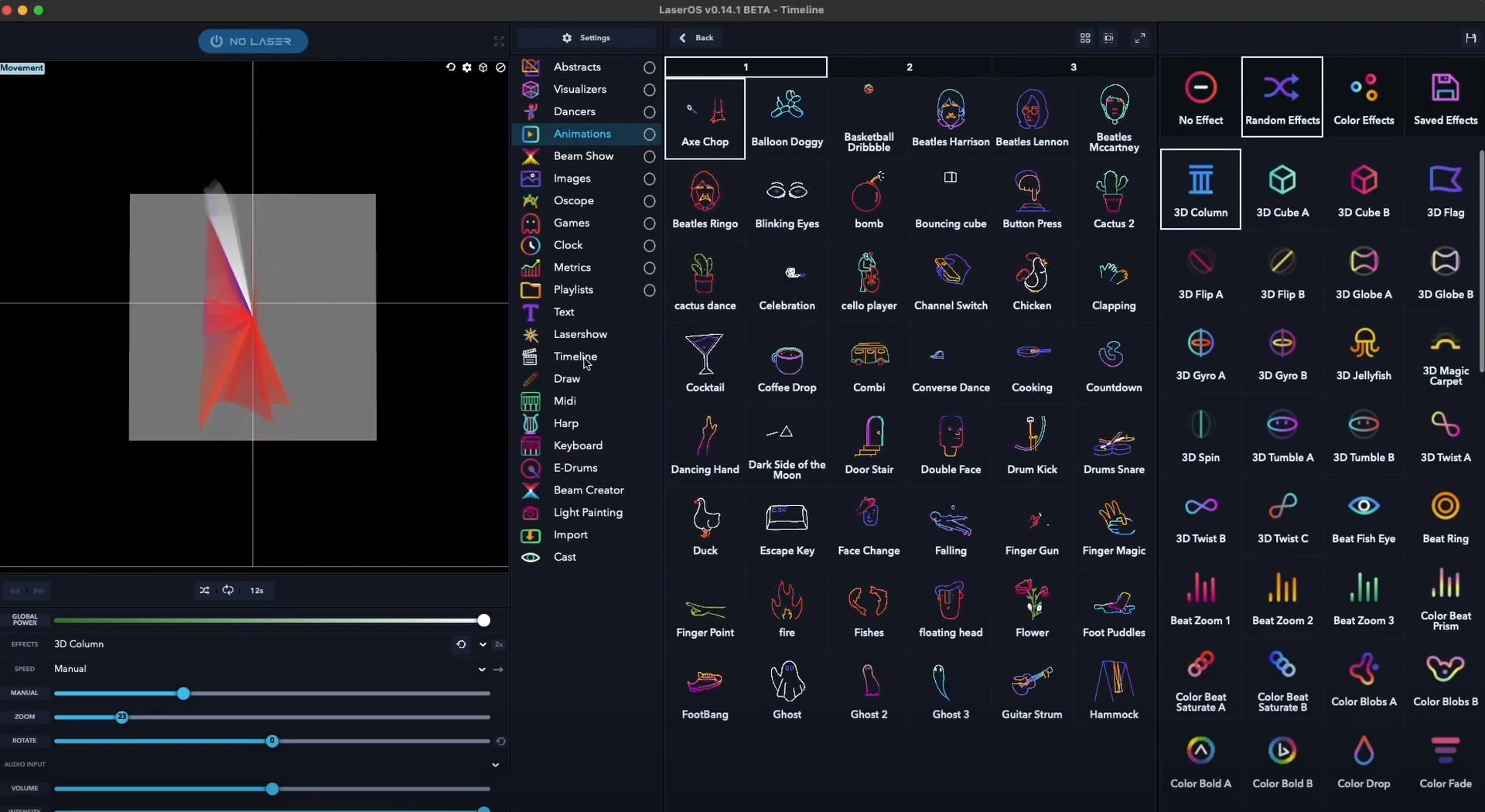
- Live Control: This is the dashboard often used by DJs. It allows you to adjust patterns, colors, and effects in real-time. This helps you match the energy of the room instantly.
- Timeline and Syncing: This feature lets you place laser effects onto a music track. It ensures that every burst of light hits exactly when the beat drops.
- Visual Creation: Whether it is typing a message or drawing a logo, the software provides the tools to design the art the laser will display.
What to Look For When Choosing Software
If you search for “laser show designer software,” you will find a wide range of options. To find the best fit for your workflow, consider these four factors:
1. Hardware Independence
Traditional software often requires a “DAC” (Digital to Analog Converter). This is an external box that connects your computer to the laser.
The Modern Approach: Many newer systems connect directly via WiFi or Ethernet. This simplifies your setup by removing the need for extra cables or hardware keys (often called “dongles”).
2. Device Compatibility
Keep in mind that some industry-standard programs are designed exclusively for Windows. If you prefer using a Mac, iPad, or Android device, check that the software supports your operating system. You should be able to use the device you are most comfortable with.
3. Built-in Art Libraries
Designing laser art from scratch takes time and skill. For many users, having a robust library of pre-made patterns, animations, and visualizers is a huge advantage. This allows you to create impressive shows immediately while you learn the finer details of design.
4. Safety Features
This is the most critical feature for professional use. Good software should include “Safety Zones.” This allows you to digitally block the laser from hitting specific areas, like cameras or the audience, keeping your show safe and professional.
Flexibility Across Devices
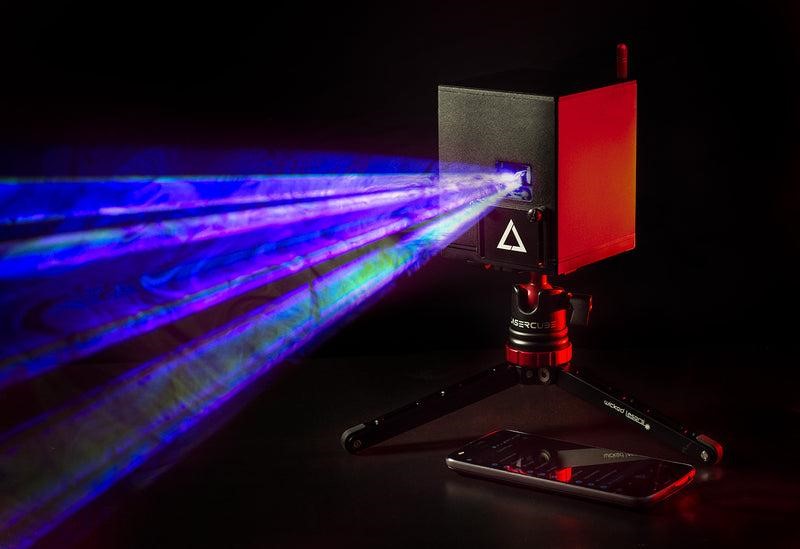
Creativity happens everywhere. That is why LaserOS was built to work on mobile and desktop. You can program a detailed show on your computer at home, or use your phone to control the lasers wirelessly from the dance floor.
A Starting Point that Grows
For massive stadium tours, specialized legacy software is still a powerful choice. We recognize this. That is why LaserCube Ultra models include an ILDA port. This allows you to start with our free, simple app, but gives you the freedom to connect to other professional software like Pangolin QuickShow if your career demands it later.
Final Thoughts
The world of laser design is no longer closed off to beginners. You don’t need an engineering degree or a massive budget to create stunning visuals.
The choice is now yours. You can stick with complex legacy systems, or embrace the flexibility of modern apps that travel with you. Whichever path you choose, the barrier to entry has never been lower.
Want to explore further?
Try LaserOS for Free (Available on mobile and desktop)