

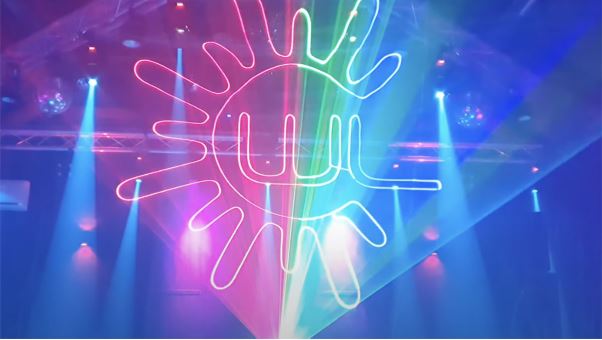
Custom Laser Graphics Show: How to Project Your Digital Art Anywhere
Want to project your own digital art but feel held back by complicated equipment? Traditional projection rigs often require complex wiring and expensive software just to display a simple logo or run a full laser graphics show.
The easiest way to bypass these hurdles is by pairing your files with a wireless laser system like the LaserCube. Here is a simple guide to projecting your custom art anywhere.
What Are Laser Graphics vs. Abstract Lasers?
Before creating files, knowing the difference between the two main visual styles helps you plan your laser graphics show.
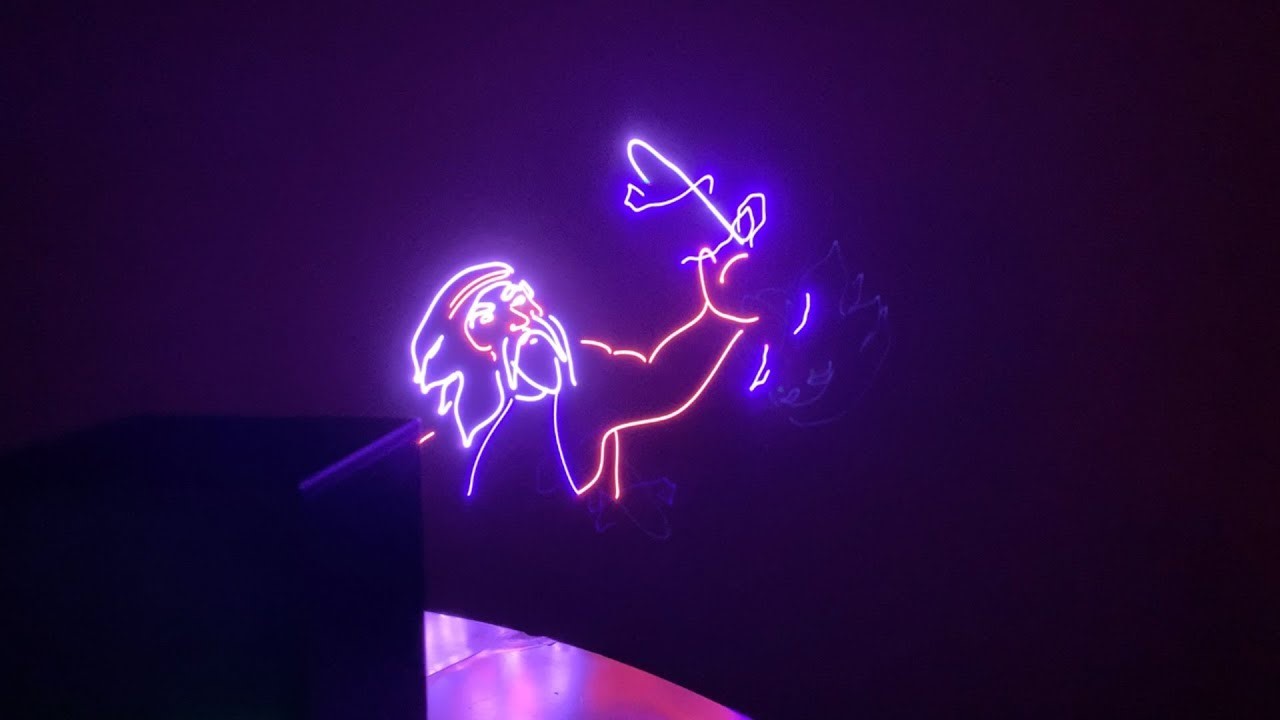
Laser graphics are custom logos, text, and specific animations that draw a recognizable shape in the air or on a wall.
An abstract laser projection features geometric, music-reactive shapes and wave patterns that fill a room with movement.
Whether you want to display a single-color corporate logo or a full red, green, blue, mini laser light show, keeping your setup compact makes the process much smoother.
1. Prepare Your Show's Vector Files
A regular photo file will not work for lasers. Fast-moving mirrors inside the unit actually have to steer the light beams to physically trace lines in the air.
To build a smooth laser graphics show, you need to use simple line art for your visual assets.
- Limit your anchor points: less is always more. For a flicker-free image, try to keep your design under 500 total anchor points.
- Use solid paths: avoid color gradients or drop shadows. Lasers can only draw solid lines.
- Save as SVG: This industry-standard vector format is the best choice because it translates directly into laser coordinates.
2. Import, Convert, and Sequence
Getting your art ready for a live performance should not require a degree in lighting design. Instead of dealing with complex cables, the 3.7-pound LaserCube features a rechargeable battery and connects wirelessly to your phone or laptop.
Through this Wi-Fi connection, the free LaserOS app translates your standard files instantly. You simply drop your SVG files into the Laser Graphic Converter, and they are ready to be sequenced into a playlist or project live.
You can also bring your artistic laser visions to life mid-show using the built-in Draw feature. This tool lets you sketch on your touchscreen and watch the hardware trace your drawing in real time.
3. Run Your Show with the Right Hardware
Detailed custom shapes need fast hardware to look solid. While the app prepares your playlist, the physical projector does the heavy lifting during the event.
Inside any laser system, small mirrors move rapidly to draw the image. If they move too slowly, your graphics will visibly flicker. When setting up your graphics laser show, always check the scanner speed, which is measured in points per second (pps).
In the past, achieving a smooth image required huge, expensive equipment. Today, a small, powerful laser can handle complex art flawlessly.
For instance, the LaserCube Ultra uses upgraded scanners that operate at 35,000 pps. This high speed allows the hardware to draw intricate text and detailed animations with no visual delay.
Wrapping Up
Projecting a custom laser graphics show is surprisingly simple when you pair clean vector files with a fully integrated hardware and software setup.
By keeping your designs straightforward and using built-in conversion tools, you can achieve highly professional results anywhere.
Next time you want to display a custom logo, try running your file through the digital emulator before your first beam goes live.
Ready to test your designs? Download the free LaserOS software and try the emulator today.