Disco Laser Light Shows: Club & Home Setup
Planning a disco laser light show? Learn how to choose the right power, scanner speed, haze setup, and safety features for home parties or nightclubs.
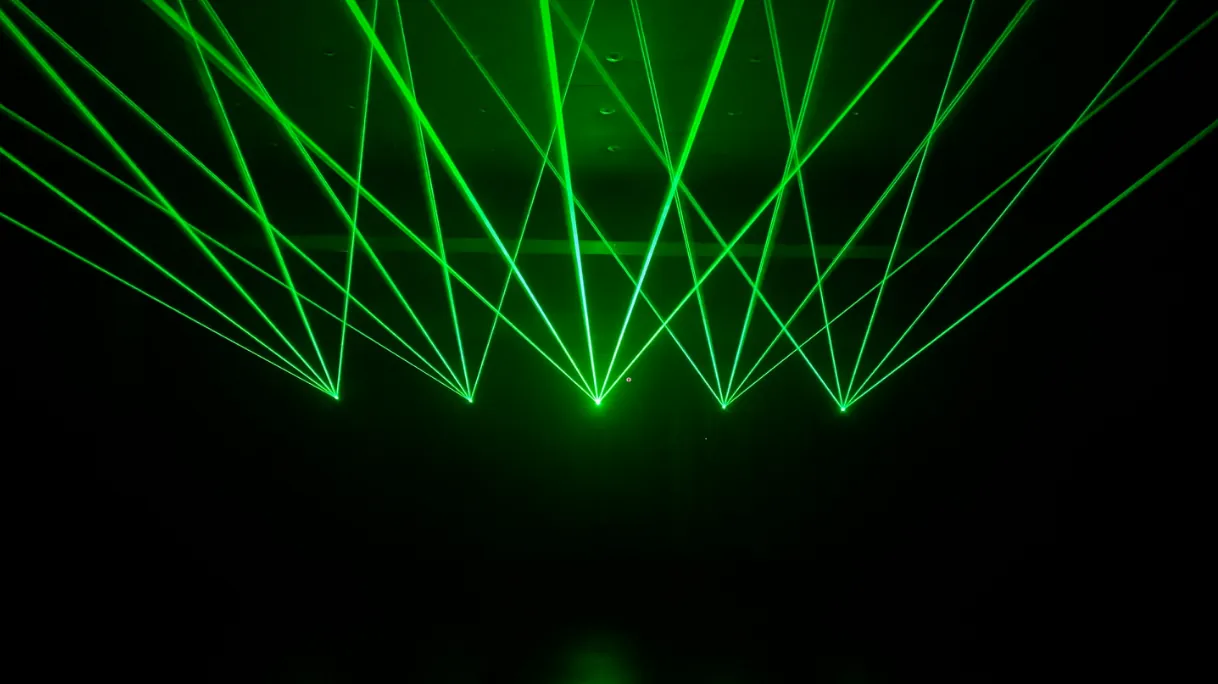
Finding the right disco laser setup can be frustrating for event hosts and venue owners. Low-cost party lights often produce dim, flickering dots, while traditional club laser systems require heavy mounting gear, thick cables, and complex programming.
Modern portable RGB laser display systems solve this problem. These compact units deliver sharp vector beams, impressive 3D light structures, and simple wireless control for both home disco laser parties and commercial venues.
Difference between cheap novelty lights and professional disco lasers
Cheap party lights rely on slow internal motors and fixed plastic lenses. Because of these hardware limitations, basic party devices project static red and green dots that cannot draw animated shapes, custom text, or synchronized beam patterns.
Professional disco lasers light projectors build visuals using pure RGB laser diodes and motorized galvanometer scanners called galvos. These internal mirrors tilt thousands of times per second across X and Y axes, tracing sharp vector shapes, logos, and sweeping aerial beams across any room.
Key advantages of galvo-driven RGB lasers include:
- Sharp vector rendering: Internal galvo mirrors tilt thousands of times per second to draw clear graphics and text without visual flickering.
- Full analog color mixing: Modulating red, green, and blue diodes continuously produces over 16.7 million distinct colors with smooth fading transitions.
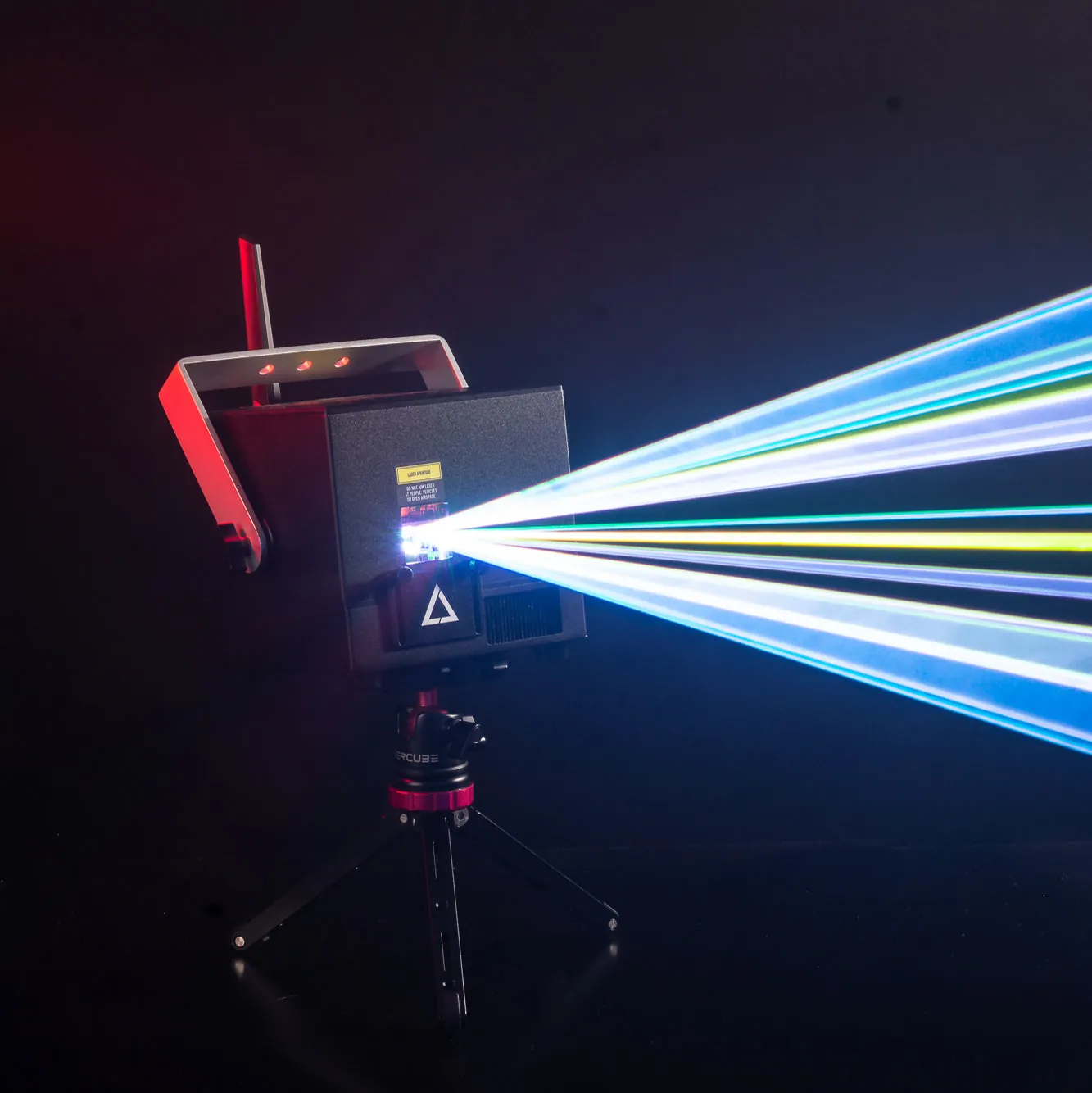
- Compact portability: Hardware like the LaserCube WiFi series delivers full galvo scanner performance in a portable chassis built for fast mobile setups.
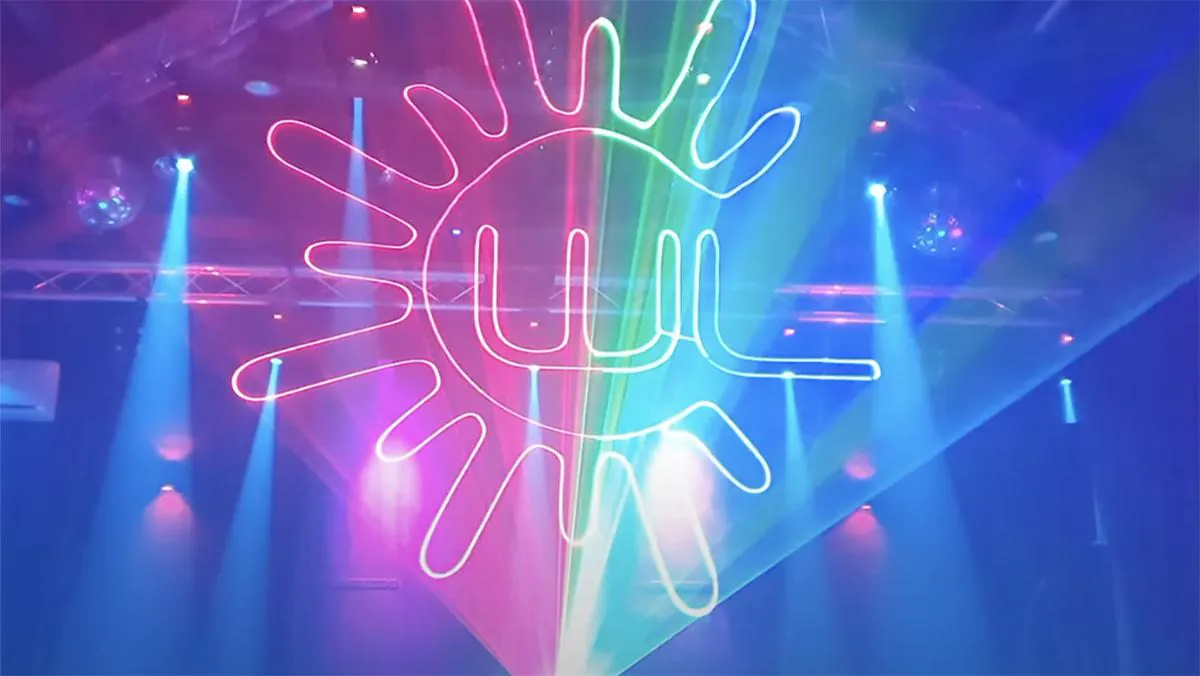
Bypass the 3D laser myth with volumetric haze and netting
True 3D lasers or mid-air holograms floating in empty air don’t appear when using standard laser projectors. Coherent laser beams remain invisible in clean air because light photons require floating particles to bounce off to make those famous laser shapes.
Event producers use practical methods to achieve these 3D visual effects:
- Volumetric aerial haze: Adding atmospheric haze turns 2D laser sweeps into 3D ceilings, spinning tunnels, and wide light fans overhead.
- Hologram Netting: Projecting vector graphics onto semi-transparent scrim or Hologram Netting reflects the laser light while remaining nearly invisible in low light, creating the appearance of a floating 3D graphic.
- Portable mist tools: Pairing a portable projector with the Nano Fogger provides the mist for mid-air beams without filling the room with heavy smoke, where every beam can stay at least 3 meters (10 feet) above people. In a normal room at home, project onto a wall instead.
Match the venue scale to the right laser power and scanner speed
Selecting the right laser nightclub or party setup depends on venue size and ambient light levels. Small home parties and lounge bars need compact systems with lower output, while large clubs demand high wattage to cut through bright stage lights, bridging the gap between consumer party lights and high-power rigs.
Key hardware choices across venue scales include:
- LaserCube 1.2W WiFi and 2.5W WiFi: These battery-powered models run for 2 to 3 hours wire-free, making them ideal for a home disco laser setup or small bar.
- LaserCube 10W Ultra MK2: Delivering 10,000mW, this flagship model cuts through ambient venue lighting across long projection distances in commercial clubs.
- Galvo scanner speeds: Standard AT-25K galvos (25,000 pps @ 6°) handle smooth aerial beams for DJ sets, while upgraded AT-40S galvos (35,000 pps @ 7°) increase scanner speed to render complex SVG logos and custom text with less flickering.
Select the ideal control protocol for your lighting workflow
Control options should align with your specific workflow:
- Wireless LaserOS app: Mobile DJs and home party hosts benefit from wireless control on iOS, Android, Mac, or PC through the LaserOS software, featuring 75+ music-reactive visualizers, 500+ pre-built animations, custom text tools, and SVG logo importing.
- Console hardware ports: The LaserCube 10W Ultra MK2 includes native physical ports for DMX protocol control, Art-Net over Ethernet, and ILDA protocol input for external DAC hardware.
- CubeOS standalone mode: An onboard LCD screen running CubeOS and an included 64GB SD card come preloaded with 38 laser shows for PC-free standalone operation.
Configure safety features for home and club operation
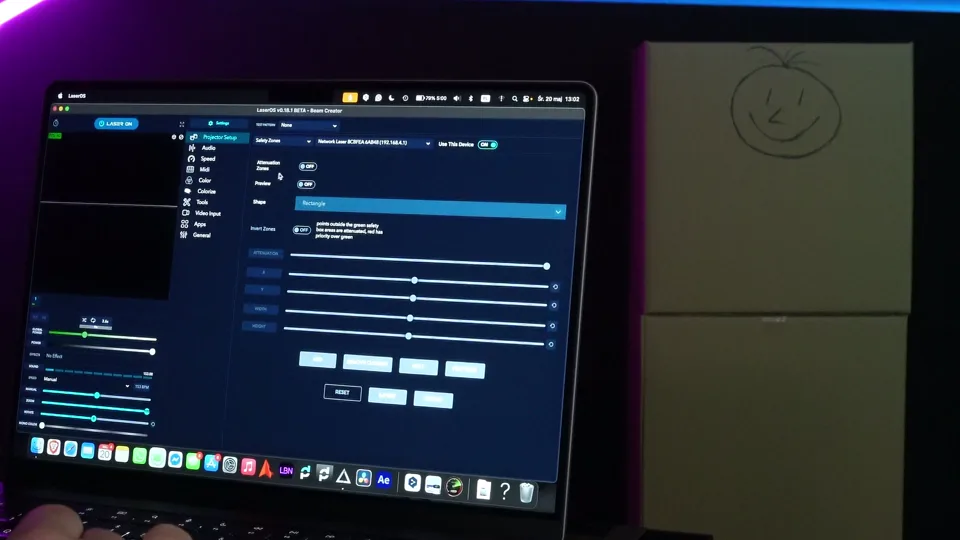
High-power lasers require careful management to keep beams away from people and off camera sensors and stage gear. LaserCube is a professional show laser, not a toy: never aim it at people’s eyes, at audiences or at aircraft, and never at anything flammable. Safety tips. LaserCube is fully legal and certified worldwide. In the US, LaserCube is certified through X-Laser, and a LaserCube bought in the USA comes with the FDA variance (issued by X-Laser). For public shows, check your local rules too.
Key safety configurations for public and home operation include:
- Physical mounting height: Operators should keep every beam at least 3 meters (10 feet) above the floor wherever people may be, and set the beam block so nothing scans into audience areas.
- Digital Attenuation Safety Zones: Drawing red blackout boxes inside the LaserOS software over camera positions or stage gear reduces the beams there according to the attenuation setting (at 100% they are blanked fully). A zone never protects people: nobody should be in front of the laser, with or without a zone.
- Hardware E-Stop interlocks: Dual RJ45 interlock ports on Ultra MK2 hardware allow operators to daisy-chain several Ultra MK2s to a single E-Stop emergency stop button.
Wrapping Up
Building an impressive disco laser light show comes down to choosing the right power for your space, using atmospheric haze for 3D aerial light, and keeping every beam at least 3 meters (10 feet) above the floor wherever people may be.
Ready to see the full LaserCube lineup? Visit the LaserCube product page to compare models, bundles, and accessories – and find the right setup for your next show.
Frequently Asked Questions (FAQs)
Q01Do you need a fog machine to see disco laser beams?
Surface projections like text, logos, and wall graphics show up clearly in clean air. However, seeing 3D aerial beams floating in mid-air requires airborne haze or fog particles to reflect the light back to human eyes.
Q02How do software safety zones work on a disco laser?
Digital safety zones allow operators to draw blackout rectangles or circles over camera lenses, video projectors or objects inside the software, or to keep the beams inside a target area. Outside a keep-within zone or inside a keep-out zone, the beams are reduced according to the attenuation setting (at 100% they are blanked fully). A zone never protects people: nobody should be in front of the laser, with or without a zone.
Q03What is the difference between 25,000 pps and 35,000 pps galvo scanners?
Scanner speed measured in points per second (pps) determines graphic stability. Scanners running at 25,000 pps handle fluid aerial beam shows easily, while 35,000 pps scanners render complex SVG logos and text with less distortion or flickering.
Q04Why does a scanning laser light look better than standard LED effect lights?
Standard LED wash fixtures cover a room in broad, unfocused colors. In contrast, professional scanning laser lights use motorized mirrors to focus energy into sharp, tight lines. This mechanical tracking allows the system to project highly detailed patterns, custom text, and crisp three-dimensional geometric figures.
Q05Do you need a license to use a LaserCube?
LaserCube is fully legal and certified worldwide. In the US, LaserCube is certified through X-Laser, and a LaserCube bought in the USA comes with the FDA variance (issued by X-Laser). For public shows, check your local rules too. US buyers of the Ultra MK2 10W must also pass X-Laser’s free online Laser Operator Course before it ships.
Q06Can a LaserCube damage computer screens or TVs?
Yes, direct laser beams can damage sensitive LCD, LED, and OLED screens, as well as camera sensors. To prevent this, use the LaserOS app to draw keep-out safety zones over all monitors and televisions, with the attenuation at 100% so the beams there are fully blanked, and keep beams off screens in your show design.
Q07Is fog or haze absolutely necessary to see the laser beams in a bedroom?
Only for beams in mid-air: in clean air a beam shows only where it lands. In a normal room, though, the beams can’t stay 3 meters (10 feet) above the people in it, so at home project graphics, text and logos onto a wall, where they show up without any haze, and keep everyone out of the beam path.
See it for yourself
LaserCube is a portable, battery-powered RGB laser projector, and its show software, LaserOS, is free.
Explore the LaserCube lineup