

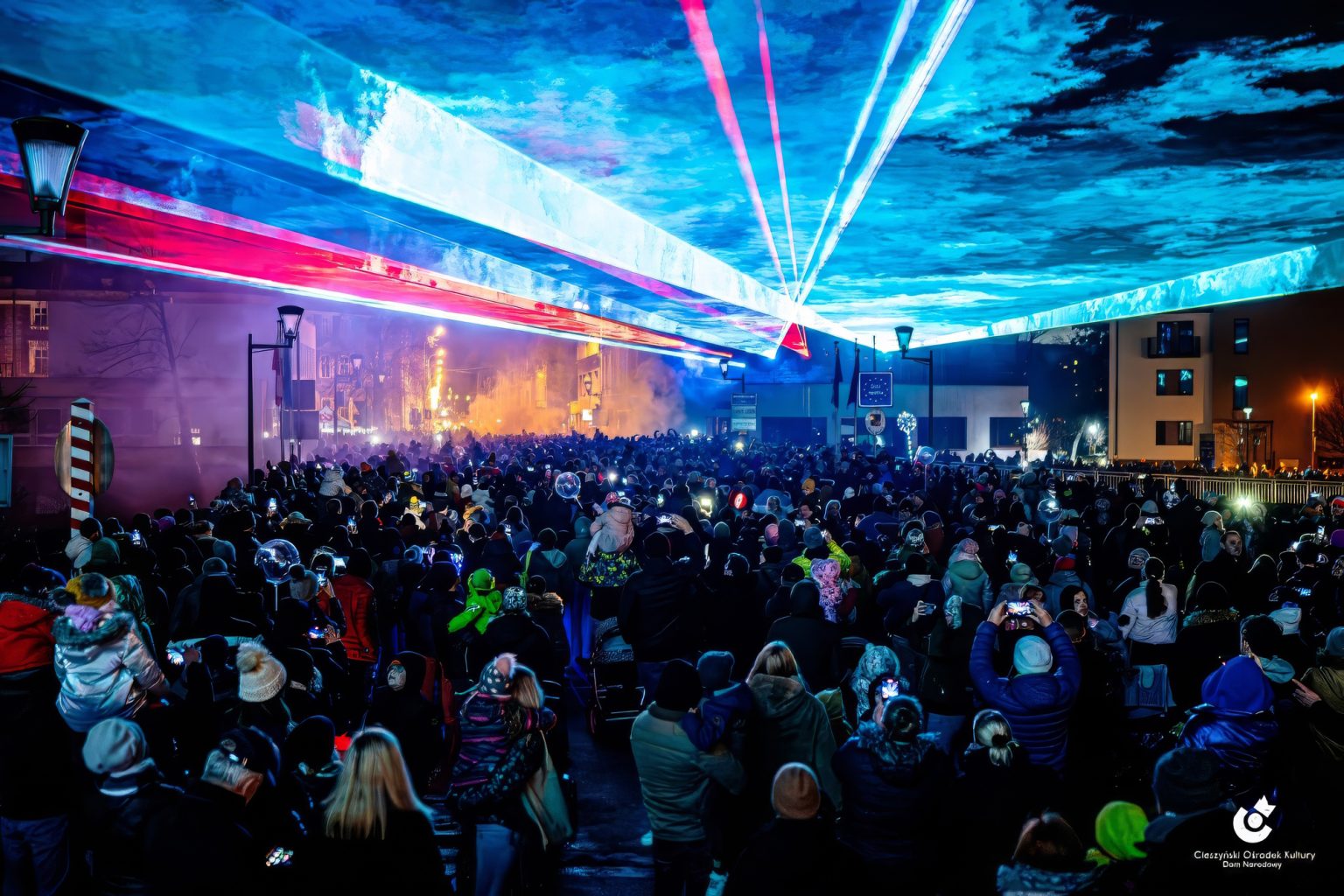
Pangolin Beyond vs Liberation: Which Laser Control Ecosystem is Right for You?
Many laser operators feel trapped by legacy software like Pangolin that demands expensive, closed hardware just to connect a single projector. This restrictive setup limits versatility of tools and adds huge costs before programming even begins.
The alternative is switching to a modern, open-hardware approach that prioritizes laser freedom. To help you navigate this industry shift, this Beyond vs. Liberation comparison breaks down the smartest control setups for your upcoming laser shows.
1. Compare the Hardware Setup
Platforms like Pangolin Beyond require proprietary built-in or external boxes (DACs), such as the FB3 or FB4 interfaces, to communicate with your projectors. This creates a closed ecosystem and inflates your initial budget significantly.
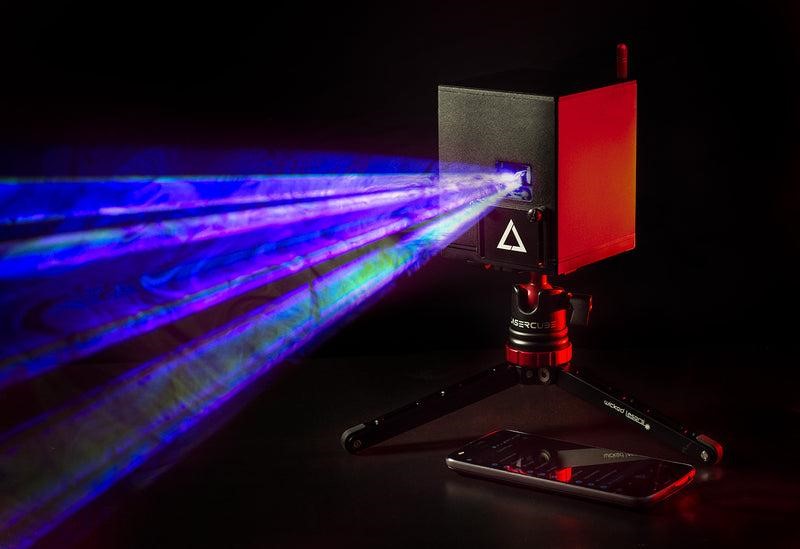
Newer options like Liberation laser software embrace open standards so they can work natively with more interfaces right out of the box. A good example here: LaserCube.
The laser industry has suffered from closed ecosystems for years. If basic lighting protocols like DMX were locked to a single brand, it would frustrate lighting designers. Liberation fixes this problem by adding more compatible devices to their list. Also, what’s worth adding: it’s fresh, provides modern UI and a lot of features.
An open hardware approach instantly improves your workflow:
- Direct network connection: Connect Liberation straight to your LaserCube using built-in Wi-Fi, Ethernet, or Art-Net.
- Zero hardware clutter: You avoid buying and packing bulky external DAC interface boxes.
- Compatible and versatile setup: your laser hardware can still be compatible with many other apps if you decide to work with Liberation.
2. Look at Cross-Platform Options
Pangolin Beyond currently forces operators to use a Windows PC. This means Apple users must buy a dedicated Windows laptop just to run their lasers.
Fortunately, modern Liberation laser software offers total support for both Mac and Windows environments to eliminate this extra hardware cost.
Cross-platform flexibility gives you several clear advantages:
- True laptop freedom: Build and run shows using the computer you already own and trust.
- Mobile show control: Operate your LaserCube laser projectors from a smartphone using the free LaserOS app.
- Consistent feature sets: Get the same design tools regardless of your chosen operating system.
3. Test the Animation Workflow
Pangolin Beyond software relies on a deep, traditional timeline approach that often requires a steep learning curve to master. While powerful, this workflow can drastically slow down new users trying to program a live beam show.
Conversely, Liberation introduces a modern, node-based clip editor that makes generating effects and 3D particle systems highly better. You can even import custom SVG sequences seamlessly.
Laser lighting designers note that Liberation allows you to create complex, perspective-corrected visuals much faster than legacy alternatives.
Pairing this software with the LaserCube Ultra 7.5W MK2 ensures your high-speed 3D graphics render perfectly without flickering.
4. Grow Your Production Affordably
Scaling up a massive stage design with Pangolin usually involves paying steep licensing fees for higher software tiers and buying dedicated hardware for every new projector (or at least paying extra for a built in hardware). This pricing model drains your production budget fast.
A Liberation laser setup provides a completely different financial path. You can design your visuals for free and only pay when you actually output them.
Professional operators point out that this flexible approach saves money over time. You can build complex laser shows from your couch and only activate your license when you arrive at the venue.
Pairing this accessible software with the LaserCube Ultra 7.5W MK2 creates a highly scalable rig. You can easily link multiple battery-powered projectors across any venue.
- Flexible pay-per-use: Pause your active subscription during your off-season.
- Free offline design: Build your entire timeline without purchasing an output license.
- Easy network scaling: Route dozens of units over a standard network without extra fees.
5. Enjoy Standardized Network Control
Touring artists need gear that deploys fast and runs flawlessly. Running thick, proprietary ILDA cables to traditional Pangolin DACs wastes valuable setup time and limits stage design.
A standardized network setup solves this problem completely. Instead of wrestling with expensive proprietary cables, you can command your laser projectors instantly using an ultra-reliable Ethernet connection.
Laser show designers note that this shift to standard networking pushes the whole industry forward. In fact, Liberation has already powered massive outdoor stages like Glastonbury Festival using rock-solid network protocols.
The LaserCube serves as the perfect hardware partner for this modern approach. It bridges the gap between complex touring equipment and user-friendly design.
- Streamlined stage deployment: Position your units easily using standard, affordable networking gear without routing fragile ILDA cables.
- Long internal battery life: Rely on the built-in battery for up to 4 hours of live performance, which means one less power cable to run.
- Massive power output: Push up to 7,500 mW of brightness from a portable 7.2-pound cube.
Wrapping Up
The Practical Takeaway: Next time you plan a stage design, download Liberation laser software for free and map out your timeline using their 3D visualizer. Doing this before spending a single dollar on software licenses will save you significant costs in advance.
Choosing the right control software ultimately dictates how freely you can create your visual experiences. While older systems certainly still work, adopting an open software approach provides incredible flexibility and protects your production budget.
By pairing your preferred software with a highly capable, battery-powered projector, you can easily build your ideal live show without the usual restrictions.
Your Next Step: Ready to experience this modern workflow? You can connect your LaserCube directly to Liberation for a seamless, network-ready setup that works via Ethernet. Visit our product page to find the best hardware ecosystem for your next professional production.
Frequently Asked Questions (FAQs)
Is Liberation compatible with Mac and Windows?
Do I need a separate controller (DAC) to use LaserCube with Liberation?
Can I use Liberation for free to design my laser shows?
Does Liberation support DMX and Art-Net?