Laser Show Projectors by Application
LaserCube laser show projectors for weddings, clubs, venues, outdoor shows, photography and advertising. Compare the models and plan your show.
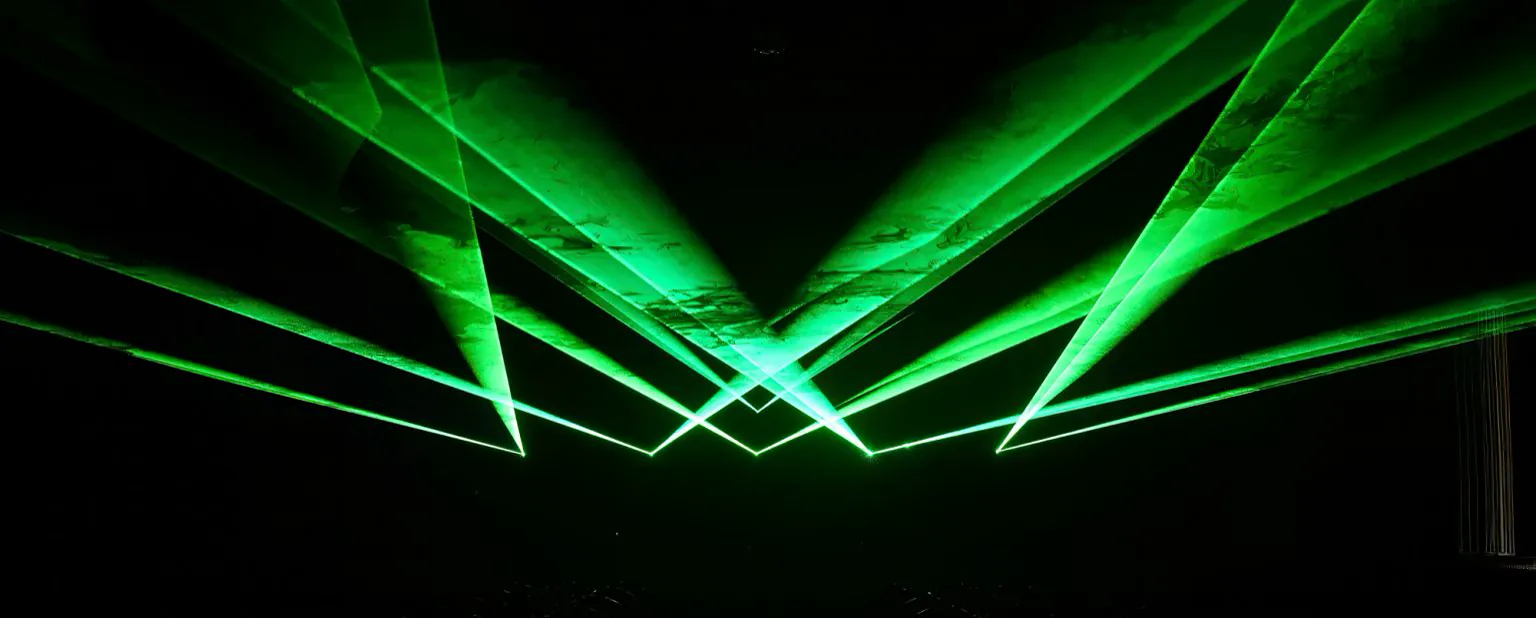
Laser light shows for events, venues and creative work
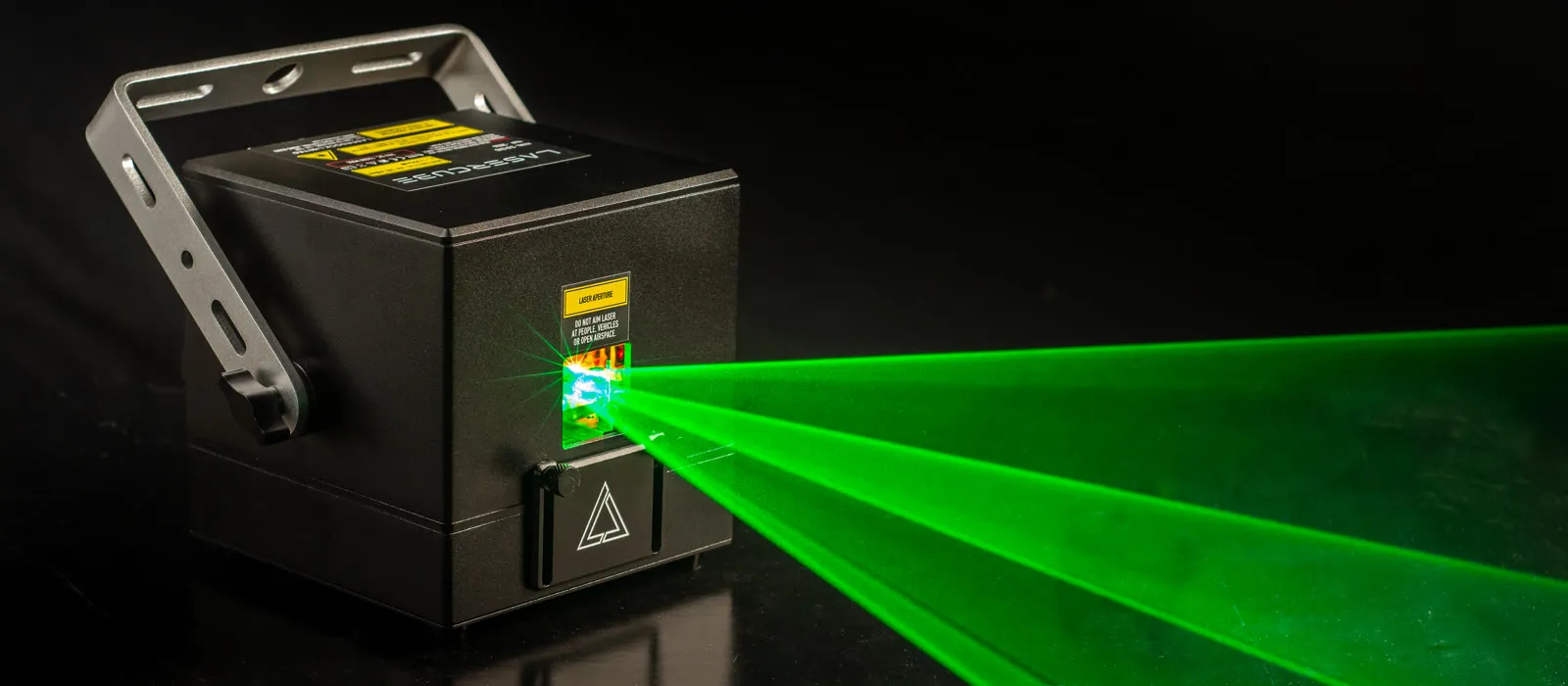
LaserCube is a portable, battery-powered laser show projector. You control it with the free LaserOS app on iOS, Android, Mac or Windows, and the app works offline. Inside, an RGB laser module and galvo scanners draw beams, text, logos and animations.
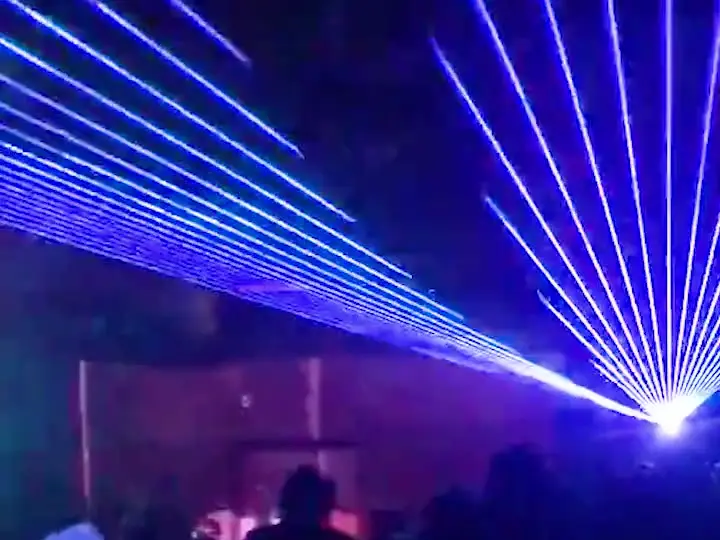
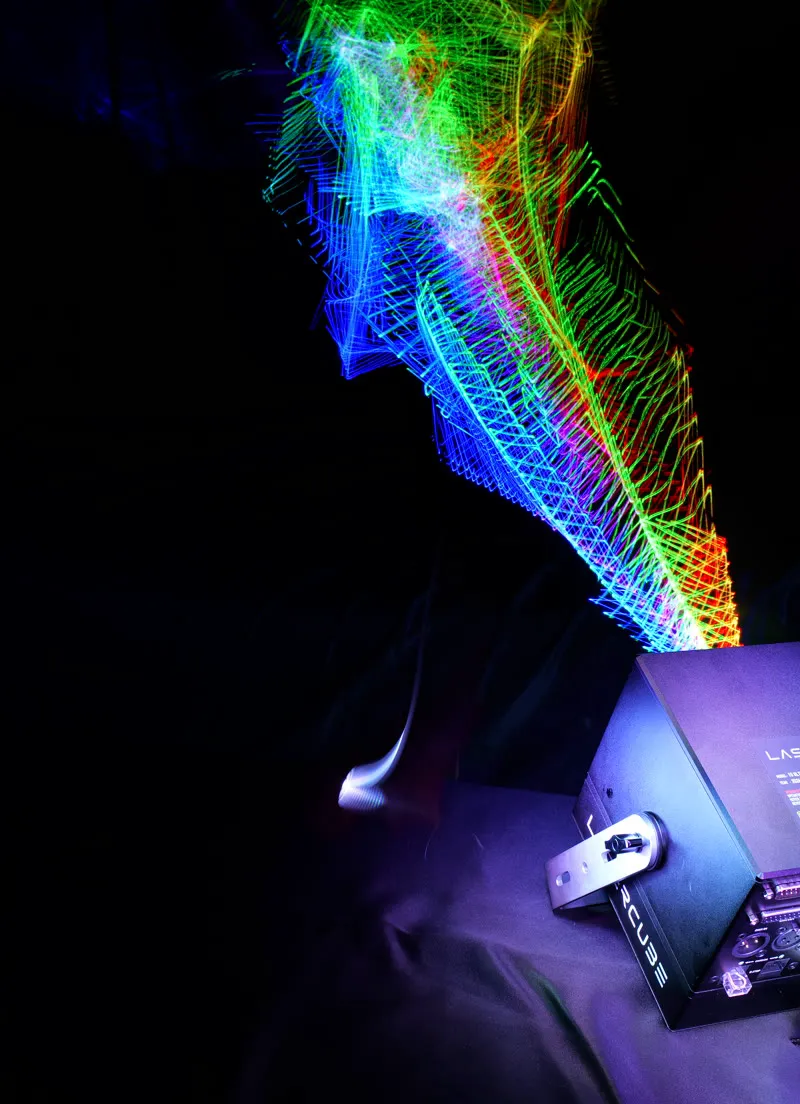
People use LaserCube for beam shows at parties and in nightclubs, names and logos at weddings, shows in theaters and halls, projections onto buildings for outdoor laser shows and advertising, laser mapping, photography and digital art. Choose your application below to see which laser light projector fits and what to plan before the show.
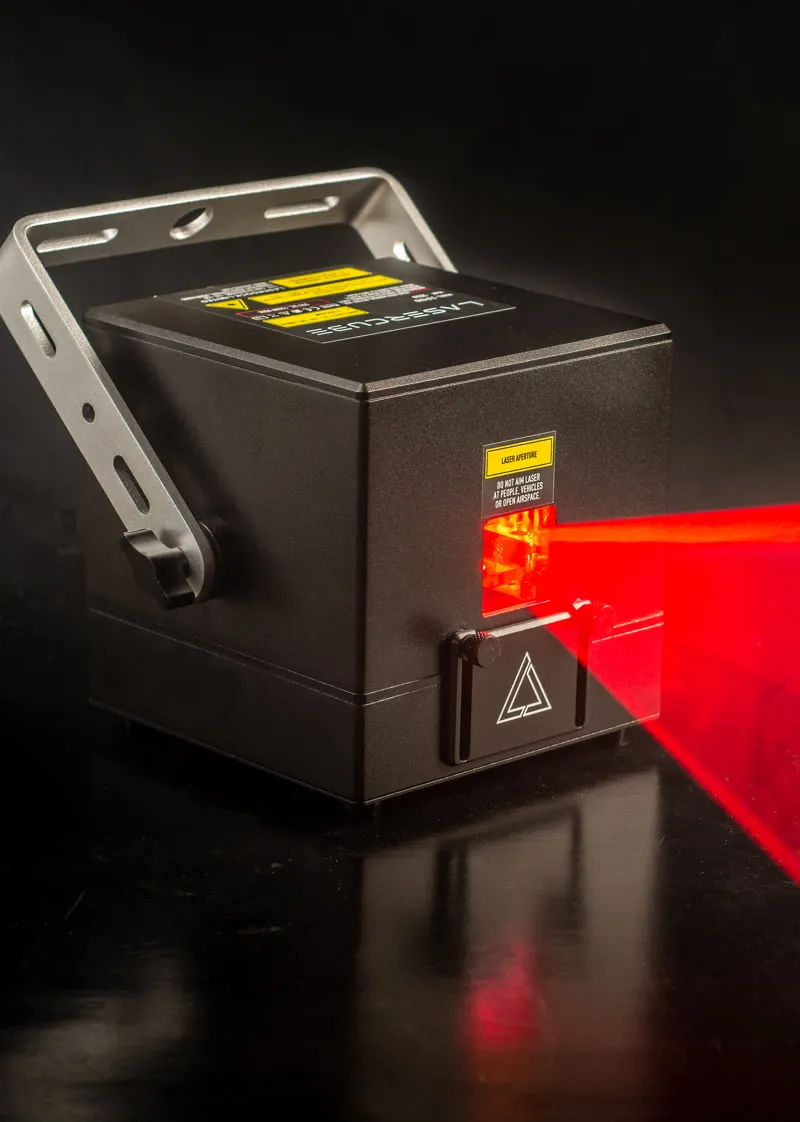
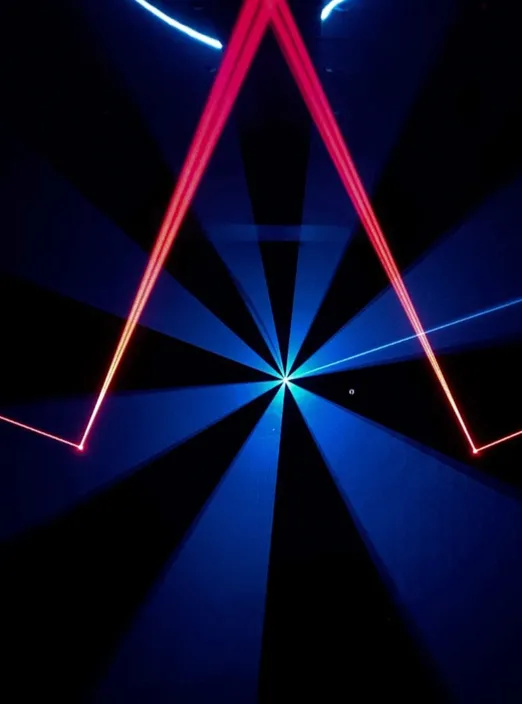
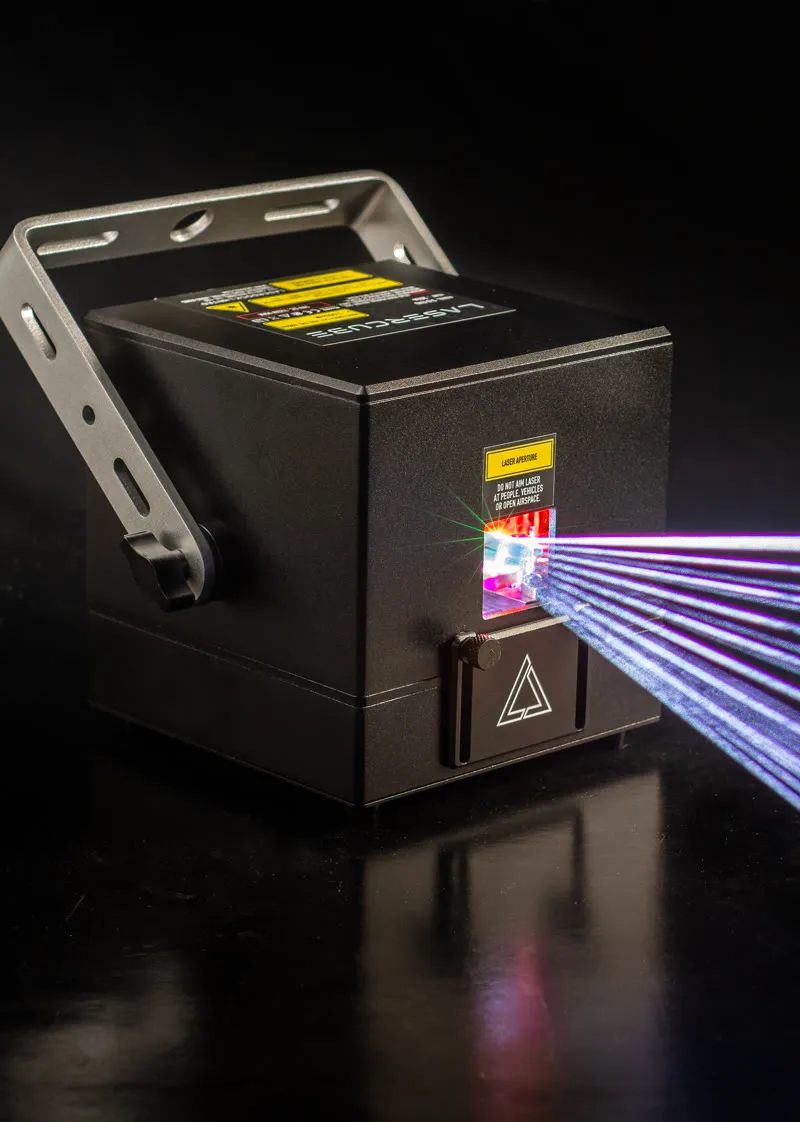
Which laser show system fits your application?
There are three LaserCube models. We recommend the Ultra MK2 10W, our most powerful, unless you have a reason not to; outside the USA, the Pro 6W has the same laser output as the Ultra MK2 6W in a smaller, lighter body.
- LaserCube Ultra MK2 (6W or 10W): our most powerful model, for professional shows and performances. Up to about 1,000 people indoors, DMX, ILDA and MIDI, standalone shows from its microSD card and up to 4 hours on battery. In the USA, the Ultra MK2 is the professional model we sell.
- LaserCube Pro (3W or 6W): our most advanced model, a compact Ultra MK2 for professionals and larger performances. Up to about 1,000 people indoors, DMX, ILDA and MIDI, 37% smaller than the Ultra MK2, standalone shows from its microSD card and up to 3 hours on battery. The Pro isn’t sold in the USA yet.
- LaserCube WiFi (1.2W or 2.5W): the budget option, for DJs, creators and hobbyists. Up to about 500 people indoors, controlled from a phone, tablet or computer, and up to 3 hours on battery. It has no DMX, ILDA or MIDI. See the WiFi
For audiences over about 1,000 people indoors, run several cubes in sync. Compare all models
Before your first laser show
LaserCube is a professional show laser, not a toy: never aim it at people’s eyes, at audiences or at aircraft, and never at anything flammable.
- Keep every beam at least 3 m (10 ft) above the floor wherever people may be, and set the beam block so nothing scans into the audience.
- End every beam on a wall, a ceiling, a screen, a building or the beam block. Never aim into the sky, at windows or at mirrors.
- Nobody should stand in front of the laser while it’s on. A safety zone keeps beams off cameras, projectors and objects; it never protects people.
- Each time a LaserCube is switched on, you arm it by hand: the safety key, and with an E-Stop connected its START button. After that it can run with nobody watching, as long as you take responsibility for where the beams go and that nobody can get into them, with every beam at least 3 m (10 ft) above anywhere people can be.
- Keep the cube and its key away from children.
- LaserCube is fully legal and certified worldwide. In the US, LaserCube is certified through X-Laser, and a LaserCube bought in the USA comes with the FDA variance (issued by X-Laser). For public shows, check your local rules too. Every US unit comes with an E-Stop, and its beam won’t turn on without it.
Free help: the LaserCube Academy (online courses for the Ultra MK2 and Pro), the user manual and our video tutorials.
Frequently Asked Questions (FAQs)
Q01What is a laser show projector?
A laser show projector draws with laser light. LaserCube combines red, green and blue lasers into one beam and steers it with galvo scanners, so it can draw beams in haze, or outlines, text and logos on a surface. It draws outlines, not video or photos.
Q02Which LaserCube is the right laser light projector for me?
We recommend the Ultra MK2 10W, our most powerful, unless there’s a reason not to; for a small room just for you, the Ultra MK2 6W or (outside the USA) the Pro. Indoors, the WiFi suits up to about 500 people, and the Pro and Ultra MK2 up to about 1,000 each. For buildings, long distances, logos and complex laser mapping, we recommend the Ultra MK2.
Q03Do I need a computer to run a laser light show?
Not always. The WiFi models need a phone, tablet or computer running LaserOS to play anything. The Pro and Ultra MK2 can also play shows from their microSD card with no device connected. LaserOS is free, with no paid upgrades, and runs on iOS, Android, Mac and Windows, and every model can react to music.
Q04Can a LaserCube do laser projection mapping?
Yes. Every LaserCube can do laser mapping in LaserOS: in Draw, you follow the edges of a real object by watching the projection. For more complex mapping we recommend the Ultra MK2, and for big projects MadMapper (with MadLaser) or Millumin. A mapped picture looks right from the projector’s point of view; from other angles it looks distorted.
Q05Does LaserCube work with other show software and lighting desks?
The Pro and Ultra MK2 take DMX and Art-Net from a lighting desk and ILDA from an external DAC. Every model works with LaserOS, MadMapper, Liberation, Modulaser and LaserShowGen, and with Resolume through LaserOS’s Cast on a computer (drawn as laser outlines); TouchDesigner works with the Ultra MK2 and Pro.
See it for yourself
LaserCube is a portable, battery-powered RGB laser projector, and its show software, LaserOS, is free.
Explore the LaserCube lineup