

Laser Effects Explained: 4 Types & Setup Guide
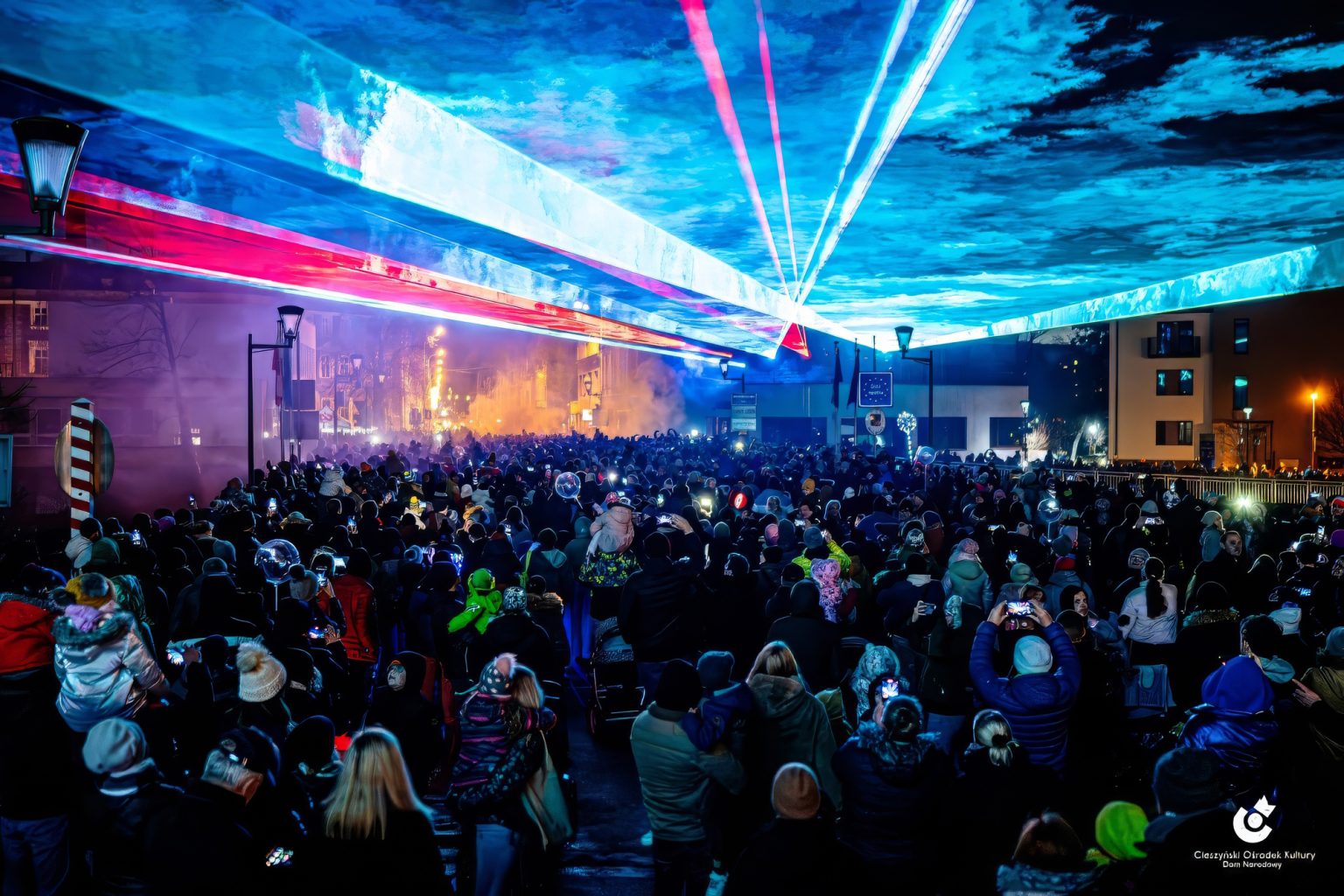
Laser effects are the visual outputs a laser projector creates during a live show. They range from beams of colored light firing into a fog-filled room to sharp logos traced onto a wall or DJ booth.
Most people have seen laser effects at a concert or club without knowing the names for what they were watching. A tunnel of light spinning overhead, a wave of green rolling across the crowd, a band’s logo glowing on stage – these are all different effect types, each created with specific hardware and software settings.
The good news is that you do not need to be a lighting engineer to run them. Once you know the four main categories, you can match the right effect to the right venue and trigger it fast.
Here is how each one works and how to deploy them easily.
1. Deploy Aerial and Beam Effects
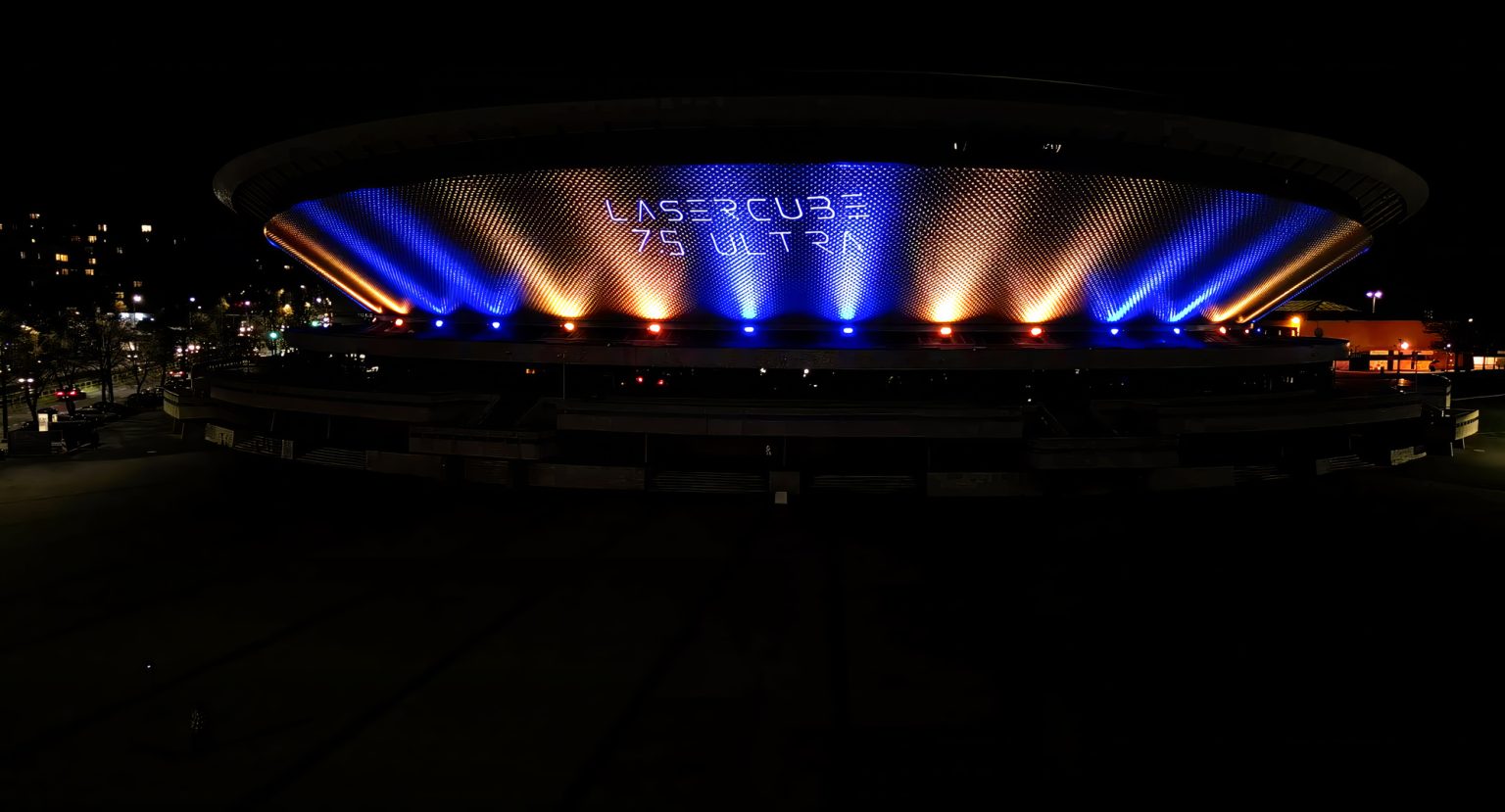
Aerial laser effects are the foundation of live electronic shows. They fire shapes directly into the air over the crowd. When you pair them with a fog laser setup, simple 2D shapes become massive 3D structures.
Using a laser with a visible beam output requires a steady haze setup to look its best. When planning your rig, look for these common aerial styles:
- Tunnels: Rapidly drawn circles that form 3D cones extending out from the projector.
- Fans: Flat, horizontal lines scanning back and forth to create a roof of light.
- Beams: Singular rays of light synchronized to your laser show music. These are also great for spooky halloween effects.
Instead of manually programming these shapes on an external console, LaserOS includes dozens of pre-built tunnels and fans. Because the software is native to the hardware, these effects are audio-reactive straight out of the box.
2. Create the "Liquid Sky" Effect
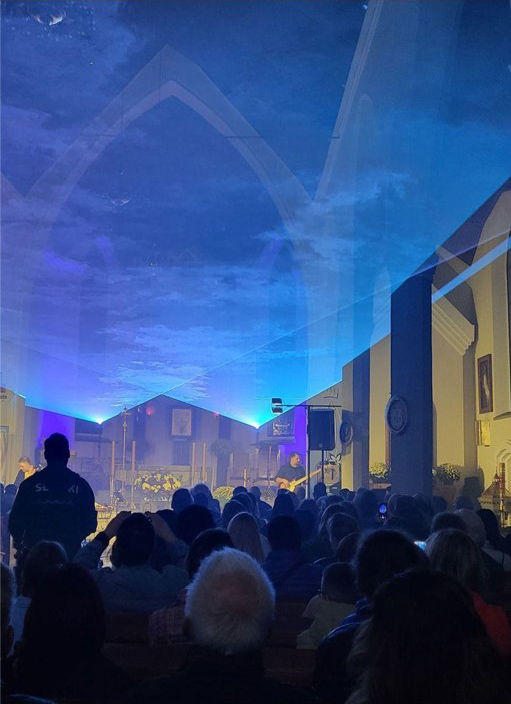
A liquid sky creates a rolling ceiling of light over your audience. It projects a flat horizontal plane that moves up and down. This makes it look exactly like glowing waves rippling.
Direct audience scanning requires strict safety limits governed by international standards. However, you can position a liquid sky safely above the crowd’s eyeline. This delivers massive visual impact while keeping everyone safe.
Make sure you wear your laser safety glasses during setup to protect your eyes. In the past, generating this effect required complex external tools. Today, you can connect via built-in WiFi, open the LaserOS app on your phone, and let the software handle the motion for you.
3. Project Crisp Graphics and Logos
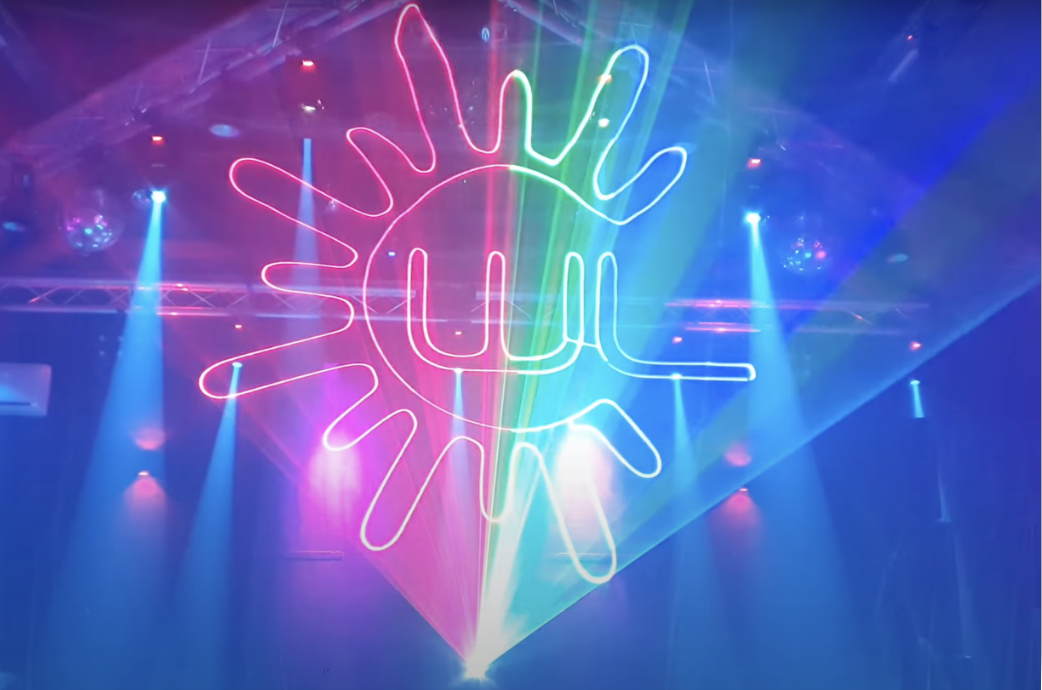
While aerials look great in haze, corporate events require clear graphical projections on a solid surface. Rendering complex text requires fast internal hardware. This hardware uses galvanometer scanners to prevent flickering.
If your scanning speed is too slow, the image will look broken and distract your audience. The LaserCube Ultra series uses professional AT-40S galvos to ensure smooth, high-quality graphics.
You can project full RGB colors, including bright white laser light, for high-contrast logos. Plus, native DMX 512 support allows easy integration into your existing lighting console.
4. Execute Laser Projection Mapping
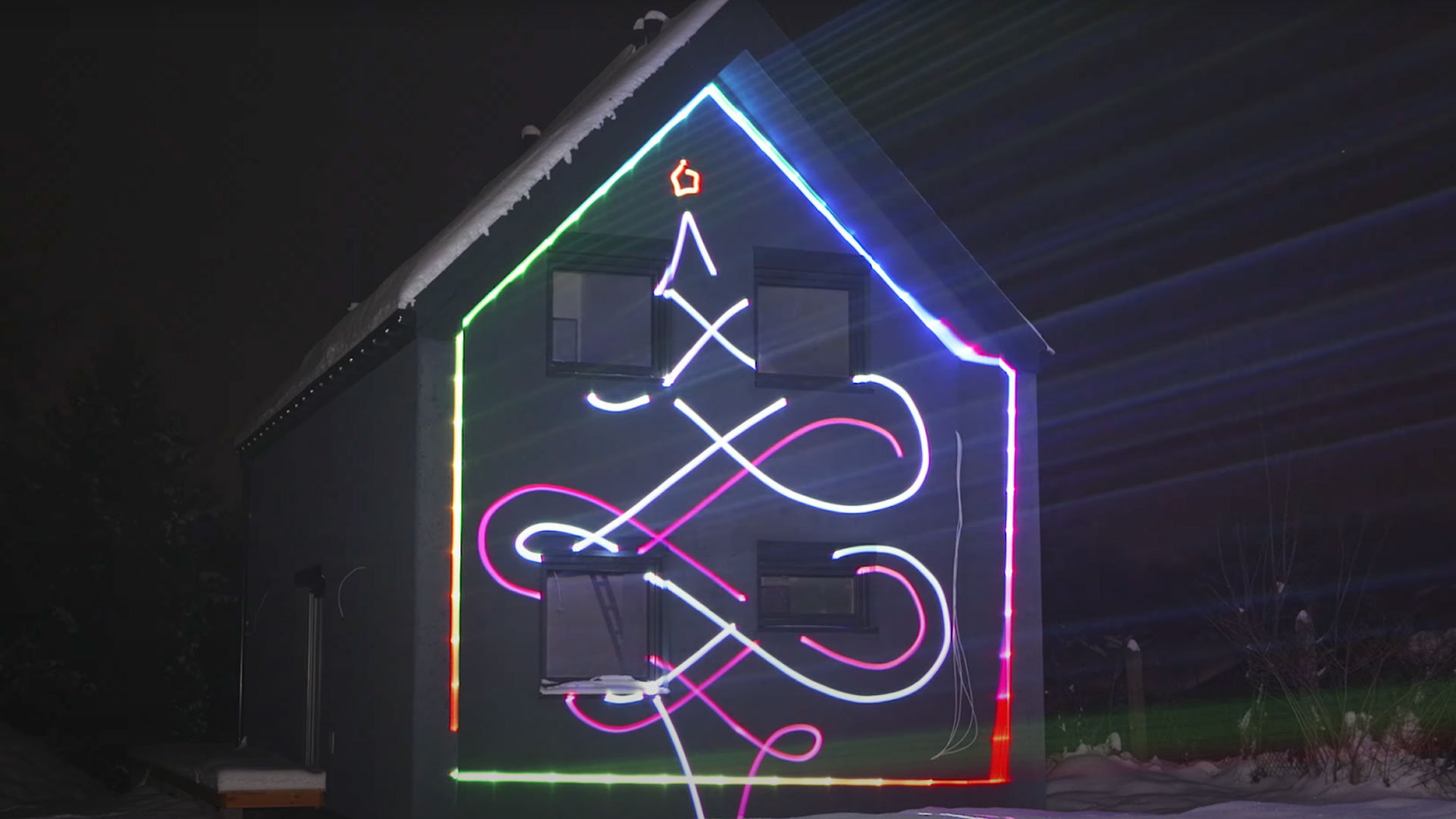
Projection mapping involves tracing the physical environment. You can outline a DJ booth or building architecture to highlight its edges. Normally, mapping requires complicated software alignment on heavy external laptops.
Because the LaserCube is a palm-sized, small powerful laser running on a rechargeable battery, you can position it anywhere. You do not need to worry about power outlets or messy cables. The LaserOS mapping tool allows you to drag and drop nodes right on your phone screen to instantly trace the world around you.
Pro Tip: Optimize Your Environment
Even the best projectors rely on their environment to shine. If you want your beams to stand out, atmosphere management is everything.
Always pair your setup with a steady, even haze rather than short bursts of thick smoke. Keep your ambient stage lighting as low as possible. This ensures your colors punch through the dark and your effects look sharp from every angle in the room.
Bringing Your Laser Effects to Life
Next time you set up for a gig, try running a built-in visualizer before you spend hours programming from scratch.
You do not need a steep learning curve to create professional visuals. Once you understand the difference between aerials, graphics, and mapping, you can choose the right look for any space.
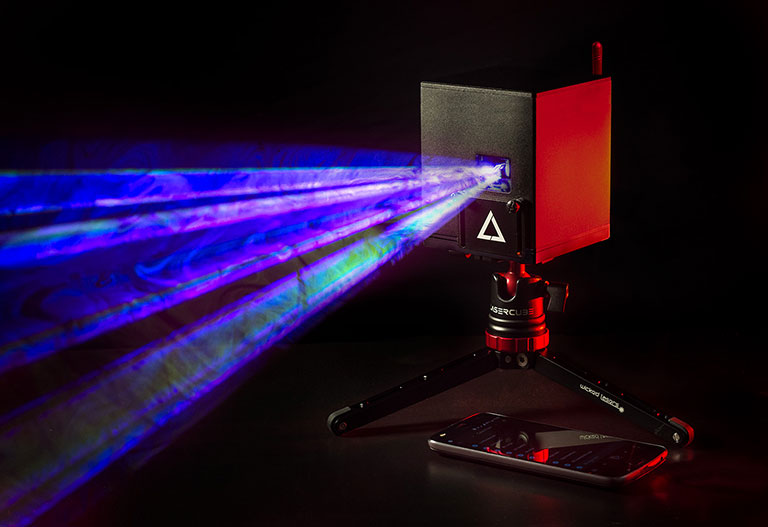
A portable system like the LaserCube pairs powerful hardware with native software, LaserOS. This lets you deploy complex shows in minutes, so you can focus on entertaining your crowd.
Ready to see these effects in action? Download LaserOS for free and try the built-in emulator today.