

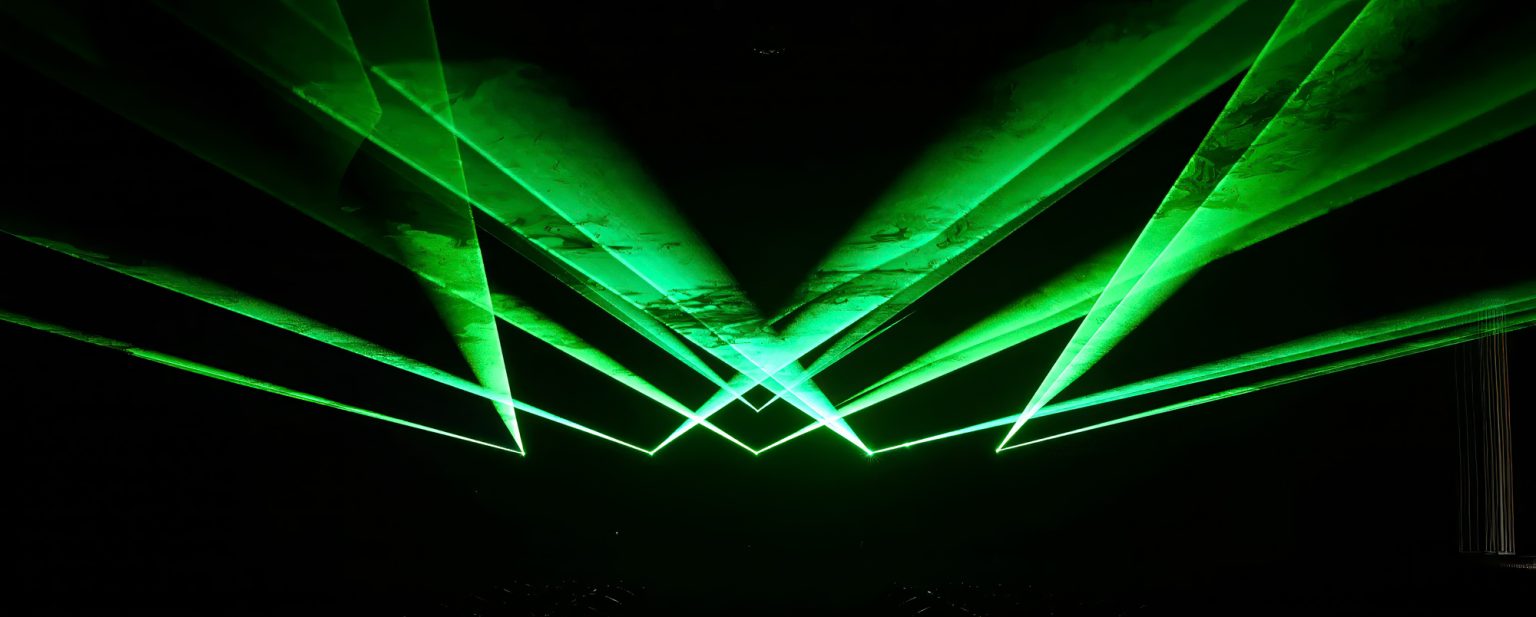
A Guide to Show Laser Software
What is Show Laser Software?
Show laser software is the control system that turns laser projectors into tools for creating light shows. This software creates patterns, animations, and effects by sending commands to the laser hardware. As a laser show controller, it manages the beam’s position, color mixing, and timing with great accuracy.
Laser show control has changed a lot over the years. Early laser shows needed complex analog controllers. Modern laser show control software like LaserOS, especially when paired with hardware like the LaserCube, lets artists program detailed displays from laptops, tablets, or smartphones.
This guide covers the main features of show laser software, compares different system types, and helps you see why an integrated system is often the best choice.
Key Features of Laser Show Control Software
Good show laser software has several features for different creative needs. It starts with content generation, using either large pre-made libraries or tools for creating your own designs. Integrated systems, for example, often come with hundreds of animations, effects, and visualizers ready to use.
Music reactivity is a popular feature. It allows visuals to pulse, change, and move with audio. The software can read music in real-time or use a manual BPM (beats per minute) setting, linking visual settings directly to the beat.
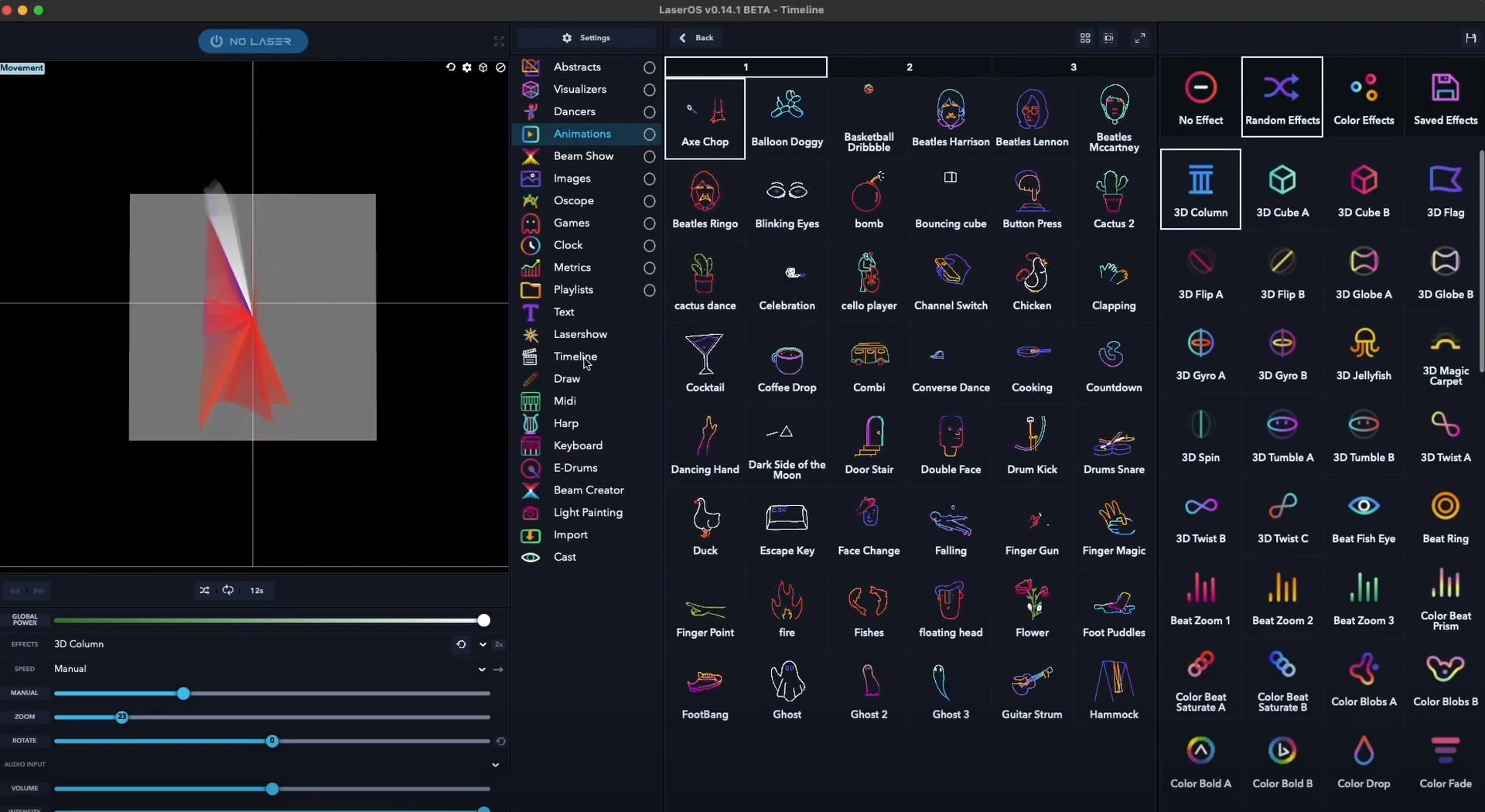
Custom content import lets users display brand logos and graphics. A laser show editor with a timeline helps users program precise shows where specific effects happen at exact moments.
Safety features are also important. Software can set up safety zones to stop beams from scanning into certain areas. ILDA compatibility is the industry standard for connecting software to hardware, a feature available on more advanced systems.
Standalone Software vs. Integrated Systems
There are two main approaches to laser show control, but an integrated system provides the most direct path to creating stunning visuals.
Traditional Standalone Software
With standalone options, users buy parts separately. A software package like Pangolin’s QuickShow costs $799 and also needs a DAC (Digital-to-Analog Converter) and a laser projector. While this offers flexibility, the setup is complex and requires technical knowledge of ILDA connections and hardware compatibility. The total cost can easily be several thousand dollars.
Integrated Systems: The LaserCube & LaserOS Advantage
Integrated systems bundle hardware and software into one package, which is a great solution for many users. For example, the LaserOS software is included for free with every LaserCube projector. Users can unbox the system, connect it, and get immediate access to a large library of visualizers, animations, and interactive games.
Because the software is designed specifically for the hardware, there are no compatibility worries. This plug-and-play approach makes it a great choice for most users.
Getting Started with Your Laser Show Controller
Modern laser software is made for users of all skill levels. To learn how to use its features, you can explore official tutorials.
Beginner Level
New users can use autoplay modes that automatically go through different types of content. A mobile app makes it easy to select music visualizers, animations, or effects, and the software will handle the show automatically.
Intermediate Level
Users with some experience can try music synchronization and layering effects. The software can detect audio and adjust visuals to match, or you can set the BPM manually. Layering multiple effects – like rotation, color cycling, and pattern morphing- creates new visual looks.
Advanced Level
A timeline editor gives you precise show control. Using this advanced laser show editor, you can place specific effects at exact timestamps. This creates a planned performance that is great for corporate events, theater shows, and any time you need consistent results.
Professional Integration
For professionals, some systems work with industry tools like TouchDesigner, MadMapper, and Resolume. Support for MIDI and DMX allows control from lighting boards and music equipment.
Choosing the Right Show Laser Software
Your choice of a laser show controller depends on what you want to do, and for most applications, an integrated solution is best.
For Beginners and Home Users
An integrated system like the LaserCube is an ideal starting point. With software included, you get a huge library of content and an easy-to-use mobile app, which is perfect for house parties, streaming setups, and creative projects.
For Mobile DJs and Event Professionals
The LaserCube offers quick setup and reliability. As a battery-powered system with built-in software, it means fewer cables and faster setup times, helping you deliver consistent quality at different events.
For Professional Installations
For larger venues, advanced models like the LaserCube Ultra provide ILDA compatibility to work with existing control systems, along with DMX and MIDI support for synchronized shows.
Start Creating with the Right System
The laser show control software you choose affects what you can create. For beginners and professionals alike, an integrated system like the LaserCube with LaserOS makes it simple to create impressive shows from day one, while still offering advanced features for complex productions.
Ready to see the best laser show system in action? Discover LaserCube projectors with free LaserOS software included and start creating today.
Frequently Asked Questions (FAQs)
What is the best show laser software for beginners?
Do I need to buy laser show software separately?
Can laser show software work on mobile devices?
Can I connect laser software to my lighting or DJ gear?