Christmas Light Projector vs Laser: Holiday Show Guide
Upgrade your holiday display. Compare consumer Christmas light projectors with galvo RGB laser systems. Learn winter setups, music sync, and safety.
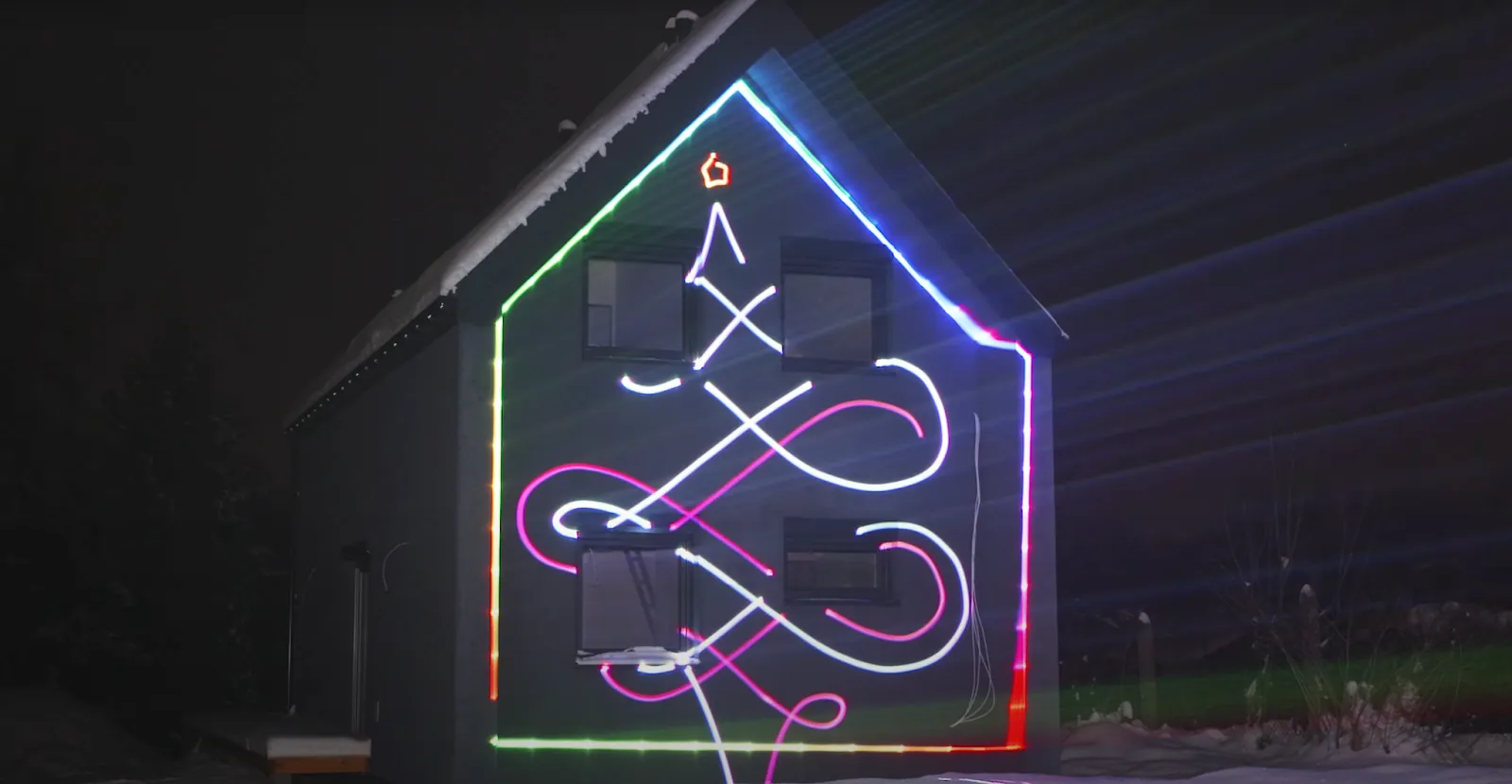
Creating a memorable holiday display for family and neighbors is a fun tradition for many homeowners. However, traditional plastic garden stakes often fall short of expectations when their dim LED lights wash out against streetlamps.
Upgrading to a portable RGB laser projector provides a much brighter, visual display with customizable animations. This guide breaks down the technology behind galvo scanning, explains how to protect the projector in winter conditions, and helps identify the right equipment for a holiday show.
Where consumer Christmas light projectors fall short
Entry-level holiday light projectors rely on low-output light sources paired with simple stepper motors. Most consumer lawn stakes generate only 100mW to 500mW of total light output, which easily loses contrast against porch lights and streetlamps.
Basic garden stakes offer static or repetitive dot patterns with no option to customize text or adjust color palettes. As a result, the projected shapes appear blurry and lack sharp definition against dark building surfaces.
How galvo scanners draw smooth holiday animations and text
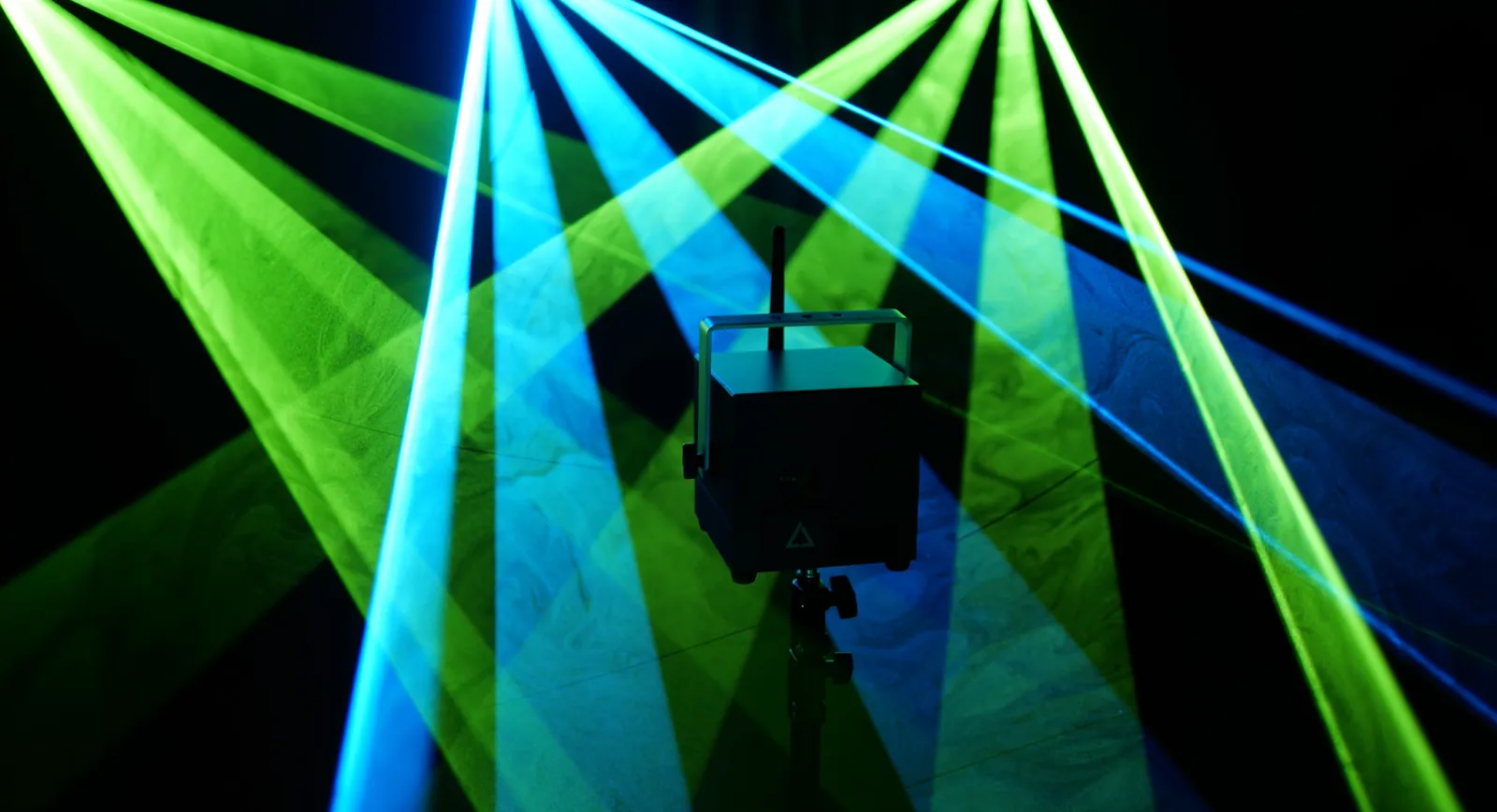
Professional laser systems rely on high-speed galvanometer scanners rather than basic mechanical motors. Inside the optical system, dual motorized mirrors tilt tens of thousands of times per second to direct a concentrated laser beam along precise axes.
This scanning motion draws solid vector graphics, smooth line art, and crisp text in real time. High scanning speeds ranging between 25,000 and 35,000 points per second let shapes such as “Merry Christmas” or animated holiday characters look smooth, as long as they are kept simple.
Full RGB analog color modulation produces up to 16.7 million distinct color combinations with gentle transitions. Display operators can smoothly fade between warm gold tones, vibrant greens, and crisp whites without sudden color jumping.
How to protect a laser projector during winter outdoor setups
When using precise optical equipment outside in the cold, you need suitable weather protection and reliable power. Attaching an official LaserCube Rain Cover upgrades the chassis to an IP63 weather-resistance rating for light rain (not heavy rain, sleet or snow), while keeping the front optical window clear (the LaserCube Pro’s rain cover isn’t available yet). Keep to the cube's operating range of 10 °C to 40 °C (50 °F to 104 °F): on colder nights, it shouldn’t run outdoors.
Integrated lithium-ion battery power eliminates the safety hazard of running extension cords across wet lawns or driveways. Depending on the model, internal batteries provide two to four hours of continuous power, allowing convenient placement anywhere on a lawn tripod.
Connecting a tablet, smartphone, or laptop over wireless WiFi or a local network lets you adjust brightness, mapping, and animations from your device. Stay with the display while it runs: a LaserCube should never be left running unattended.
How to sync laser shows to Christmas carols using LaserOS
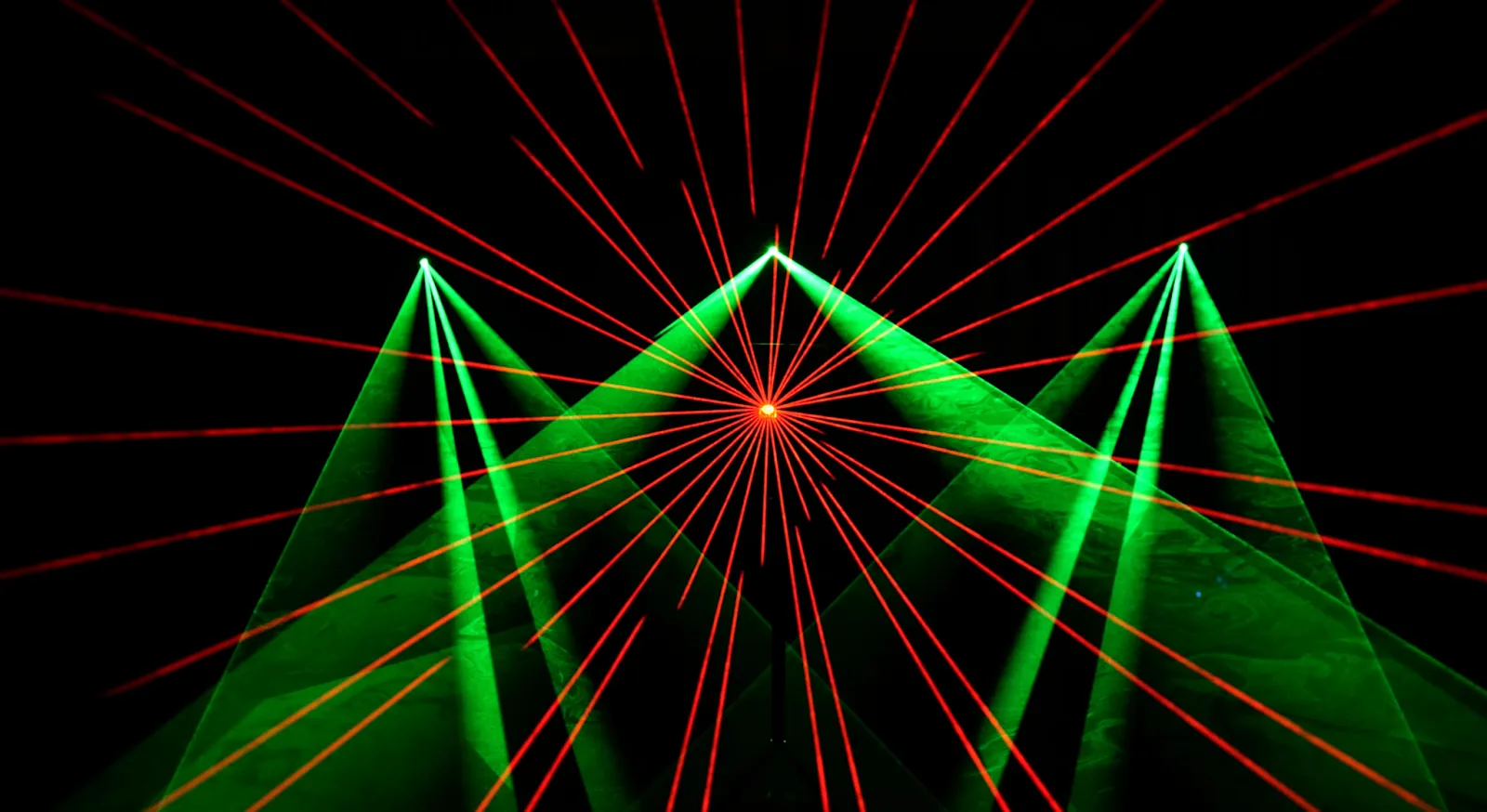
The free LaserOS app simplifies music synchronization through built-in audio analysis software. The AutoBPM feature continuously monitors incoming audio from a microphone or direct audio line to track rhythm beats automatically.
Once connected, visualizers and beam patterns pulse, sweep, and shift colors in harmony with the music track. For detailed programming, operators can use the desktop Timeline mode to align visual cues to specific audio files.
The software also provides access to pre-built holiday animation libraries packed with ready-to-project artwork. Users can quickly select animated snowflakes, Christmas trees, and seasonal greetings without needing prior animation experience.
How to projection map a house facade for custom holiday displays
Touchscreen mapping features make it straightforward to align laser patterns directly with building architecture. The Draw App within LaserOS shows each stroke on the house as you draw it, so you can trace structural outlines by watching the projection.
Operators can frame rooflines, entryways, and decorative wreaths with clean geometric lines. Because vector lasers emit zero ambient light bleed, areas outside the mapped shapes stay completely dark for maximum visual contrast.
When setting up on shorter front lawns, pairing the projector with an optional Expander lens accessory makes the projection area nine times larger by tripling the scan angle. This short-throw setup allows a single unit to cover an entire house facade from a short distance.
Are Christmas laser lights safe for eyes?
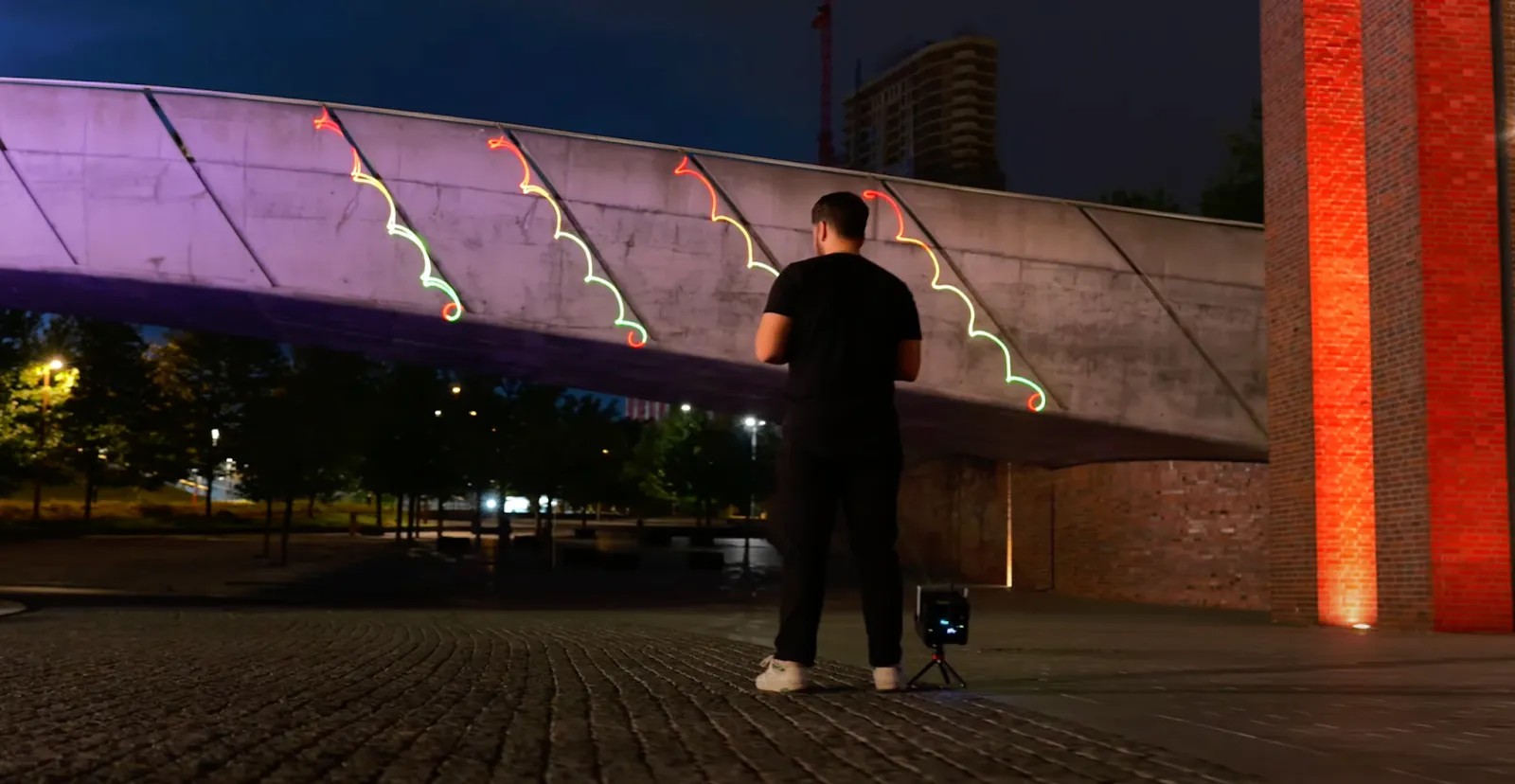
LaserCube is a professional show laser, not a toy: never aim it at people’s eyes, at audiences or at aircraft, and never at anything flammable. Our safety tips have more.
Laser light is concentrated radiation that needs to be handled with care. Unlike a standard outdoor wash light that spreads its light out, a laser beam stays tightly packed together. It widens only slowly, so a beam that looks far away can still carry a risk to the eye.
Never look into the beam or into the cube’s output window. If a beam ever hits someone’s eye, get it checked by a doctor right away. Operators must always control exactly where the light travels to protect their neighborhood.
How to manage safety zones and neighborhood compliance
Responsible outdoor laser operation involves careful planning to keep every beam on its target surface. The LaserOS safety menu allows operators to draw digital attenuation zones directly over objects the beams must not reach.
Inside a keep-out zone the beams are reduced by the attenuation you set (at 100% they are fully blanked). Use zones to keep beams off neighboring windows and security cameras, or to keep your graphics inside the house facade. A zone is never a way to protect people: nobody should be in front of the laser, with or without a zone.
Wherever people may be, all beams must stay at least 3 meters (10 feet) above the ground. On the Ultra MK2 and Pro, set the beam block so that nothing scans into areas where people may be (it can’t be used with the Expander or another lens fitted).
In the US, LaserCube is certified through X-Laser, and a LaserCube bought in the USA comes with the FDA variance (issued by X-Laser). For public shows, check your local rules too. US units run with their E-Stop connected, as the law requires there. Every outdoor beam must end on a solid surface such as a wall or the house facade, never in the sky or open airspace.
How to choose the right LaserCube model for a holiday show
Selecting the equipment depends on display size, ambient lighting conditions and where you set up. For most holiday shows, start with the LaserCube Pro or the LaserCube Ultra MK2. Both have a screen running CubeOS, play shows from their SD card without a computer, take DMX and ILDA input, and draw at over 35,000 points per second.
The Pro (3W or 6W) is the compact one: 13 × 13 × 13.5 cm and 2.5 kg, with 2–3 hours on its battery. It is sold outside the USA for now.
The Ultra MK2 (6W or 10W) is the most powerful: the 10W puts out about 10,000 mW of full-color RGB light, with 3–4 hours on its battery. In the USA, it is the professional model we sell.
On a tight budget, the LaserCube WiFi 2.5W (1.7 kg, 2–3 hours of battery) runs from the free LaserOS app on a phone, tablet or computer. Every model moves easily from Christmas displays to Halloween events, New Year’s celebrations and family parties.
The Interactive Holiday Game Night
Here is something you will not see with basic pattern projectors. LaserOS includes more than 50 games that project onto a flat surface. Your garage door or the side of your house can become a giant screen for them.
Guests play from a phone while bright laser graphics light up your home. Keep players and guests out of the space between the cube and the door: nobody should be in front of the laser. The same system handles Christmas displays during the week and becomes entertainment on party nights. This multi-use approach offers year-round value for birthdays, game days, and other events.
Wrapping up
Moving beyond single-use plastic garden stakes allows homeowners to create dynamic, high-definition holiday displays that impress visitors. Precision galvo scanning, easy-to-use wireless control, and portable hardware make professional vector laser projections accessible for residential and commercial setups alike.
Explore the complete lineup on the LaserCube product page to compare laser specifications, browse accessories, and choose the right system for upcoming events.
FAQs
Q01Can I use LaserCube for both indoor and outdoor displays?
Yes. Outdoors, keep to its operating range of 10 °C to 40 °C (50 °F to 104 °F), and in rain use it only with its rain cover fitted, and then only in light rain (the LaserCube Pro’s rain cover isn’t available yet).
Q02Is LaserCube suitable for children?
No. LaserCube is a professional show laser, not a toy: never aim it at people’s eyes, at audiences or at aircraft, and never at anything flammable. Keep it away from children and out of reach of anyone not authorised to use it, before, during and after use. Our safety tips have more.
Q03How do I sync LaserCube with holiday music?
You can easily sync LaserCube with your holiday playlist to create a dynamic Christmas or Easter display that matches the rhythm of your favorite tunes. Just use LaserOS app and built-in Timeline mode to synch your music with animations.
Q04Can LaserCube withstand winter conditions?
LaserCube is made to run between 10 °C and 40 °C (50 °F to 104 °F), so check the temperature before using it for outdoor Christmas lights displays: colder use isn't recommended, and cold damage isn't covered by the warranty. With its Rain Cover fitted it can be used in light rain, but not in heavy rain or snow.
Q05How quickly can I set up a holiday display with LaserCube?
LaserCube is incredibly easy to set up, and you can have your display ready in just a few minutes using the LaserOS app.
Q06What is the difference between a diffraction grating and a galvo scanner?
A diffraction grating is an etched glass or plastic lens that splits a single beam into a fixed grid of static dots. A galvanometer scanner consists of two high-speed motorized mirrors that rapidly steer a concentrated laser beam to draw custom shapes, text, and vector graphics.
Q07Is a fog machine required for Christmas projections?
It simply depends on the visual effect a user wants to achieve. For projecting graphics like snowflakes directly onto a wall, no fog is required. If the goal is to see the physical beams floating in the air, pairing the setup with a Nano Fogger is a highly recommended approach.
Q08Can Christmas laser mapping damage home security cameras or windows?
Direct laser beams can damage digital camera sensors if aimed directly into the lens. Use Safety Zones in LaserOS to draw keep-out zones over all security cameras, video doorbells and window panes, with the attenuation at 100% so the beams there are fully blanked.
Q09Can you leave a Christmas laser mapping display running unattended overnight?
No. A LaserCube should never be left running unattended. Always turn off the system when you are not at the display and remove the physical safety key to prevent unauthorized use.
Q10Are Christmas laser lights illegal to use at home?
LaserCube is fully legal and certified worldwide, but you must follow its safety rules. In the US, LaserCube is certified through X-Laser, and a LaserCube bought in the USA comes with the FDA variance (issued by X-Laser). For public shows, check your local rules too. Wherever you are, beams must never be aimed at people or into the open sky.
See it for yourself
LaserCube is a portable, battery-powered RGB laser projector, and its show software, LaserOS, is free.
Explore the LaserCube lineup