Special Effect Lights: Stage Laser Lighting Effect Machines
Learn about 7 powerful special lighting effects that can transform any setting. Learn how to create aerial beams, laser projection mapping, and more.
7 Special Lighting Effects That Transform Any Venue
When planning an event, standard lighting often isn’t enough. Mobile DJs, event planners, and venue operators know that special lighting effects make an experience memorable.
Creating professional-level visual shows is easier than ever. Gone are the days of needing truck-loads of equipment, complex programming, and a full lighting crew. Modern portable laser projectors, like the LaserCube, have changed what is possible. They put professional power into small, battery-operated devices that set up in a few minutes.
Let’s look at seven key special lighting effects that can change any venue, and how to create them.
7 Key Special Lighting Effects
1. Aerial Beam Shows
What it is: Visible laser beams cutting through space, creating tunnels, fans, and geometric patterns in mid-air.
When to use it: High-energy moments during DJ sets, concert climaxes, or dramatic event entrances. This effect creates an instant atmosphere and transforms empty space into a dynamic visual landscape.
How to create it: You’ll need a fog machine or hazer to make beams visible in the air. Modern RGB laser systems can produce millions of color combinations, letting you match beams to your event’s theme. LaserCube models ranging from 1.2W to 10W deliver impressive beam effects, with higher power outputs needed for larger venues or outdoor events. Keep every beam at least 3 m (10 ft) above the floor wherever people may be, and never aim beams into the sky: outdoors they must end on a wall or another surface.
2. Projection Mapping
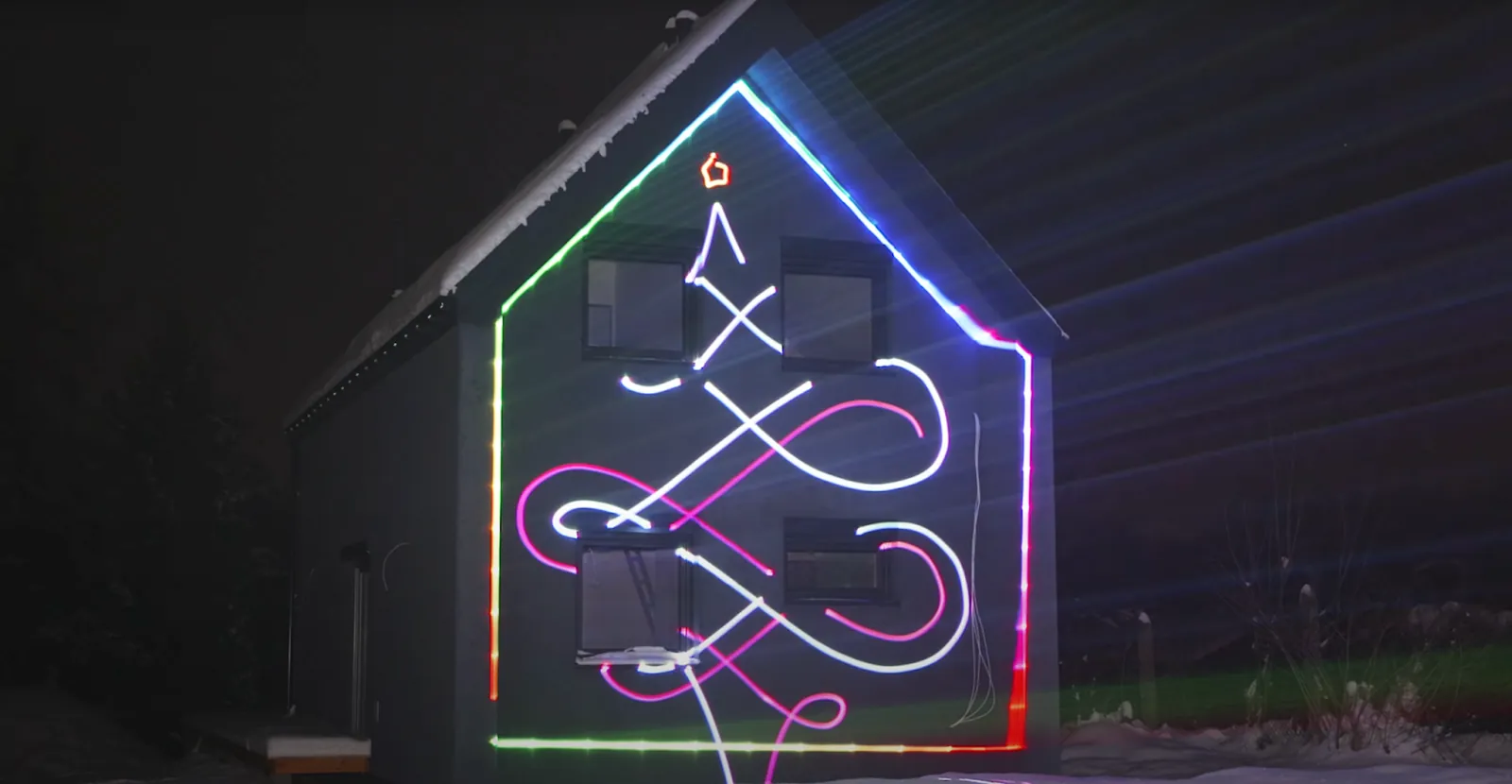
What it is: Conforming visuals precisely to physical surfaces (walls, ceilings, or architectural features) making them appear to come alive. This technique is known as projection mapping.
When to use it: Corporate events for branding, weddings for personalized displays, or product launches. Any venue where you want to transform existing architecture into part of the show benefits from this technique.
How to create it: Software-controlled systems like LaserOS allow you to define projection areas and warp visuals to fit irregular surfaces. This turns any wall into a dynamic canvas without physical installation or damage.
3. Music-Reactive Visualizers
What it is: Real-time visuals that automatically synchronize with audio, pulsing and moving in perfect time with the music. These are often called audio-reactive visuals.
When to use it: Great for DJ performances, live music events, or any situation where you want visuals that always look perfectly timed, without programming.
How to create it: Advanced laser systems analyze audio input automatically or sync via BPM settings. Professional systems include 75+ pre-programmed visualizers ranging from abstract geometric patterns to flowing organic shapes, requiring zero programming knowledge.
4. Animated Graphics
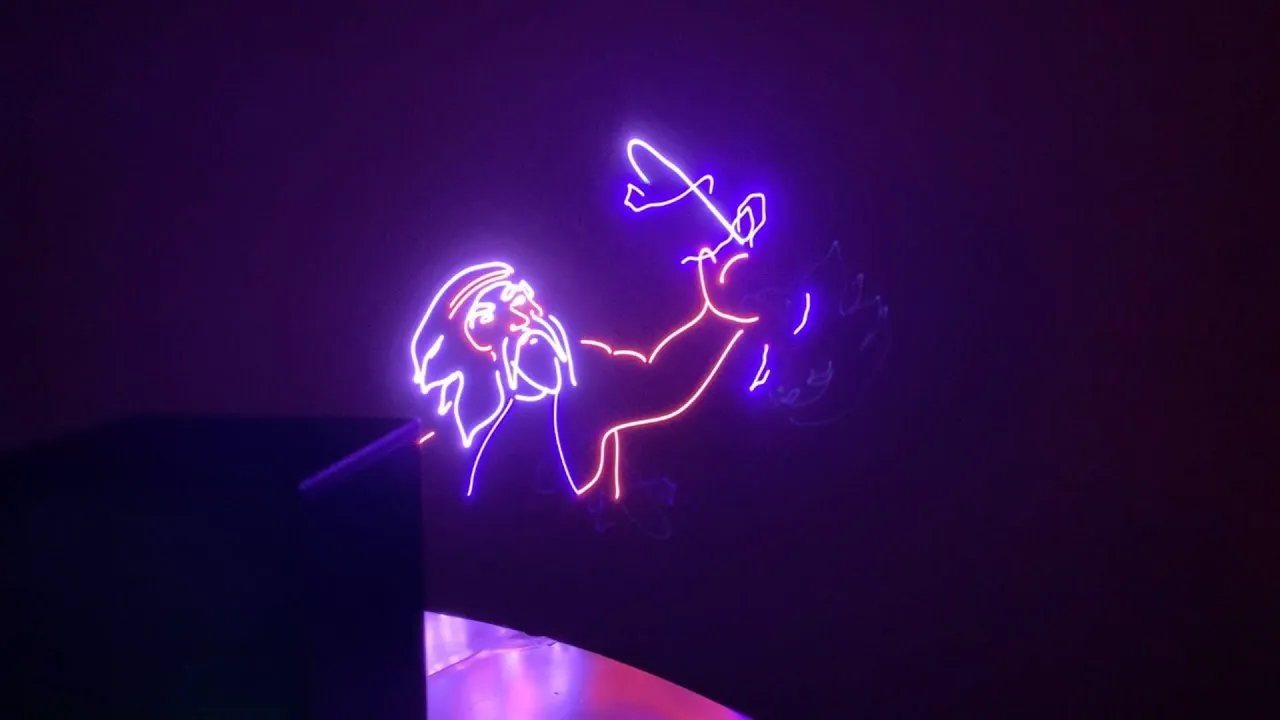
What it is: Moving images, logos, figures, and animations projected with laser precision, from dancing characters to brand logos to custom artwork.
When to use it: Corporate events for branding, themed parties, music festivals, or anywhere you need narrative visual content beyond abstract patterns.
How to create it: Premium systems come with extensive animation libraries (500+ animations) and allow custom content import. The vector-based nature of laser graphics means they don’t pixelate when scaled up, unlike LED-based systems (over long distances the lines do get wider and dimmer).
5. Color Wash Effects
What it is: Dynamic RGB color filling that transforms entire spaces with flowing, gradient color effects.
When to use it: Setting ambient mood, color-themed events, or transitioning between high-energy moments. Creates a cohesive atmosphere without overwhelming the space.
How to create it: RGB laser projectors can produce 16.7 million color combinations compared to the limited palette of traditional LED fixtures. Software control allows smooth transitions and color cycling timed to music or programmed cues.
6. Geometric Patterns
What it is: Precise mathematical shapes, spirals, tunnels, grids, and abstract designs projected with laser-sharp clarity.
When to use it: Electronic music events, futuristic-themed parties, tech product launches, or creating visual depth in smaller spaces.
How to create it: High-speed scanners (also called galvanometers) draw these patterns so quickly they appear solid to the human eye. The LaserCube WiFi series uses 25,000 points-per-second scanners, while the Ultra series upgrades to 35,000 pps for even smoother, more complex graphics. This precision makes these effects hard to replicate with other lighting types.
7. Text & Logo Projection
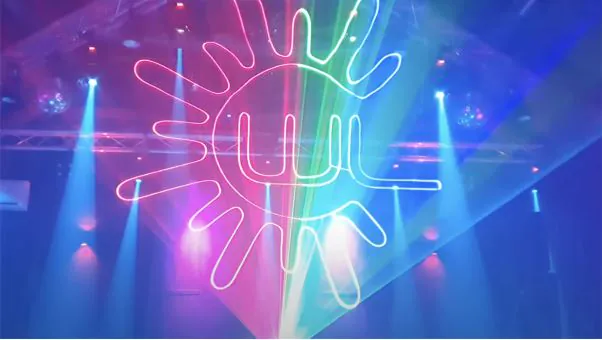
What it is: Custom text messages, event names, company logos, or branded content projected clearly and professionally.
When to use it: Corporate events, weddings (couple’s names/monograms), product launches, or any event requiring personalized branding.
How to create it: Import custom SVG graphics or use built-in text tools with multiple fonts. Professional systems handle this through simple software interfaces, so no graphic design experience is required.
How Modern Systems Deliver All Seven Effects
Traditional stage lighting special effects setups required multiple specialized fixtures, complex DMX control systems, and venue power access. A complete professional setup could easily exceed $10,000 and require hours of programming.
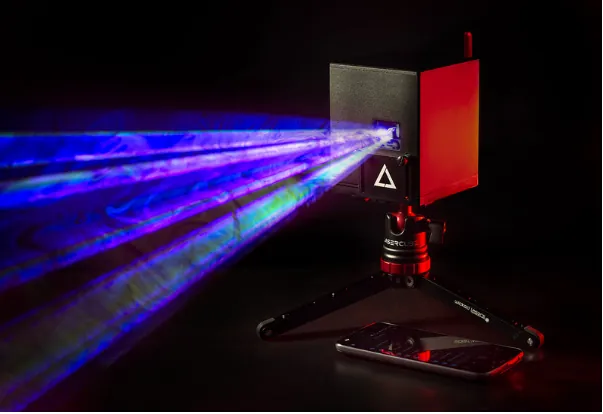
Today’s integrated laser projection systems combine all seven effects into one portable unit. The LaserCube, for example, combines the hardware and free LaserOS software into a complete system. Battery-powered models eliminate venue power requirements entirely. This allows setup anywhere, from traditional stages to outdoor locations, pop-up events, or residential parties. This makes them ideal as portable special effects for parties.
Choosing the right system means balancing power output with portability. For small to medium venues, 1.2W to 2.5W systems work well. Larger venues, outdoor events, or places with a lot of other light need more power, such as the LaserCube Pro (3W or 6W) or the Ultra MK2 (6W or 10W), to be bright enough.
Impress at Events With LaserCube
Creating professional special lighting effects no longer requires a big budget or technical skill. Modern integrated systems include large pre-programmed content libraries, music-reactive modes, and intuitive mobile apps that put control in your pocket.
These seven effects, from aerial beams to projection mapping and animated graphics, are all possible with a single portable device like the LaserCube. The technology is here; it’s easier to get started, and the creative options are wide open.
The only question remaining is: are you ready to make your events unforgettable?
See it for yourself
LaserCube is a portable, battery-powered RGB laser projector, and its show software, LaserOS, is free.
Explore the LaserCube lineup