TouchDesigner Laser Setup: LaserCube Ultra MK2
Use TouchDesigner to control laser projectors over a network. Learn how the LaserCube Ultra MK2 streams native Etherdream without an external DAC.
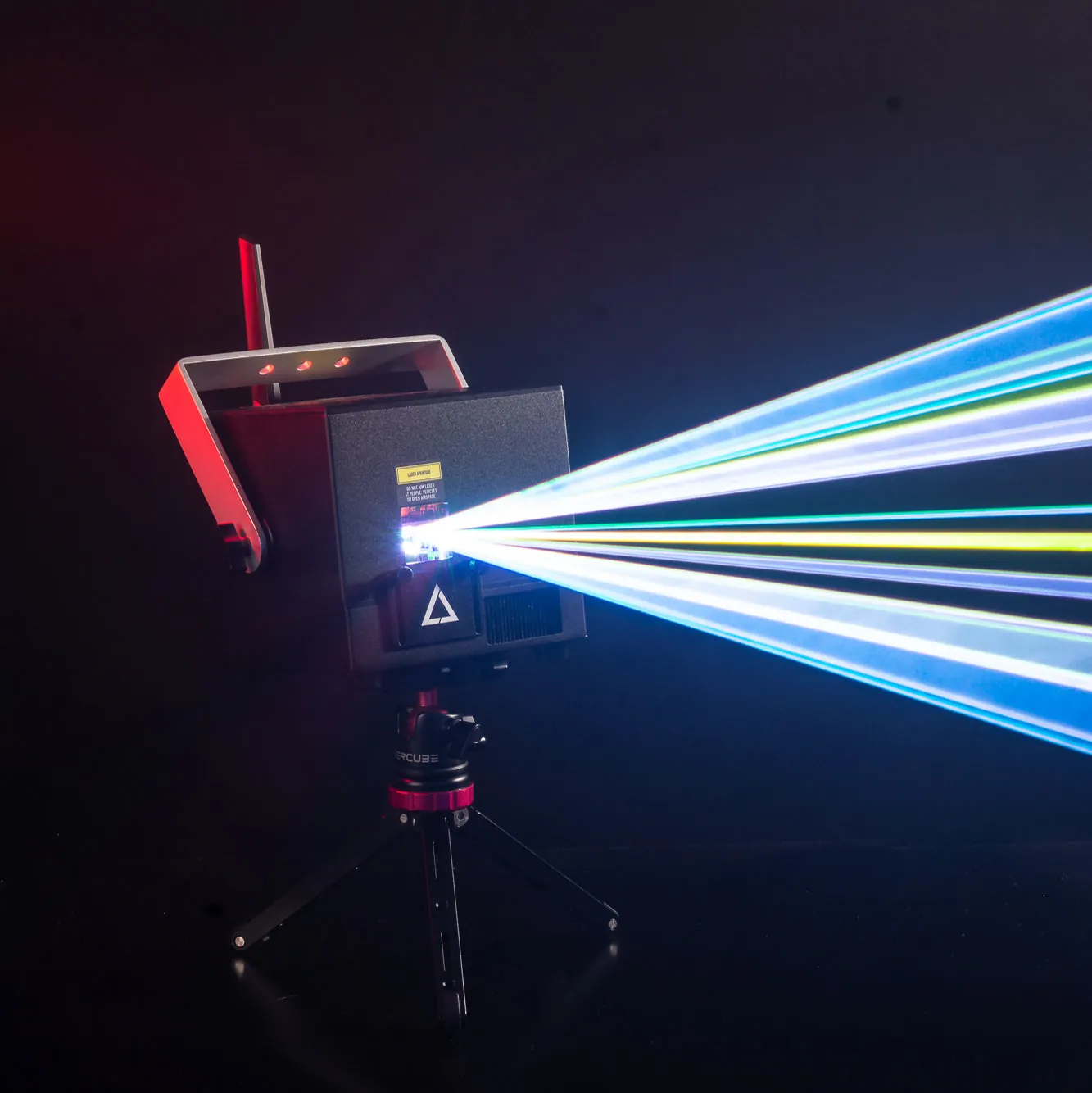
The LaserCube Ultra MK2 Now Features Native TouchDesigner Support
Visual artists create detailed generative art in TouchDesigner. Sending that data to a laser projector used to cause major headaches. This process required buying expensive external DAC boxes and running heavy DB25 analog cables to connect a traditional ILDA laser light.
That hardware barrier is now gone. With a recent firmware update, the LaserCube Ultra MK2 series (and the compact LaserCube Pro) feature native Etherdream and IDN network streaming. TouchDesigner sends to the cube in its Ether Dream control mode (the LaserCube WiFi models have no Ether Dream mode); the set-up steps are in the LaserCube manual.
No External DAC Required: The Power of Network Streaming
Users can now connect a computer directly to the projector using a standard ethernet cable. This creates a simple and reliable hardware setup for live events.
Moving away from analog cables often brings up fears about lag. However, network streaming via standard TCP/UDP protocols delivers point data with low latency, which suits live performers.
The setup relies on standard networking to work well on almost any machine. The workflow stays the same whether a creator uses a heavy-duty PC rig or a TouchDesigner Mac setup.
Hardware Built for Creative Coders
The LaserCube Ultra MK2 is engineered to turn complex code into physical light without dropping frames. The hardware features AT-40S galvo scanners that run at 35,000 points per second (pps).
The IDN and Etherdream implementation focuses strictly on streaming raw point data up to this limit. The system skips routing extra audio or DMX signals over the network. This keeps the data stream clean and focused entirely on visual performance.
The Ultra MK2 also features RJ45 In/Through interlock ports. These interlock ports (not network ports: the network connection uses the separate Ethernet port) let you chain several Ultra MK2s to one E-Stop: one press of the red button stops them all.
Bringing Generative Code into the Physical World
Native support lets artists build real-time, audio-reactive TouchDesigner networks where bass frequencies drive physical movements. Popular TouchDesigner examples include tracing 3D SOPs directly to the hardware. This technique is very similar to traditional laser mapping.
Adding the Nano Fogger to the visual rig makes a big difference. Fog makes the laser beams visible as they travel through the air. This effect turns flat wall projections into 3D volumetric beam structures, which is perfect for an aerial laser show.
Scaling the Visual Setup
The LaserCube Ultra MK2 scales with an artist’s skill. It works well for professionals programming massive festival stages. It also provides a great testing ground for beginners using TouchDesigner Free at home.
Creators comparing hardware can review this 3D laser mapping projector guide to see all options.
Visit the product page at laseros.com to explore the LaserCube Ultra MK2 lineup and find the right projector for the next show.
See it for yourself
LaserCube is a portable, battery-powered RGB laser projector, and its show software, LaserOS, is free.
Explore the LaserCube lineup