Pro Laser Beam Shows
LaserCube at work in clubs, on stage and at events: beams over the crowd, shows by a laser-show rental company, and how the Ultra MK2 runs in a professional rig.
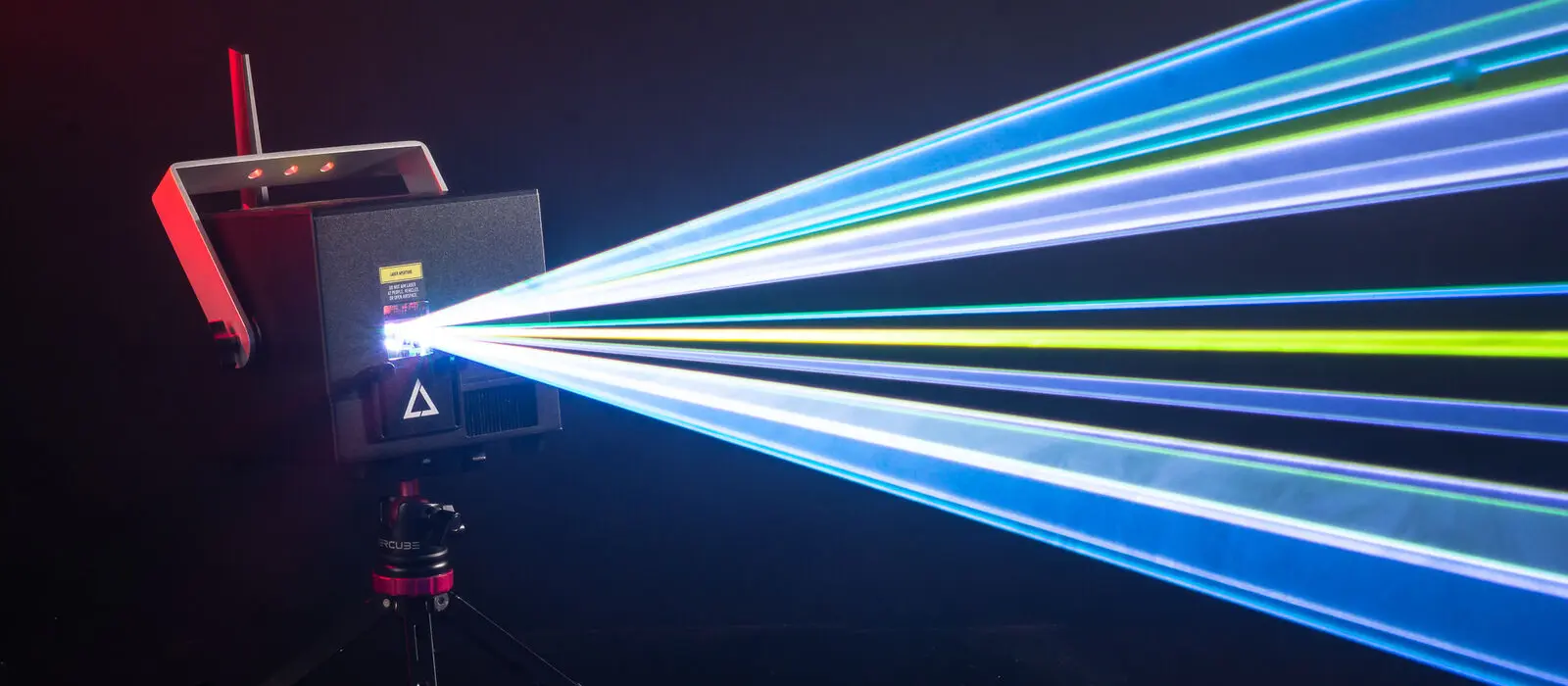
Beams over the crowd, run from your lighting desk
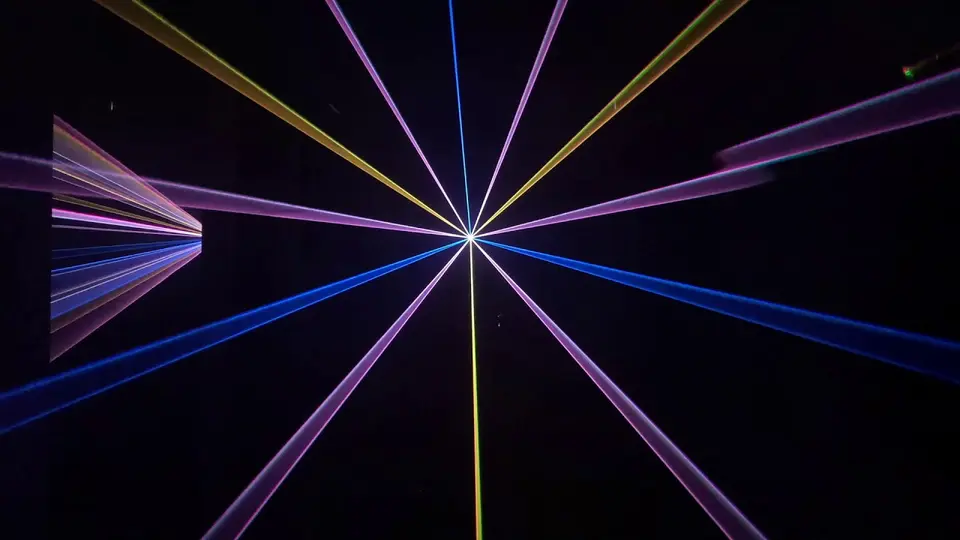
In a club, on a stage or at an event, the audience faces the lasers and the beams go up over their heads, at least 3 m (10 ft) above any floor where people can be. The LaserCube Ultra MK2 takes DMX and Art-Net from your lighting desk, hangs from your truss and suits an audience of up to about 1,000 people indoors; link several cubes for bigger shows.
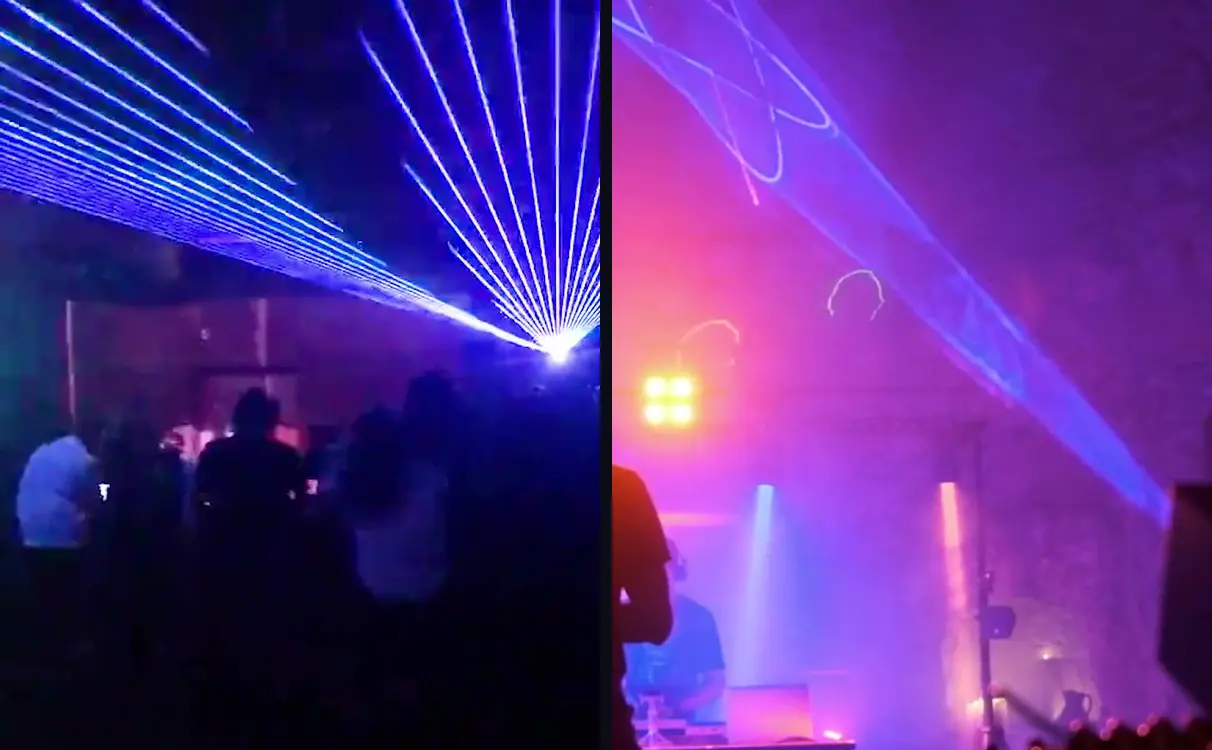
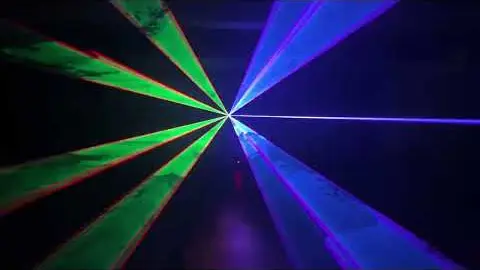
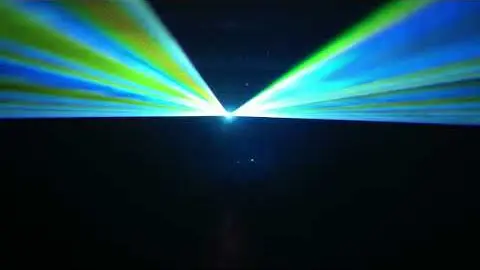
Two short clips from our own footage: a club night with beam fans from the stage over the dance floor, and a DJ stage with beams and graphics in haze above the booth.
At work with a laser-show rental company
Joost Aalberts runs laser shows in the Netherlands with LaserCube Ultra MK2s. Here are three of his videos; more are on his Instagram.
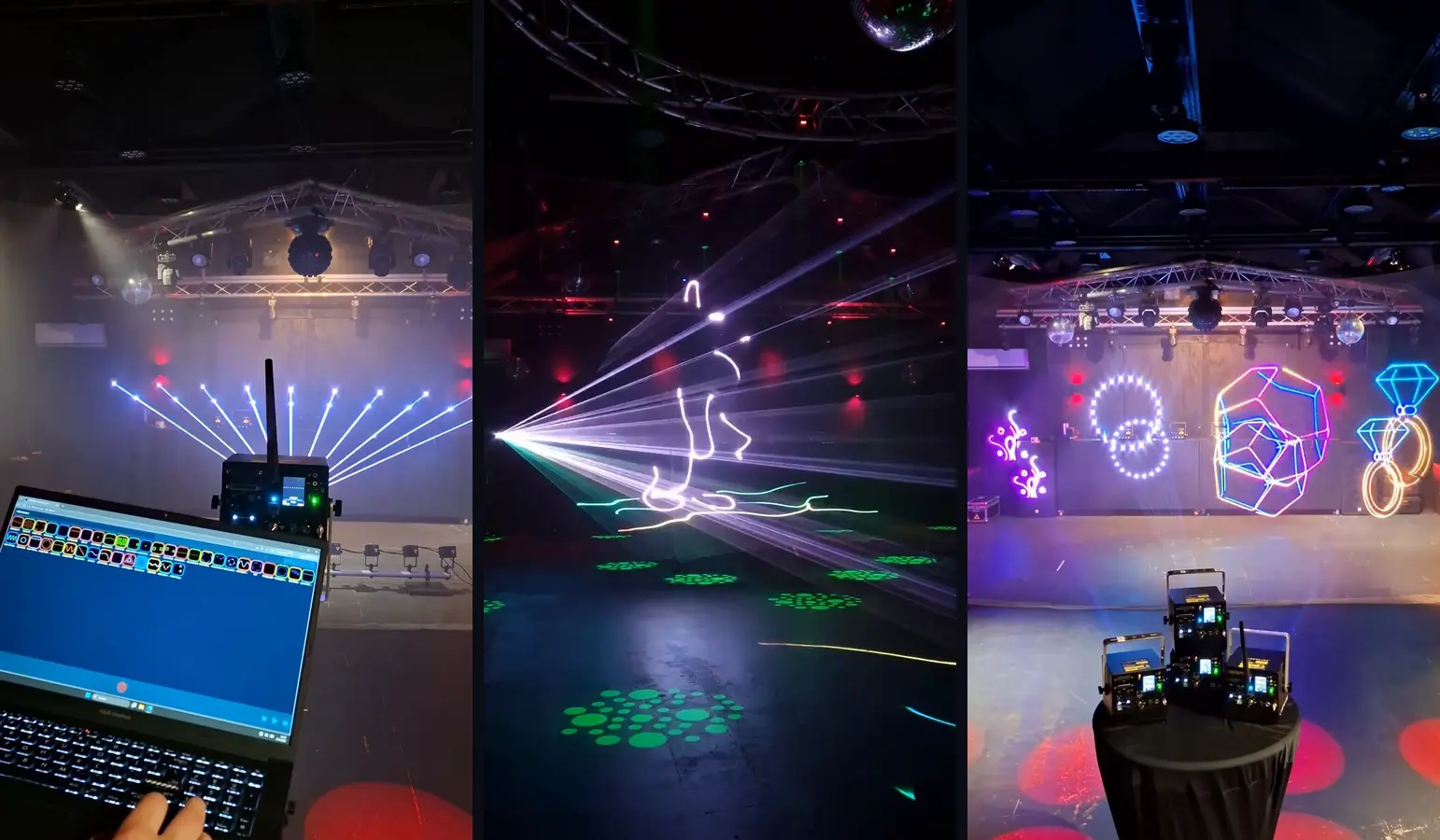
- In a venue: an Ultra MK2 on a stand fans beams up over the room, run from a laptop.
- In a club: LaserCube beam animations in haze under the truss.
- Several cubes: Ultra MK2s projecting graphics across a stage wall.
Full shows on our YouTube channel
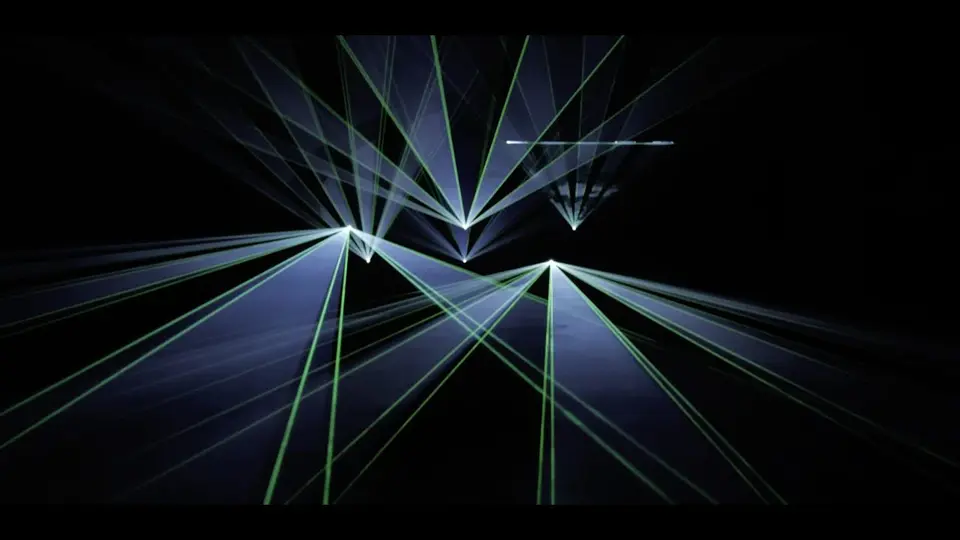
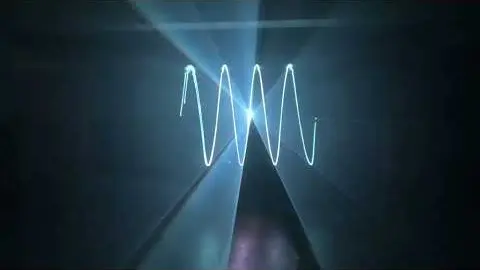
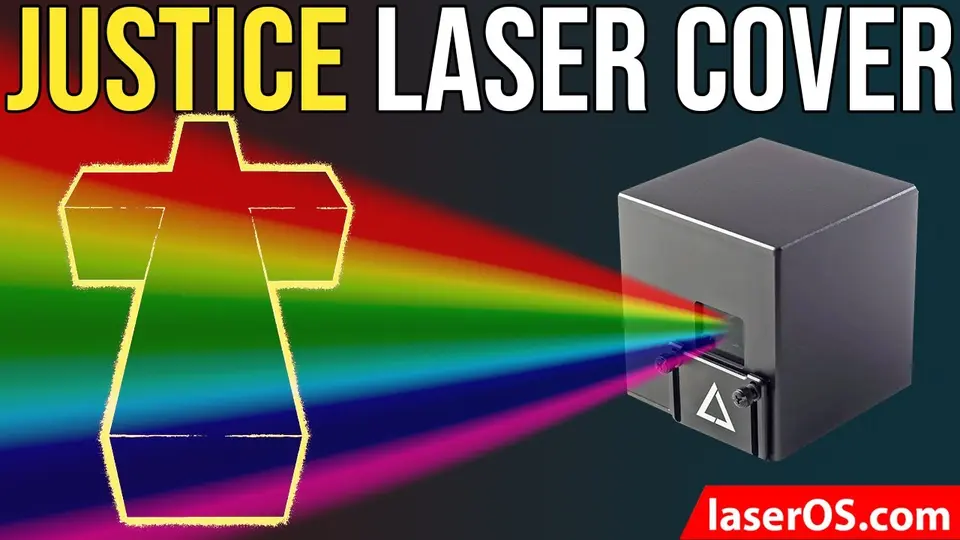
A beam show with six LaserCube Ultras, the winners of our Laser Show Contest and two beam shows set to music.
Running it in a rig
Control
- Full-size XLR DMX In and Out, so standard DMX cables plug straight in.
- Art-Net, ILDA In and Out, and Ethernet.
- Several cubes in sync over Cube Link (wireless), Ethernet, Art-Net or DMX.
- Standalone shows from its microSD card, with no computer.
Mounting
- A bracket with lockable tilt: its central hole takes an M8 or M10 bolt, so a standard truss clamp fits.
- Hangs upside down from a truss on the handle-bar mount.
- A clamp adapter and a steel safety loop with a carabiner come in the box, for a safety bond to the eye bolt on the back panel.
Power
- 19V DC through a standard 2.5 × 5.5 mm plug: the adapter in the box, or any 19V DC supply rated 120 W or more with that plug.
- Runs continuously on mains for long shows.
- The built-in battery (3–4 hours on its own) keeps the show running if the mains drops.
Beam height
- Every beam stays at least 3 m (10 ft) above any floor where people can be, and ends on a wall or another surface where no one is.
- Set the beam block with the cube off and the key out, then check that no beam scans into the audience.
- Never into the audience: LaserCube is never used for audience scanning.
See the models
See it for yourself
LaserCube is a portable, battery-powered RGB laser projector, and its show software, LaserOS, is free.
Explore the LaserCube lineup