





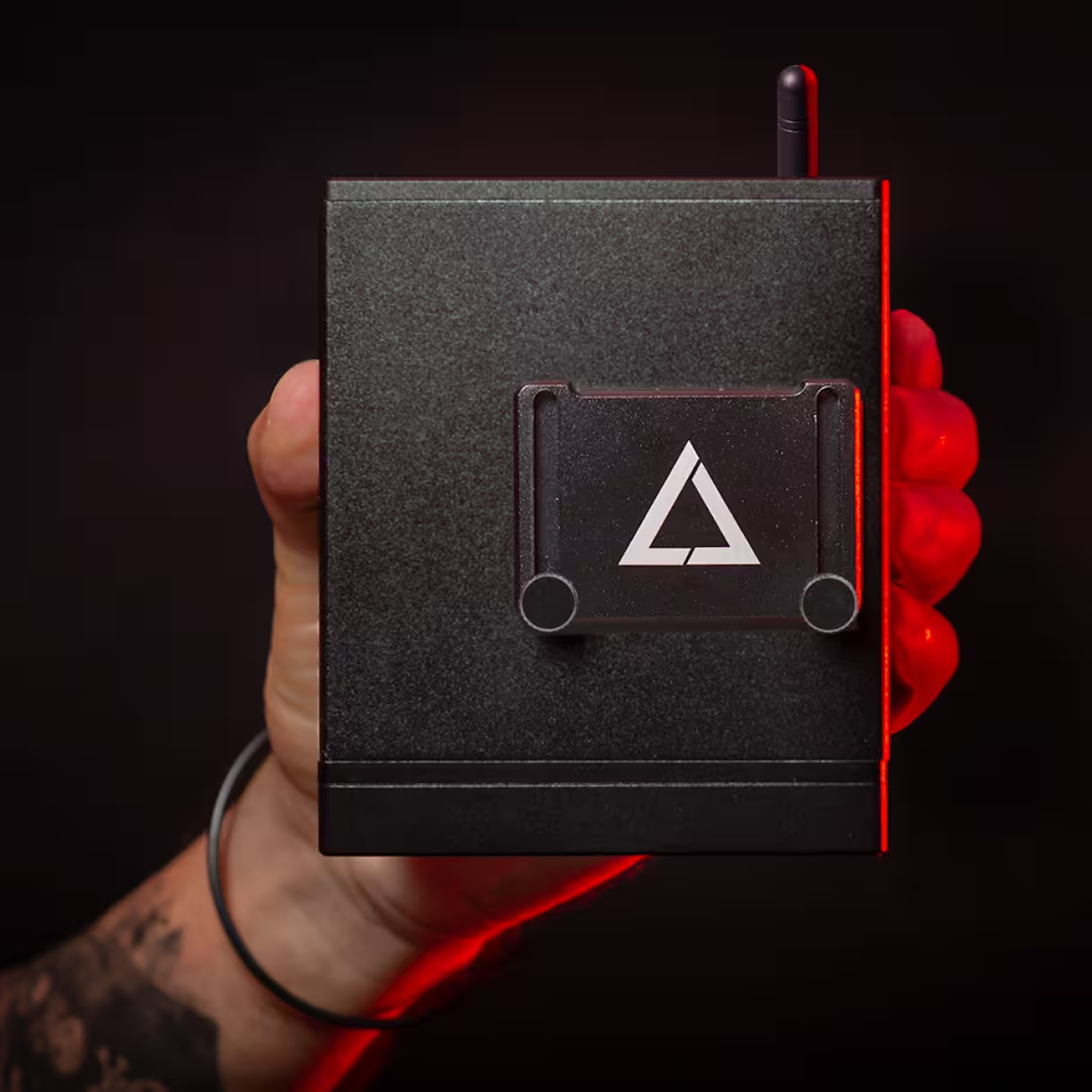

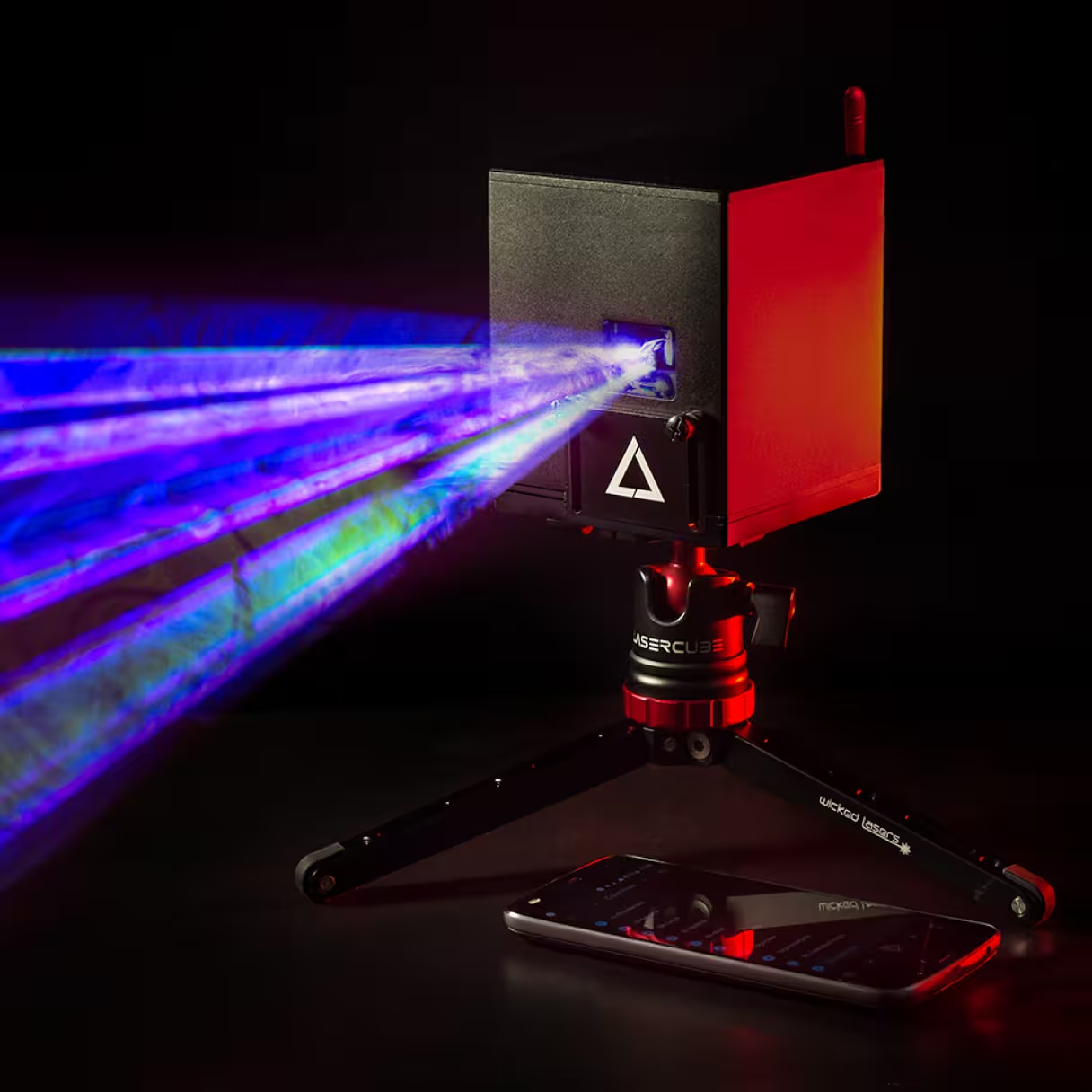
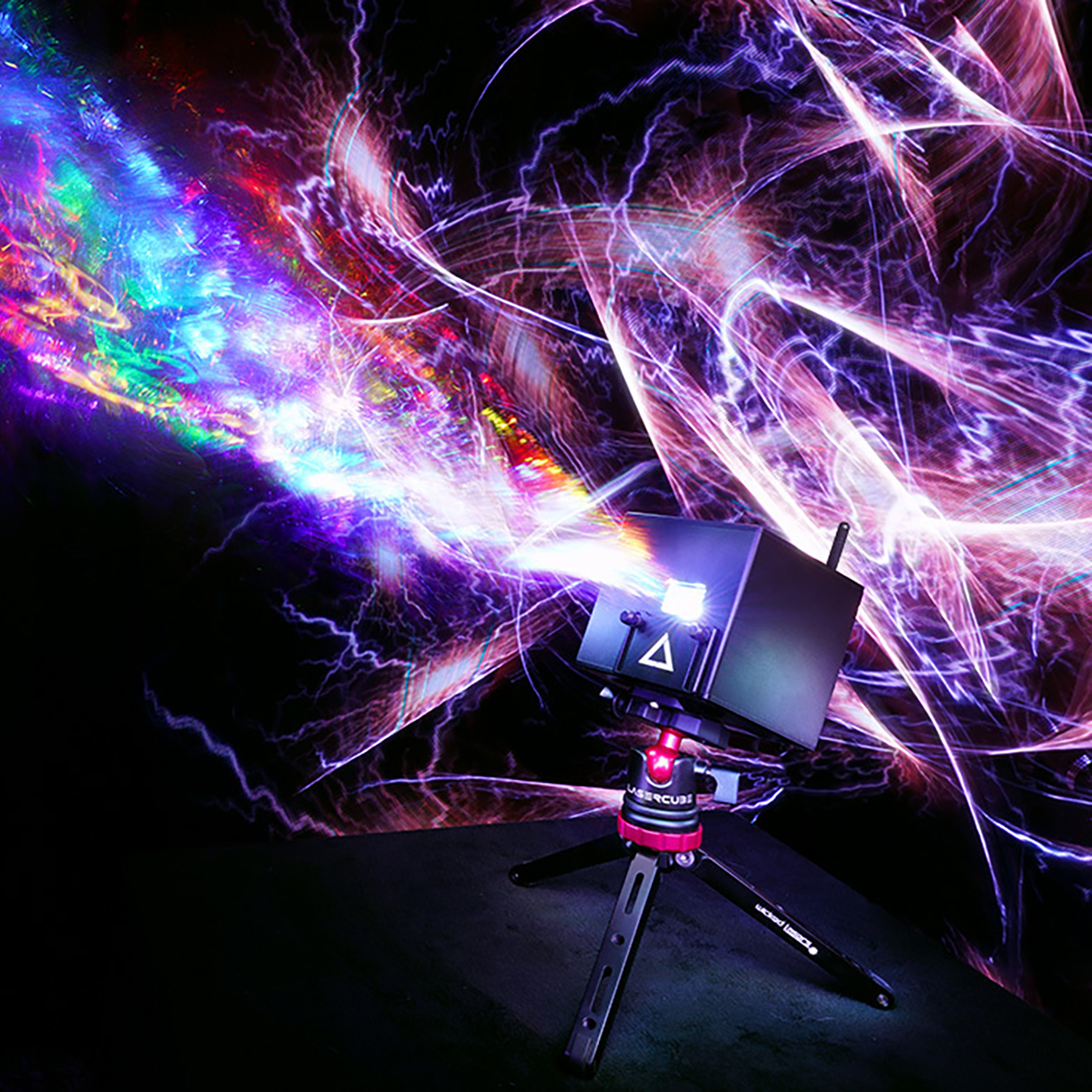
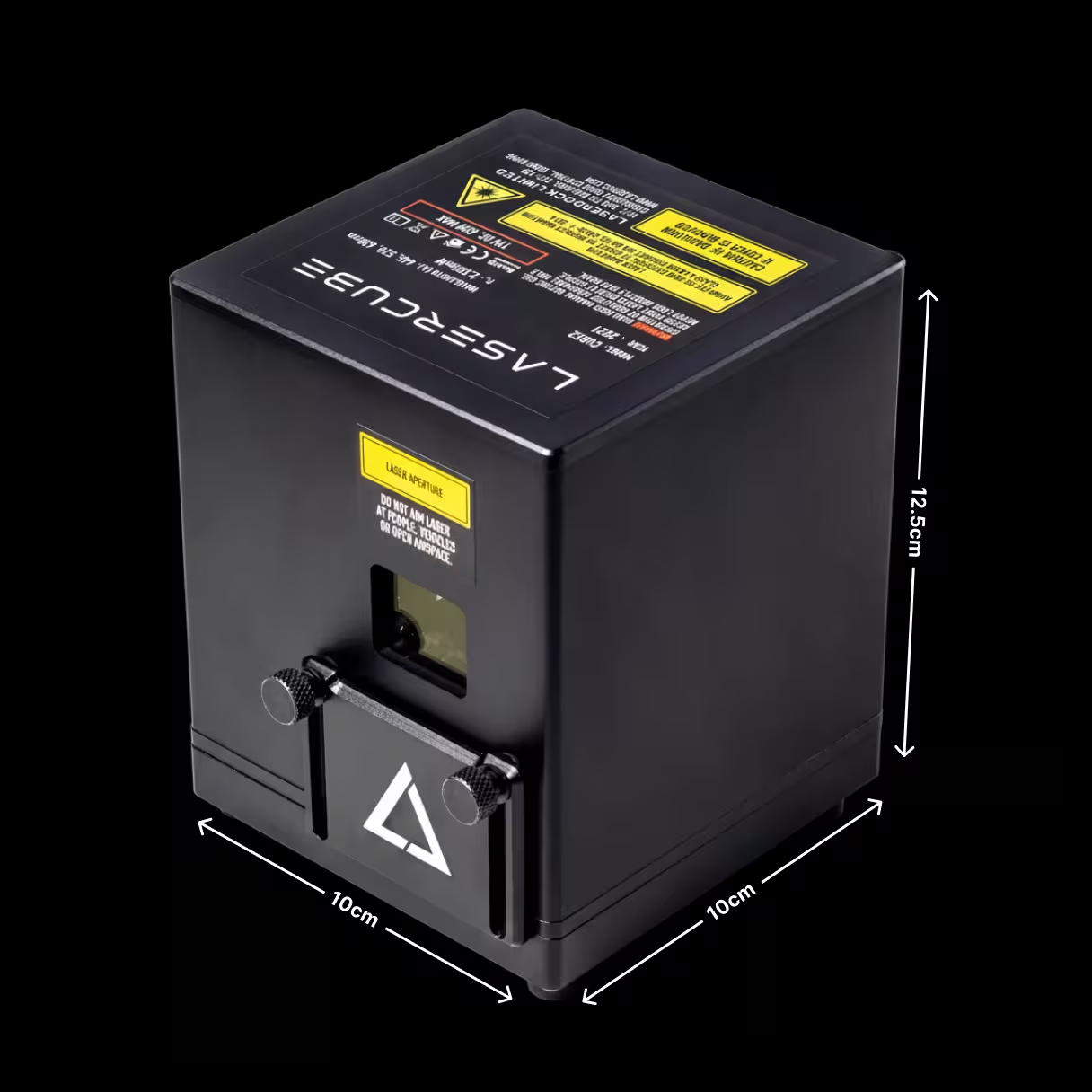
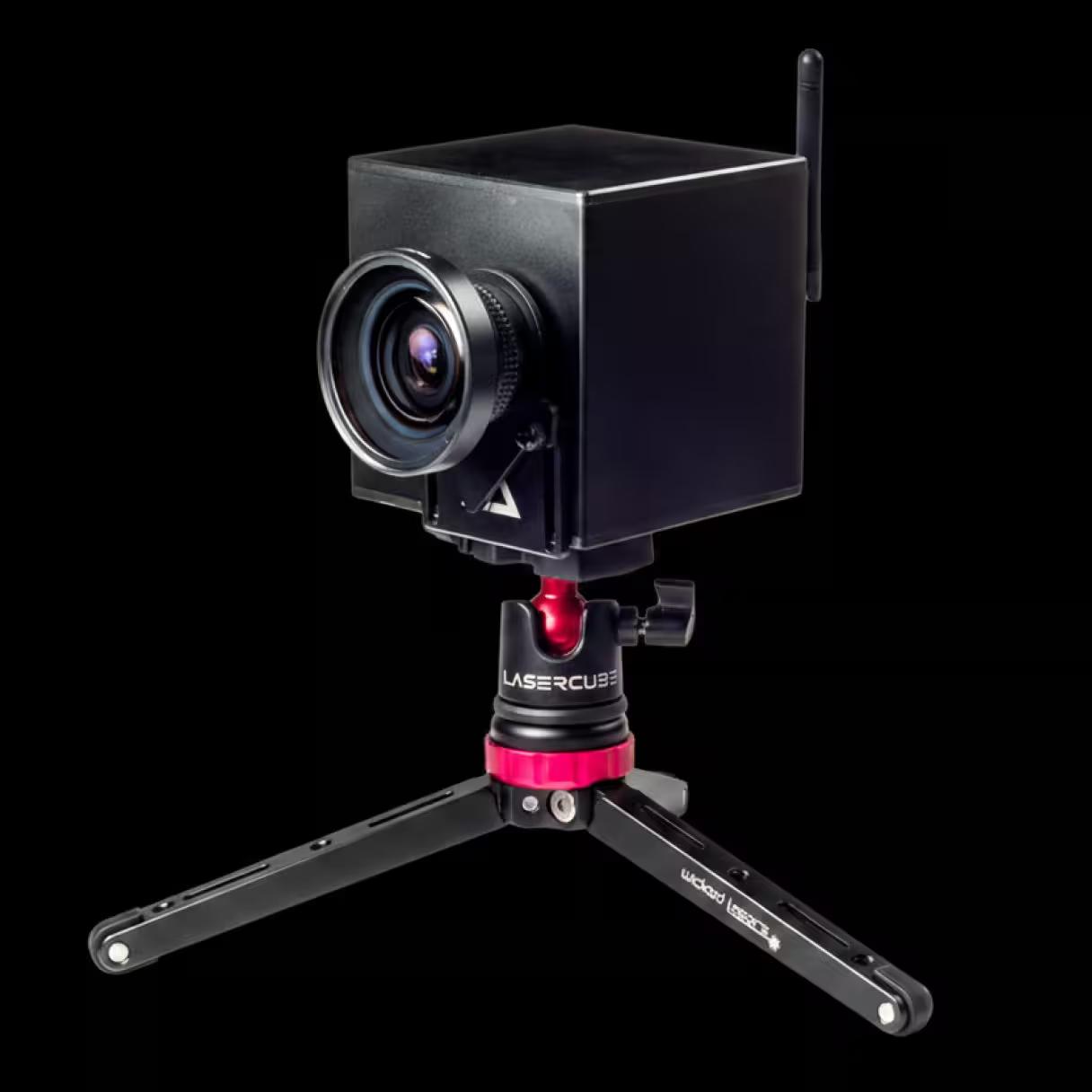
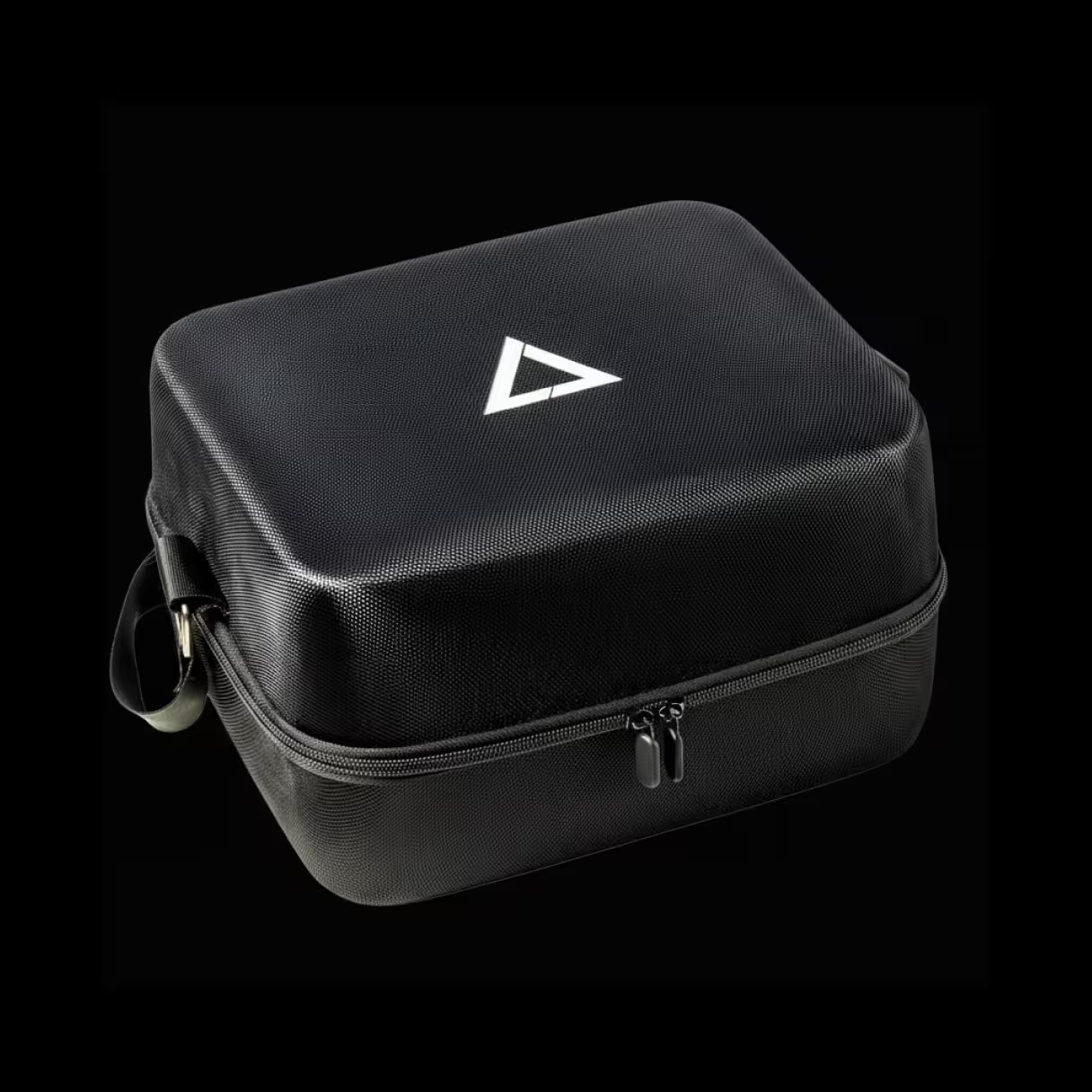


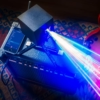
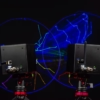
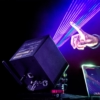
Choose your LaserCube
Choose your Model
From $892
 Medium to Large Venues
 Entertains 500 People
 iOS, Android, PC & Mac
 Up to 3 hour battery
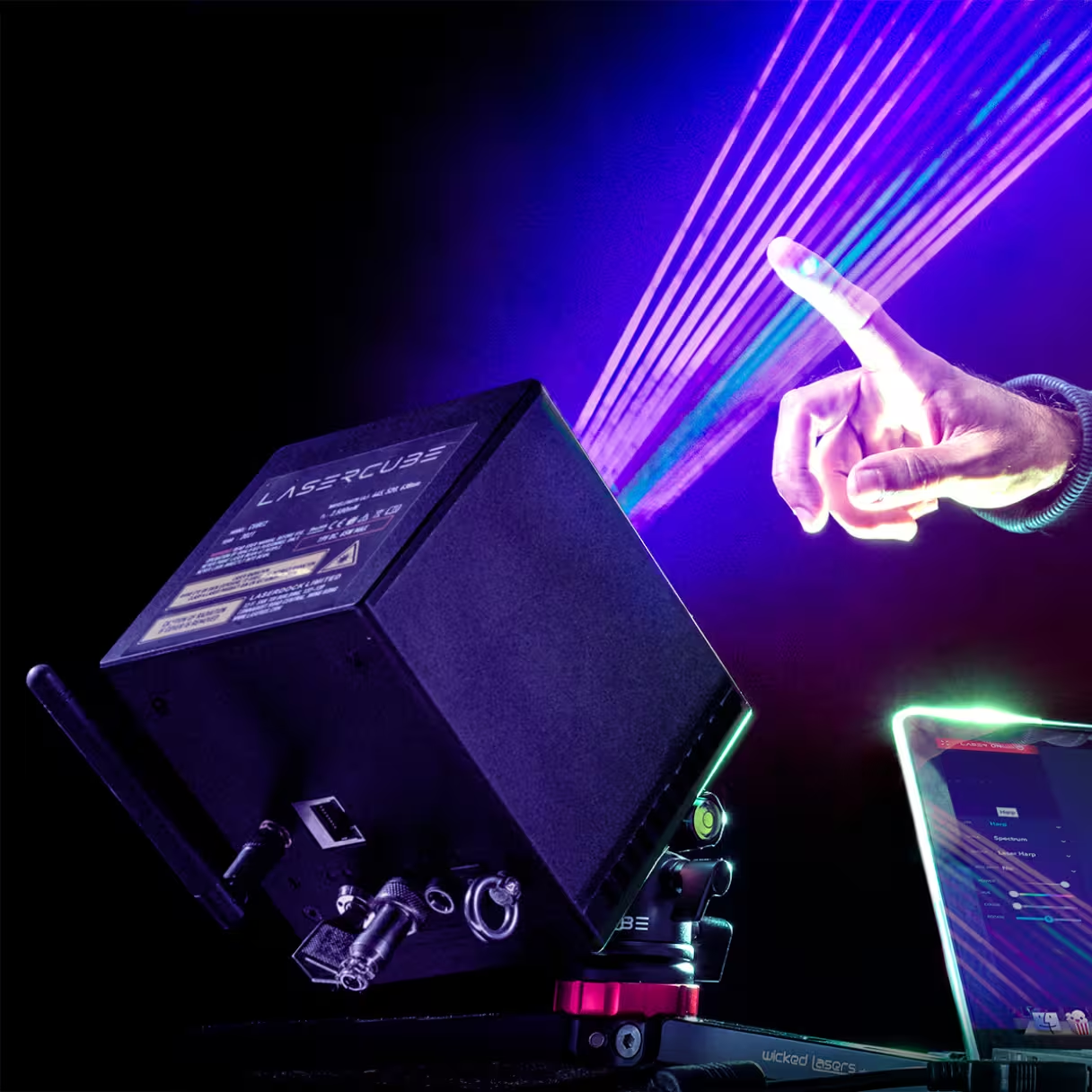
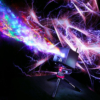
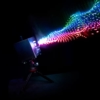
A powerful, ultra-portable laser projector with advanced wireless control. Delivering stunning laser visuals in a compact form perfect for any space.
From $1,673
 Medium to Large Venues
 Entertains 1000 People
 iOS, Android, PC & Mac
 DMX, ILDA & MIDI
 37% smaller vs Ultra
 40% Higher Resolution
 Up to 3 hour battery
 Our most advanced model
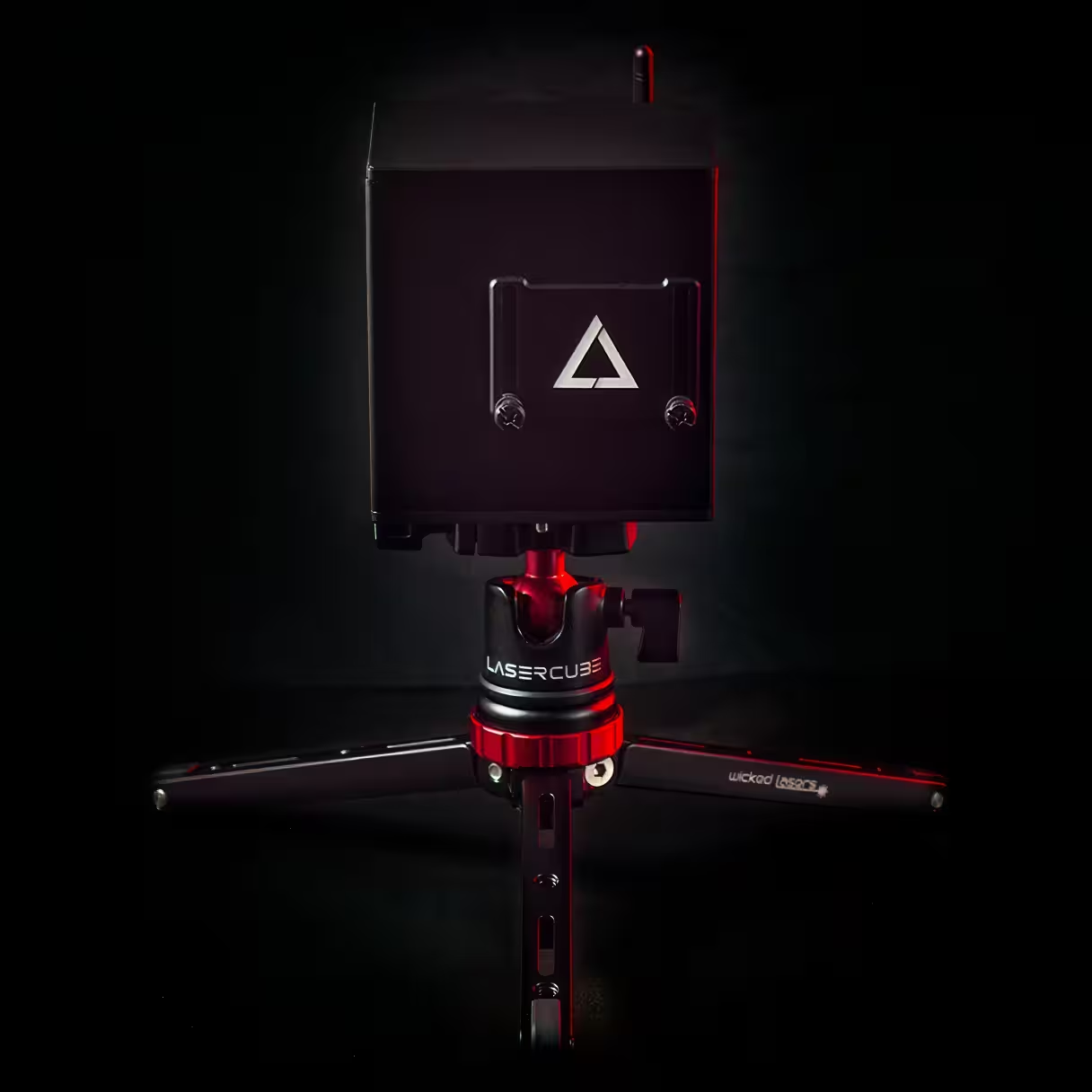
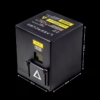
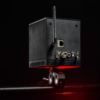
Our most advanced compact professional-grade portable projector with advanced wireless control and full standalone mode.
From $2,454
 Medium to Large Venues
 Entertains 1000 People
 iOS, Android, PC & Mac
 DMX, ILDA & MIDI
 35% Larger Image Size
 40% Higher Resolution
Up to 4 hour battery
40% Higher Resolution
Up to 4 hour battery
 Our most powerful model
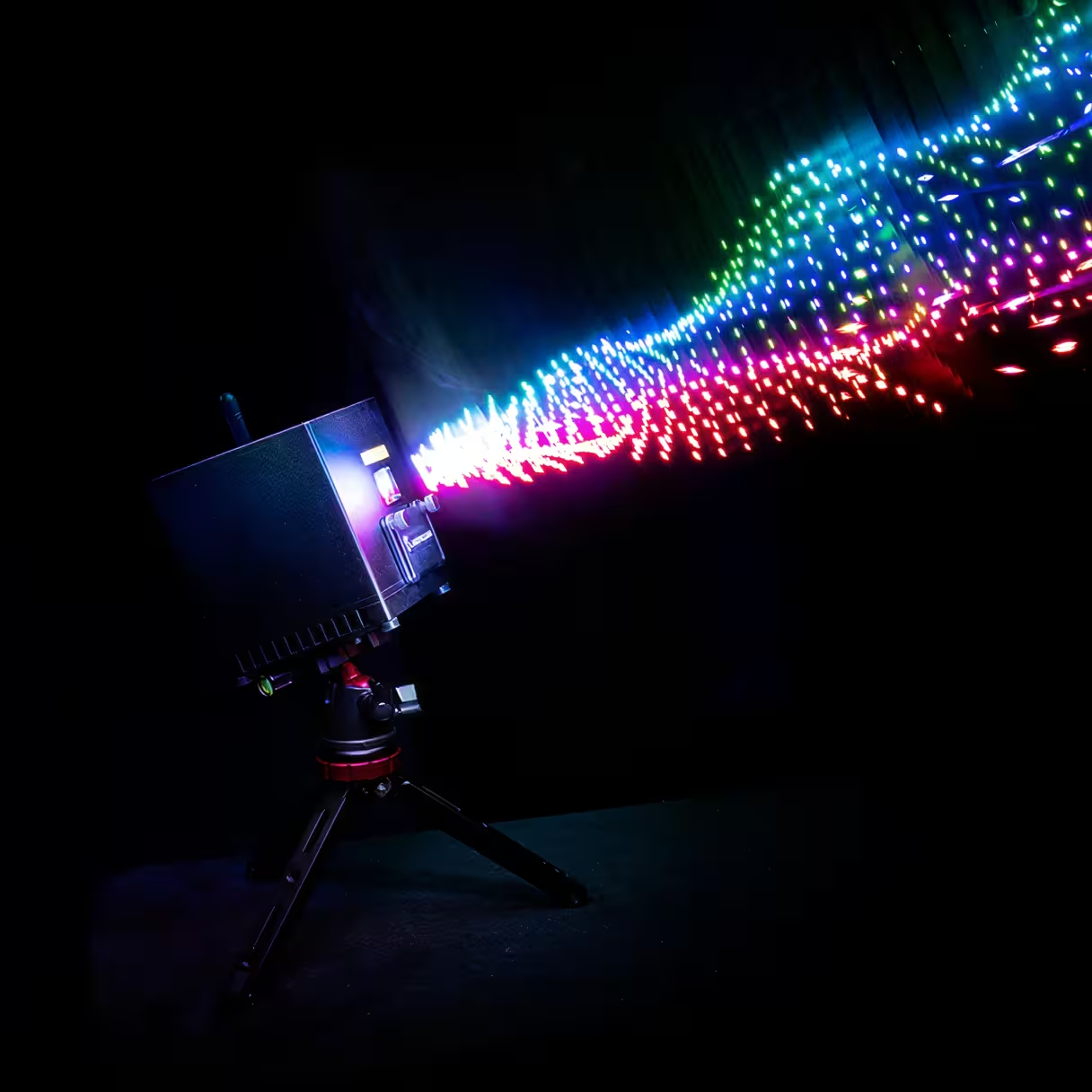
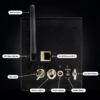
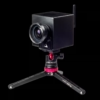
Our flagship professional-grade portable projector with advanced wireless control and full standalone mode.
 Start Live chat
 Compare models
Choose Laser Power
$892
$1,115
$1,673
$2,119
$2,454
$3,012
Add Gear
 WiFi 1.2W Cube
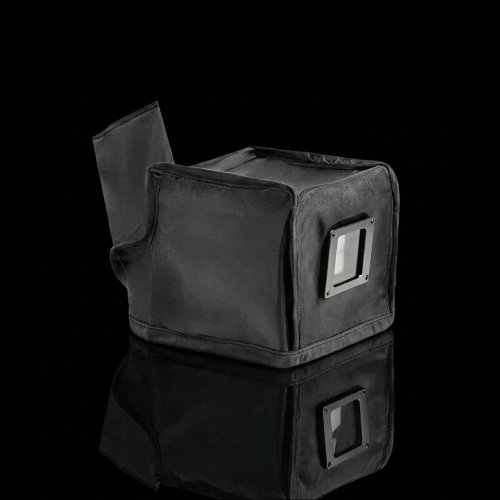
EVA Protective Case
WiFi 1.2W Cube
EVA Protective Case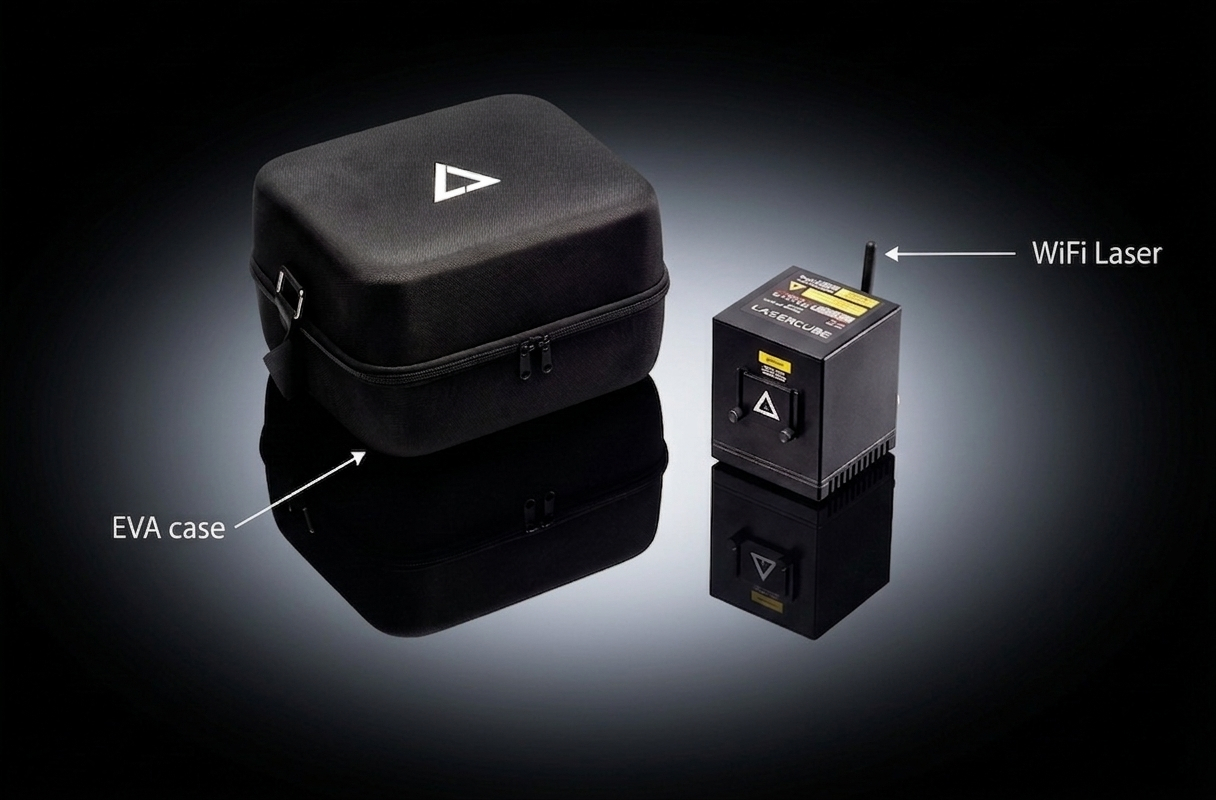
Above items are included in this package.
Select below to add more gear.
$77
$110

$55
$200
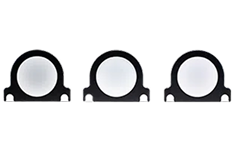
$55
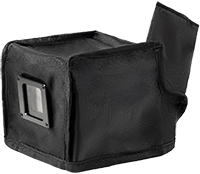
$77
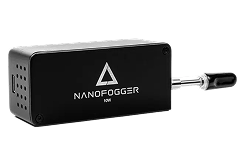
$110
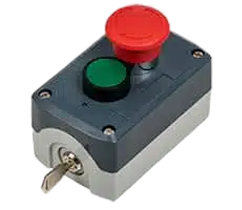
$144
+$167
WiFi 1.2W Cube
EVA Protective Case
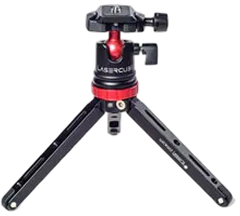
Tripod
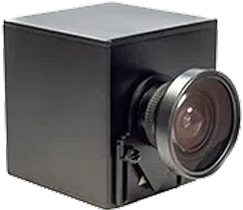
Expander Lens
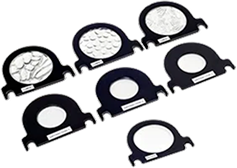
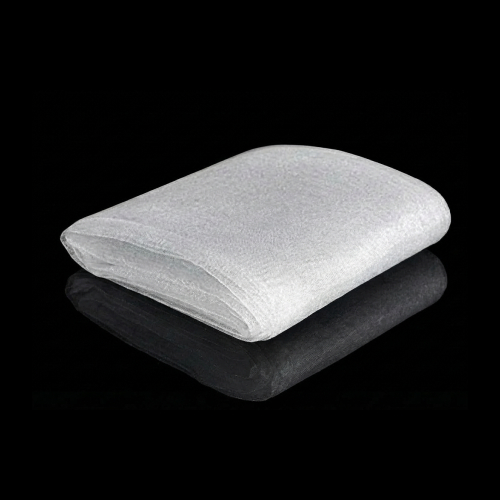
Hologram Net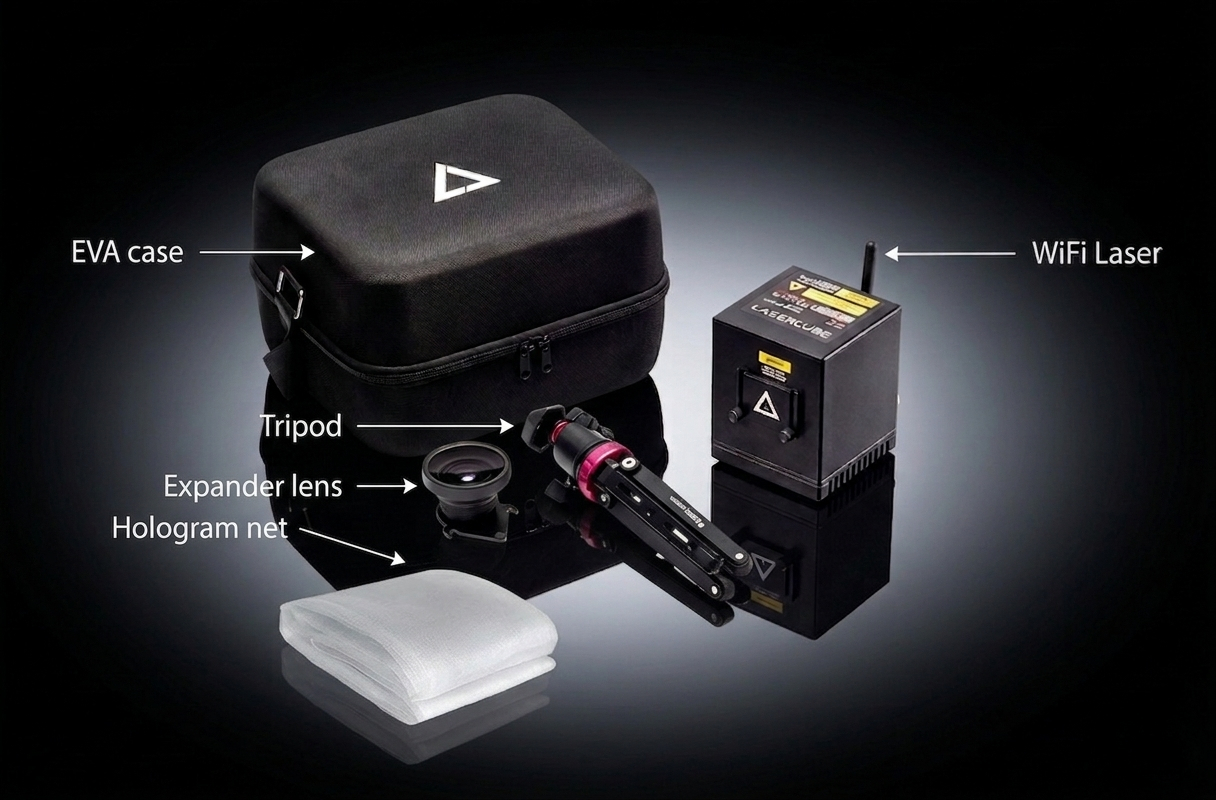
Above items are included in this package.
Select below to add more gear.
$77
$110
$55
$200
$55
$77
$110
$144
+$334
WiFi 1.2W Cube
EVA Protective Case
Tripod
Expander Lens
Hologram Net
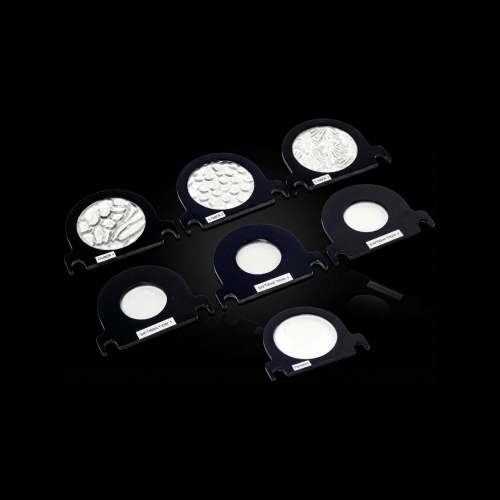
Optics Kit
Rain Cover WiFi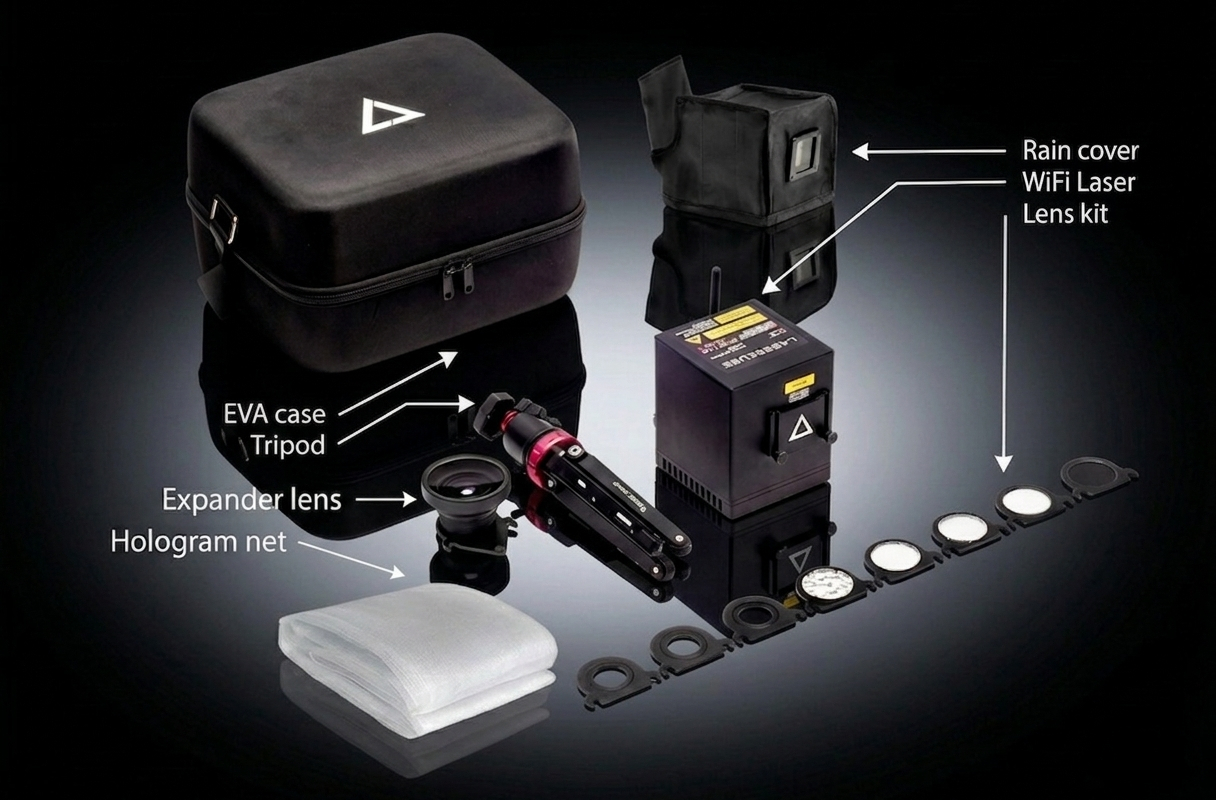
Above items are included in this package.
Select below to add more gear.
$77
$110
$55
$200
$55
$77
$110
$144
+$502
WiFi 1.2W Cube
EVA Protective Case
Tripod
Expander Lens
Hologram Net
Optics Kit
Rain Cover WiFi
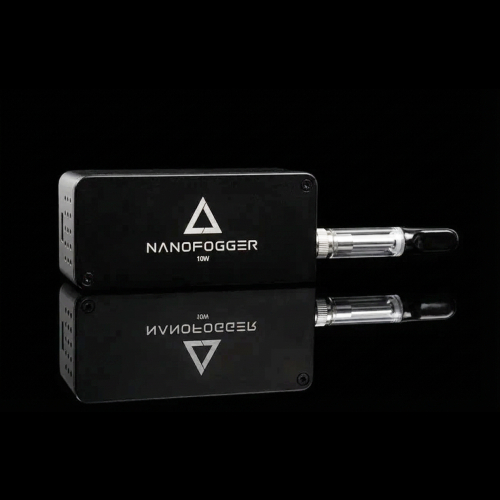
Nano Fogger
Diffract Lens
E-Stop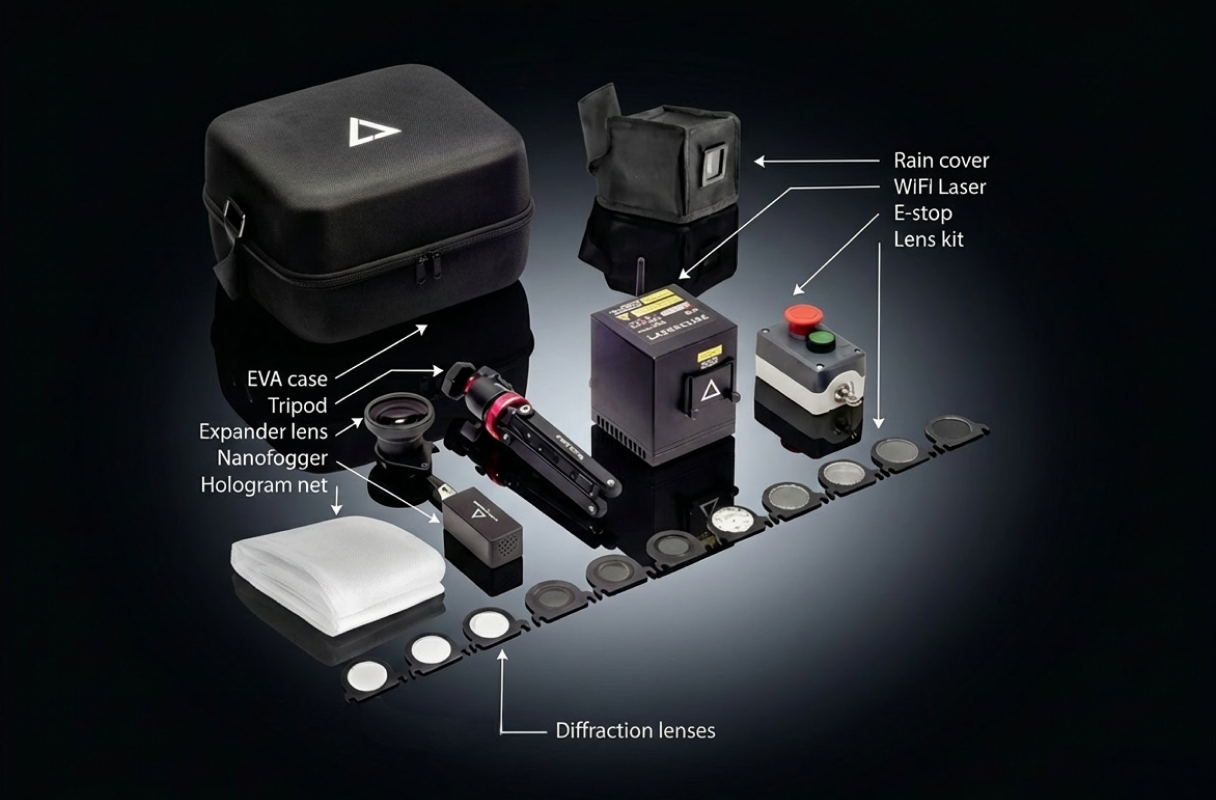
Above items are included in this package.
Select below to add more gear.
$77
$110
$55
$200
$55
$77
$110
$144
WiFi 2.5W Cube
EVA Protective Case
Above items are included in this package.
Select below to add more gear.
$77
$110
$55
$200
$55
$77
$110
$144
+$167
WiFi 2.5W Cube
EVA Protective Case
Tripod
Expander Lens
Hologram Net
Above items are included in this package.
Select below to add more gear.
$77
$110
$55
$200
$55
$77
$110
$144
+$334
WiFi 2.5W Cube
EVA Protective Case
Tripod
Expander Lens
Hologram Net
Optics Kit
Rain Cover WiFi
Above items are included in this package.
Select below to add more gear.
$77
$110
$55
$200
$55
$77
$110
$144
+$502
WiFi 2.5W Cube
EVA Protective Case
Tripod
Expander Lens
Hologram Net
Optics Kit
Rain Cover WiFi
Nano Fogger
Diffract Lens
E-Stop
Above items are included in this package.
Select below to add more gear.
$77
$110
$55
$200
$55
$77
$110
$144
 Pro 3W Cube
EVA Protective Case
Pro 3W Cube
EVA Protective Case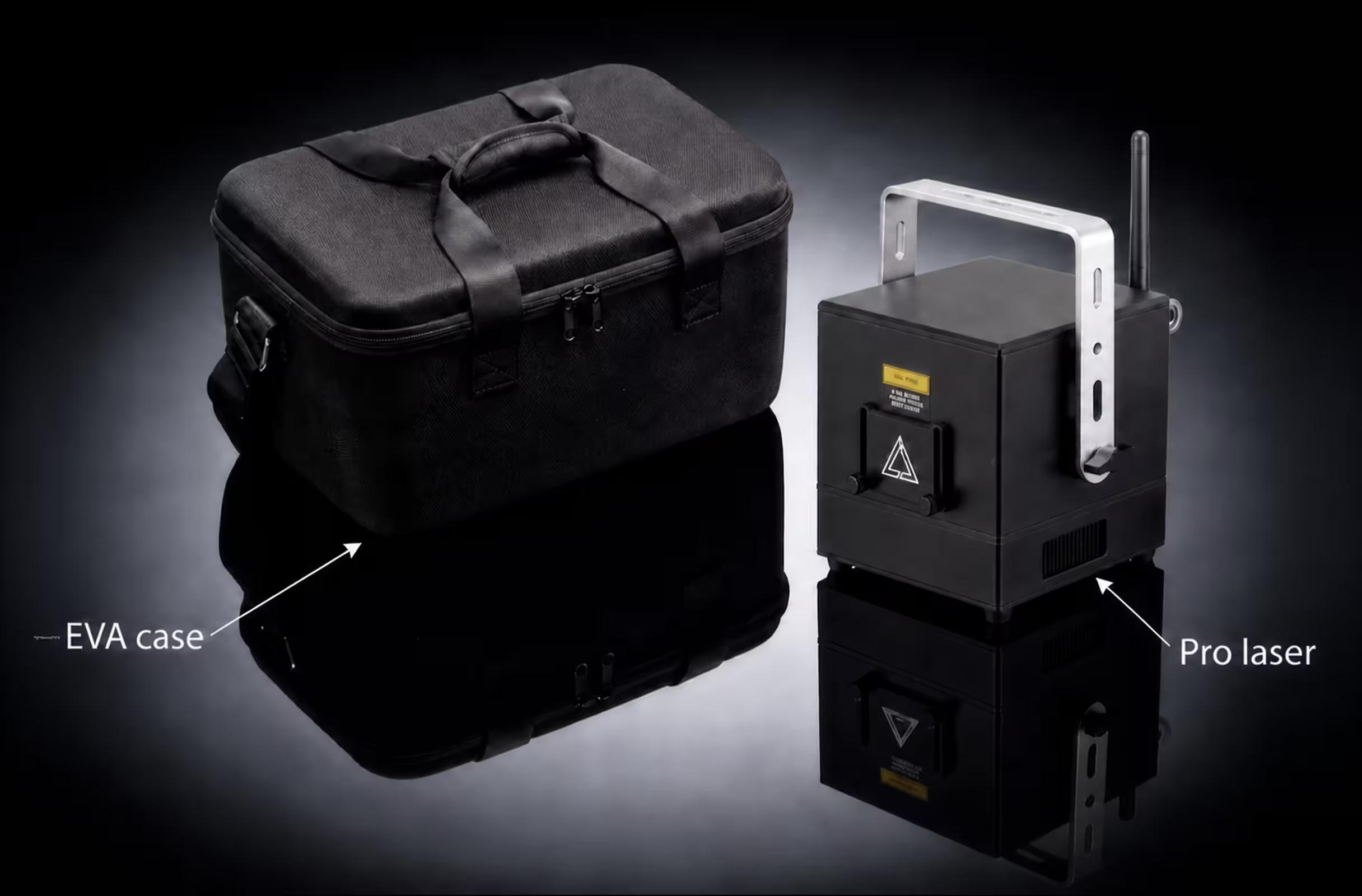
Above items are included in this package.
Select below to add more gear.
$110
$55
$200
$55
$110
$144
+$111
Pro 3W Cube
EVA Protective Case
Expander Lens
Hologram Net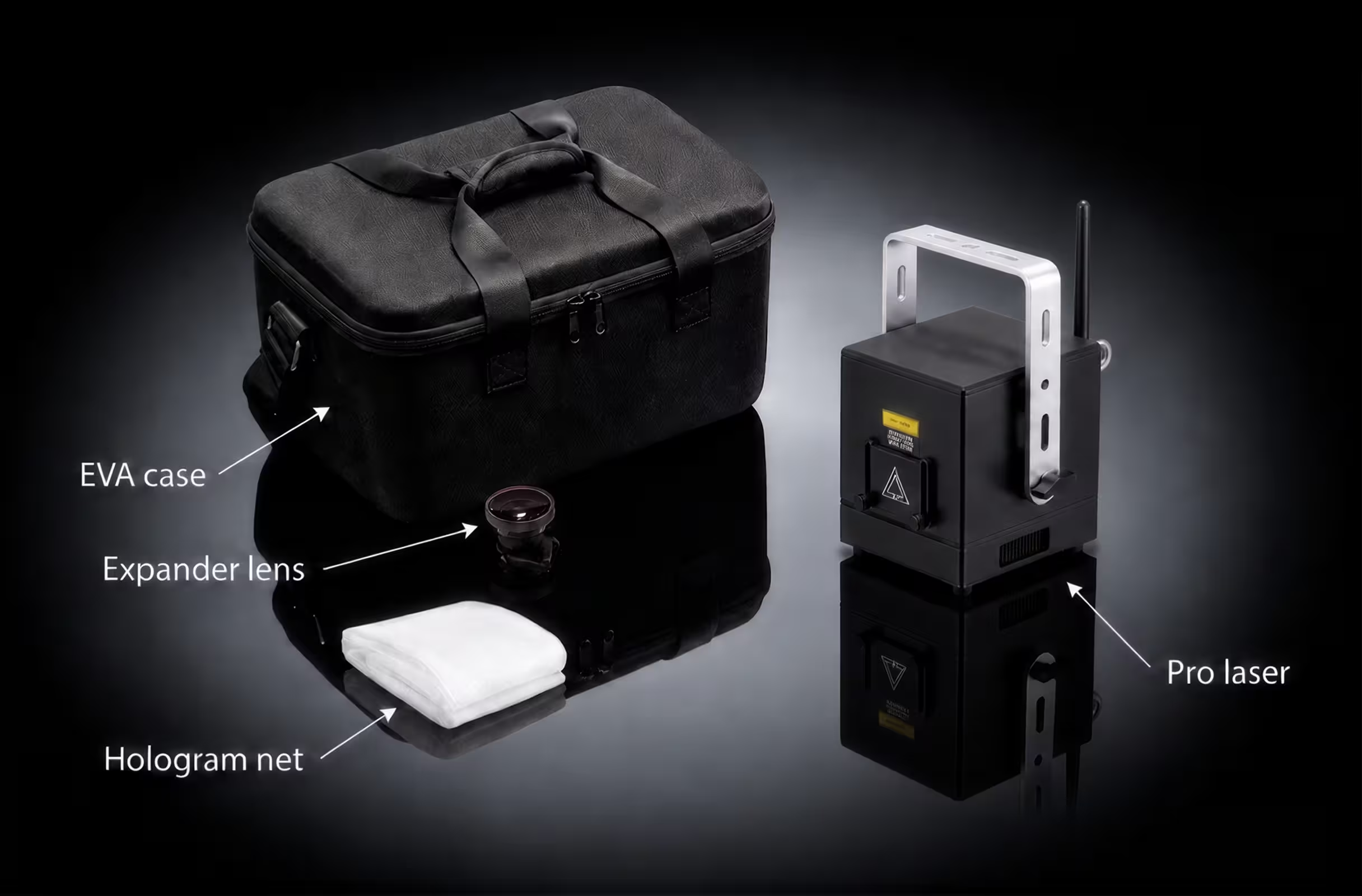
Above items are included in this package.
Select below to add more gear.
$110
$55
$200
$55
$110
$144
+$223
Pro 3W Cube
EVA Protective Case
Expander Lens
Hologram Net
Optics Kit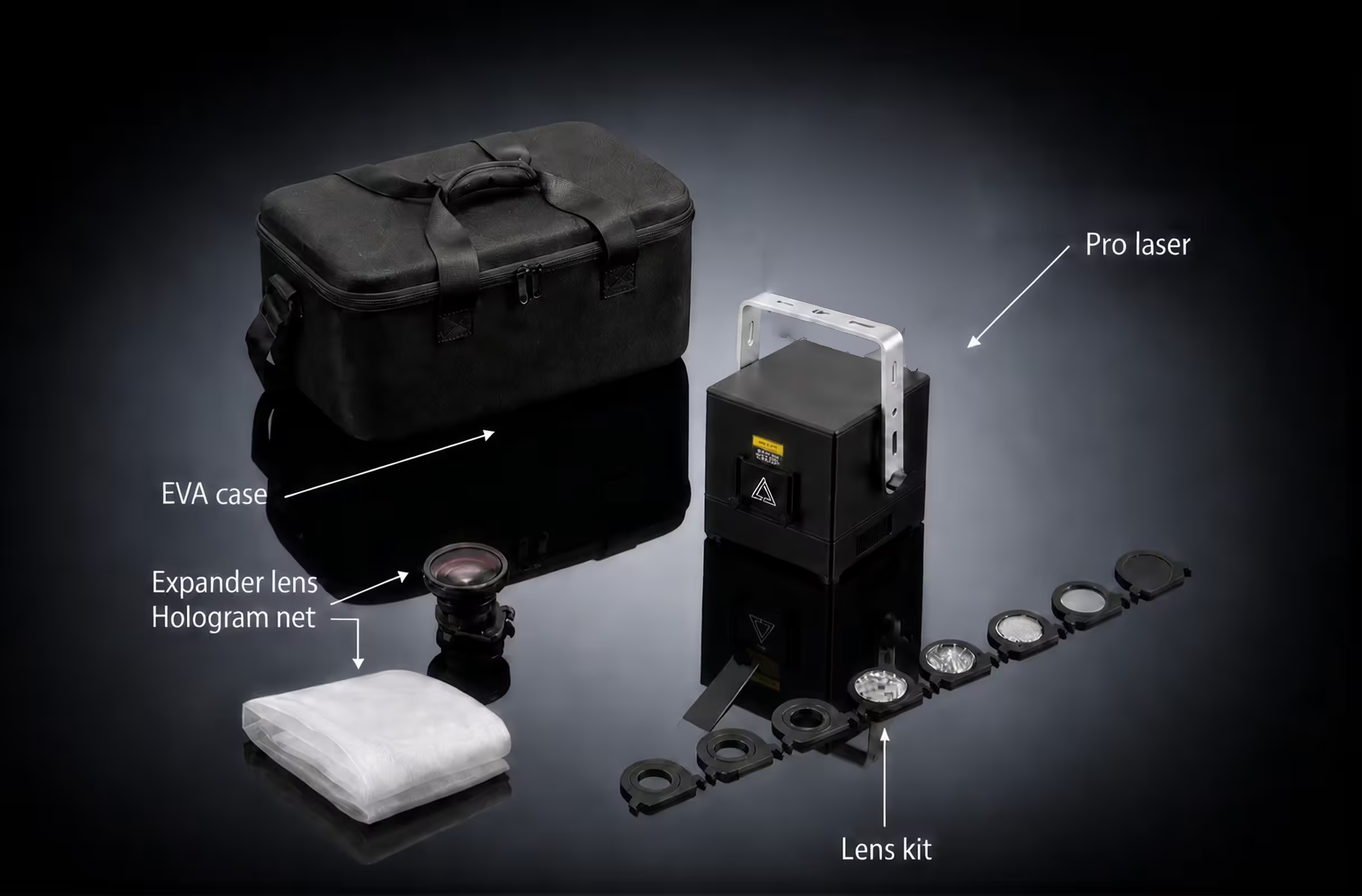
Above items are included in this package.
Select below to add more gear.
$110
$55
$200
$55
$110
$144
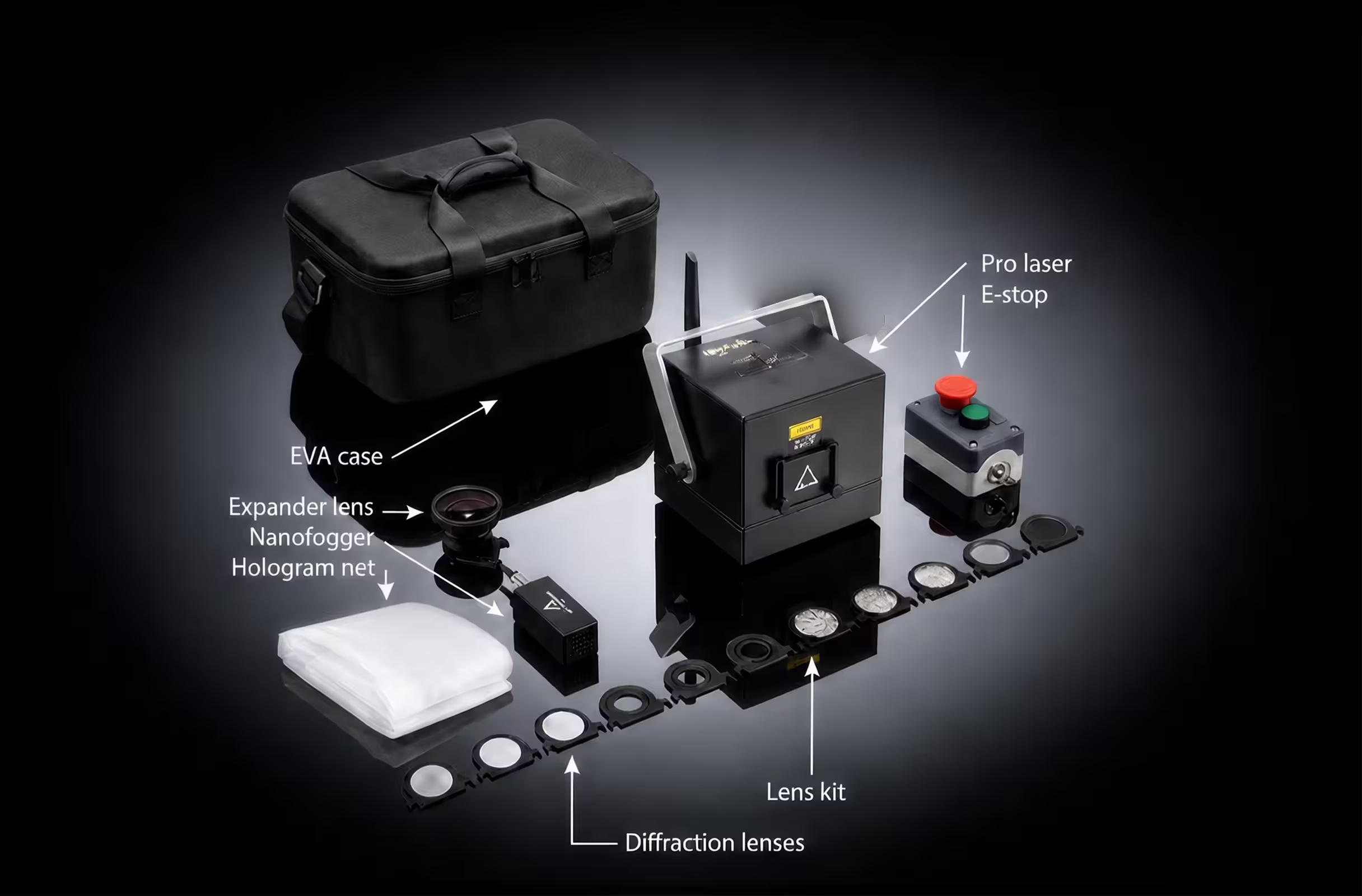
+$390
Pro 3W Cube
EVA Protective Case
Expander Lens
Hologram Net
Optics Kit
Nano Fogger
Diffract Lens
E-Stop
Above items are included in this package.
Select below to add more gear.
$110
$55
$200
$55
$110
$144
Pro 6W Cube
EVA Protective Case
Above items are included in this package.
Select below to add more gear.
$110
$55
$200
$55
$110
$144
+$111
Pro 6W Cube
EVA Protective Case
Expander Lens
Hologram Net
Above items are included in this package.
Select below to add more gear.
$110
$55
$200
$55
$110
$144
+$223
Pro 6W Cube
EVA Protective Case
Expander Lens
Hologram Net
Optics Kit
Above items are included in this package.
Select below to add more gear.
$110
$55
$200
$55
$110
$144
+$390
Pro 6W Cube
EVA Protective Case
Expander Lens
Hologram Net
Optics Kit
Nano Fogger
Diffract Lens
E-Stop
Above items are included in this package.
Select below to add more gear.
$110
$55
$200
$55
$110
$144
 Ultra MK2 6W Cube
EVA Protective Case
Ultra MK2 6W Cube
EVA Protective Case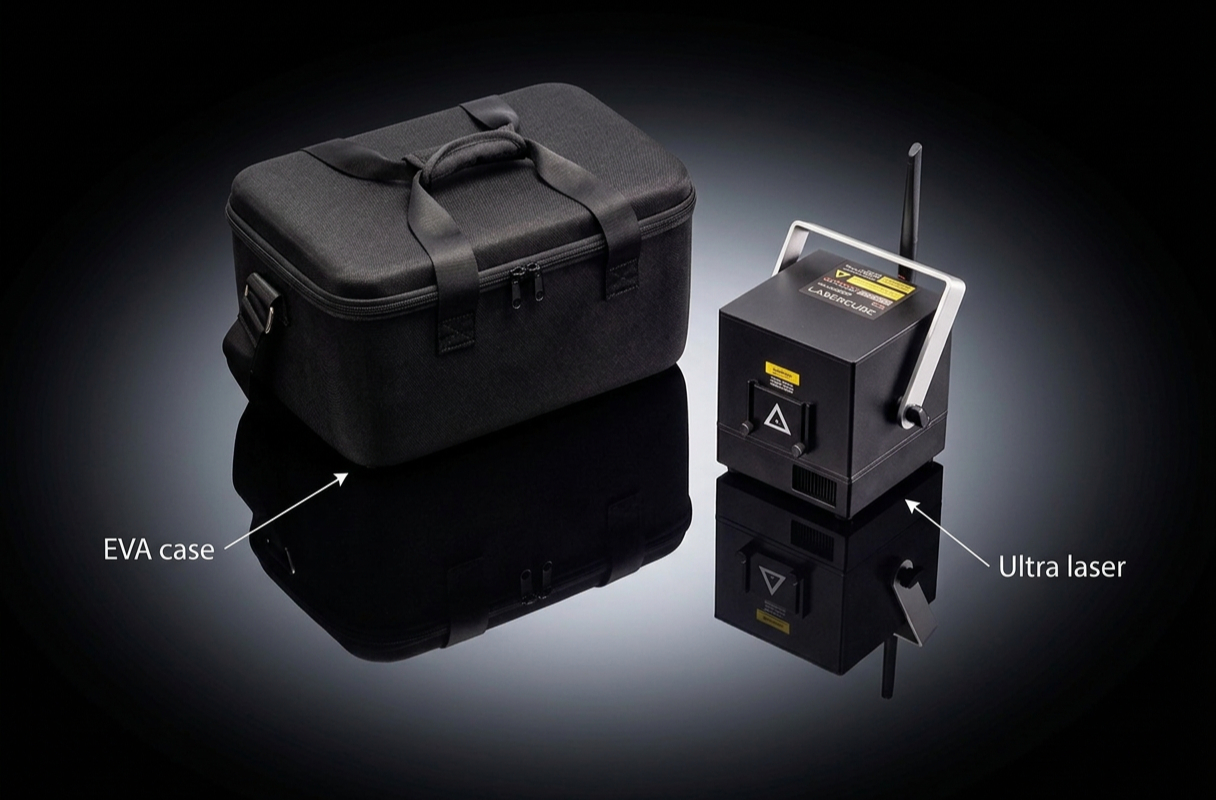
Above items are included in this package.
Select below to add more gear.
$110
$55
$200
$55
$122
$110
$144
+$111
Ultra MK2 6W Cube
EVA Protective Case
Expander Lens
Hologram Net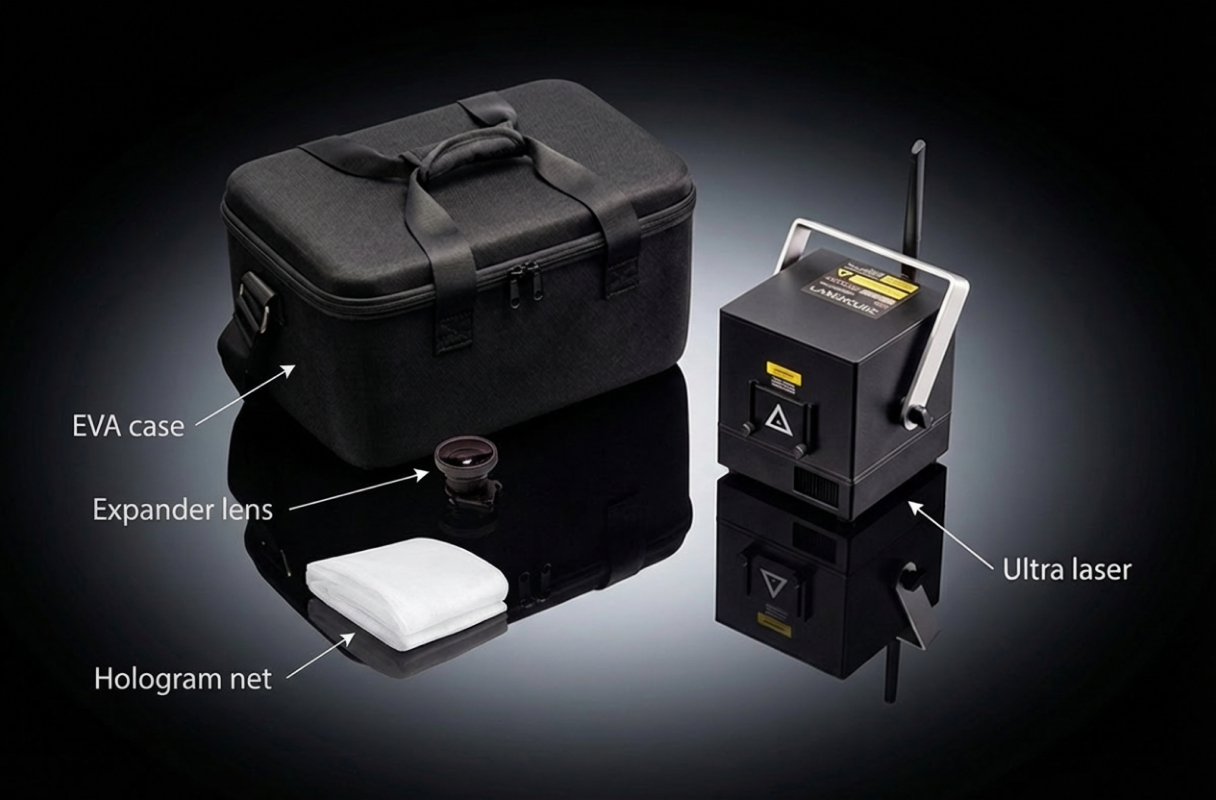
Above items are included in this package.
Select below to add more gear.
$110
$55
$200
$55
$122
$110
$144
+$279
Ultra MK2 6W Cube
EVA Protective Case
Expander Lens
Hologram Net
Optics Kit
Rain Cover Ultra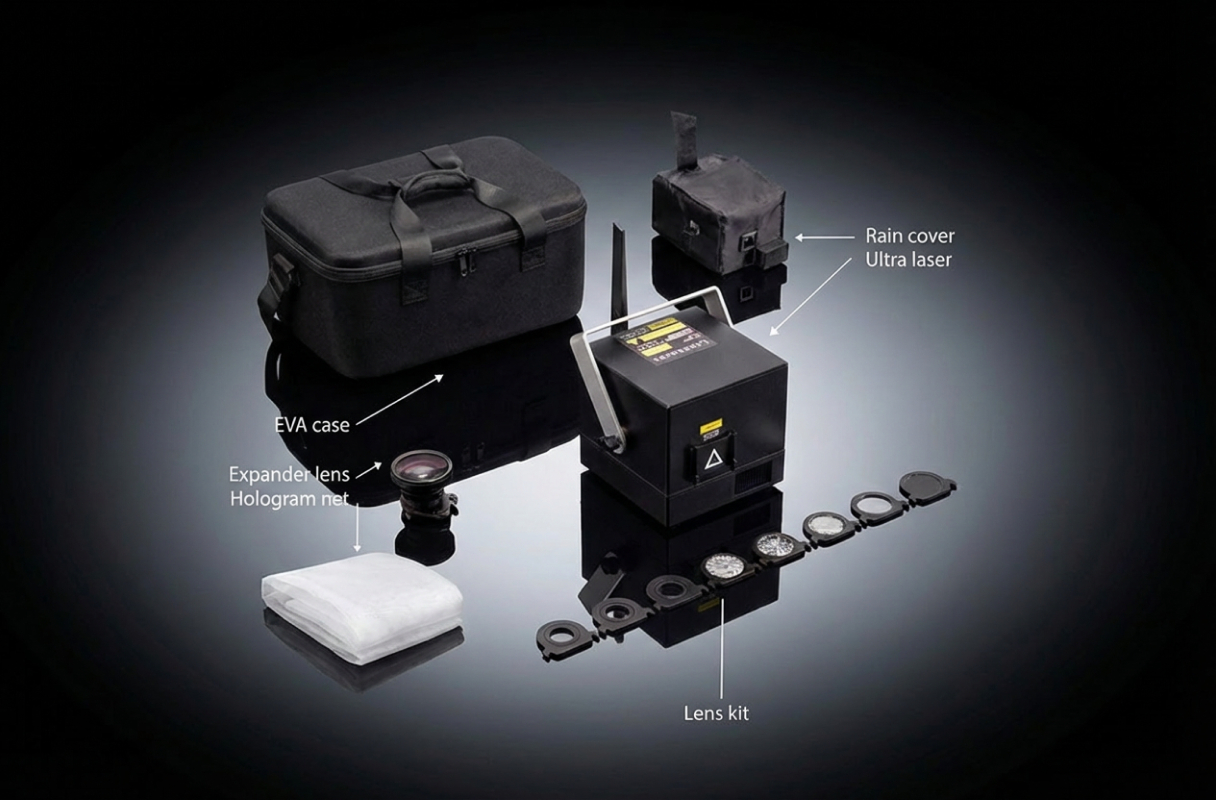
Above items are included in this package.
Select below to add more gear.
$110
$55
$200
$55
$122
$110
$144
+$446
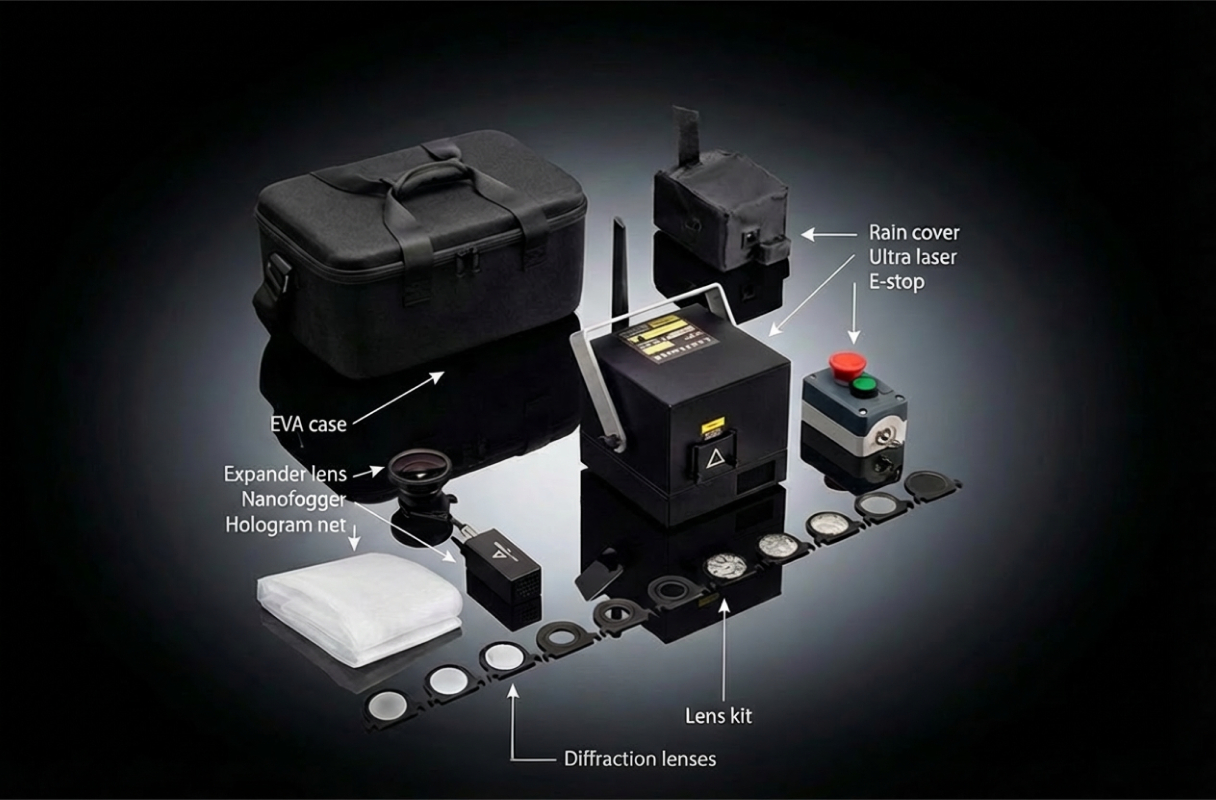
Ultra MK2 6W Cube
EVA Protective Case
Expander Lens
Hologram Net
Optics Kit
Rain Cover Ultra
Nano Fogger
Diffract Lens
E-Stop
Above items are included in this package.
Select below to add more gear.
$110
$55
$200
$55
$122
$110
$144
Ultra MK2 10W Cube
EVA Protective Case
Above items are included in this package.
Select below to add more gear.
$110
$55
$200
$55
$122
$110
$144
+$111
Ultra MK2 10W Cube
EVA Protective Case
Expander Lens
Hologram Net
Above items are included in this package.
Select below to add more gear.
$110
$55
$200
$55
$122
$110
$144
+$278
Ultra MK2 10W Cube
EVA Protective Case
Expander Lens
Hologram Net
Optics Kit
Rain Cover Ultra
Above items are included in this package.
Select below to add more gear.
$110
$55
$200
$55
$122
$110
$144
+$446
Ultra MK2 10W Cube
EVA Protective Case
Expander Lens
Hologram Net
Optics Kit
Rain Cover Ultra
Nano Fogger
Diffract Lens
E-Stop
Above items are included in this package.
Select below to add more gear.
$110
$55
$200
$55
$122
$110
$144
$77
$110
$55
$200
$55
$77
$110
$144
$110
$55
$200
$55
$110
$144
$110
$55
$200
$55
$122
$110
$144
Special Offer
+$713
+$847
+$981
+$1,115
+$892
+$1,025
+$1,159
+$1,293
+$1,338
+$1,427
+$1,516
+$1,650
+$1,695
+$1,784
+$1,873
+$2,007
+$1,963
+$2,052
+$2,186
+$2,320
+$2,409
+$2,498
+$2,632
+$2,766


 4.8/5 Excellent
Absolutely worth every penny, totally elevated the visuals for our concert.
 Brittany Beheshti Canada
It said I would be popular at the party with the cube and I was.
 Peter Berg Sweden
Outstanding service, exceptional product. Evenings with TouchDesigner and brilliant LaserCube.
 Ghita Belgium
Evidence: I will order other LaserCubes, sure and certain!
 Monsieur VAZ NUNES France
Fast shipping. Amazing support. Amazing LaserCube!
 Jannis Germany
We are going where no laser has been before. The company is great, their service is pristine.
 Reinaldo Torres United States
This device is absolutely fantastic, easy to set up and app has endless amazing effects!
 Angus P. Switzerland
The future is here! The cutting-edge Laser Portability & Projection shows!
 Dj gedi United Kingdom
It's amazing what it can do despite its small size ( ͡ᵔ ͜ʖ ͡ᵔ)
 Francesco Romanini Italy
wow, this thing is a serious upgrade! 10/10, highly recommended!
 Dexter Psychedelic Ireland
What’s inside the box
The following items are included in your purchase.
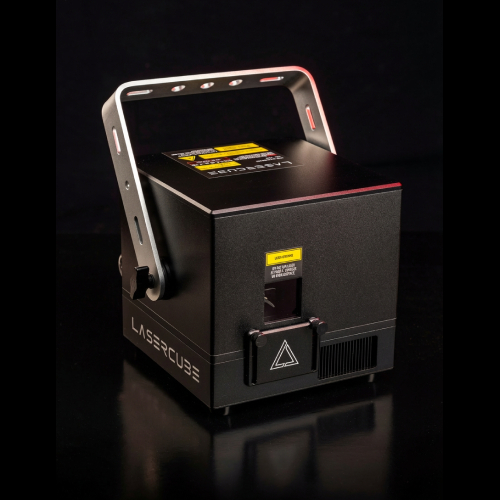
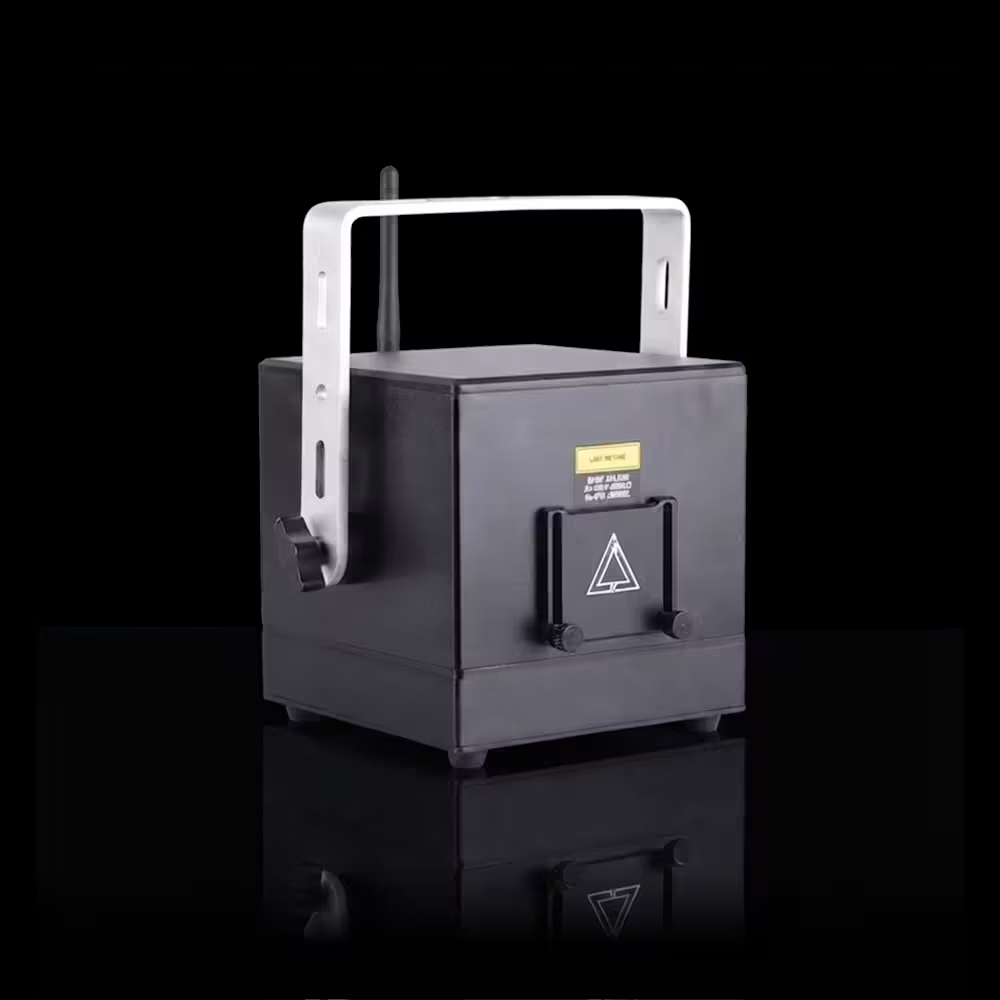
LaserCube
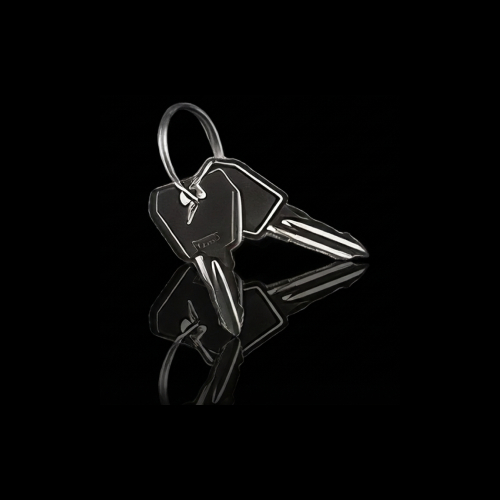
Spare Keys
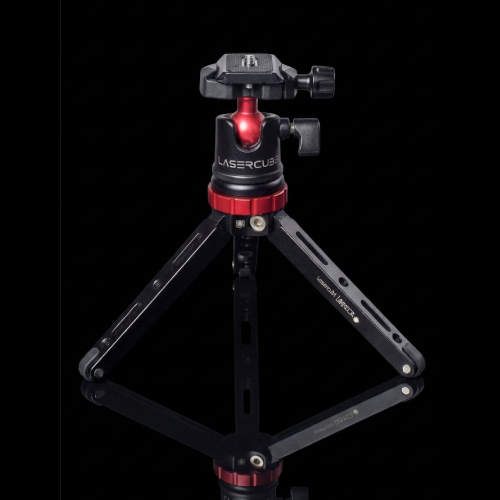
Tripod
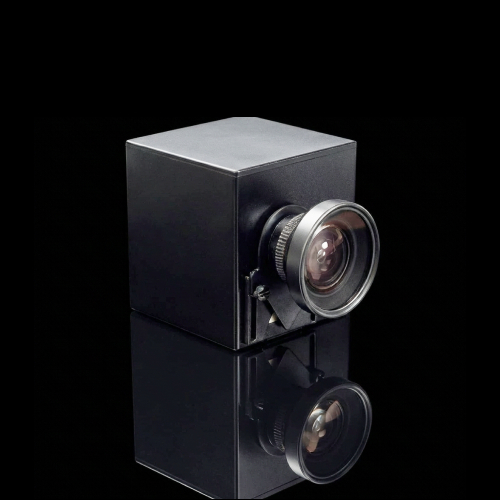
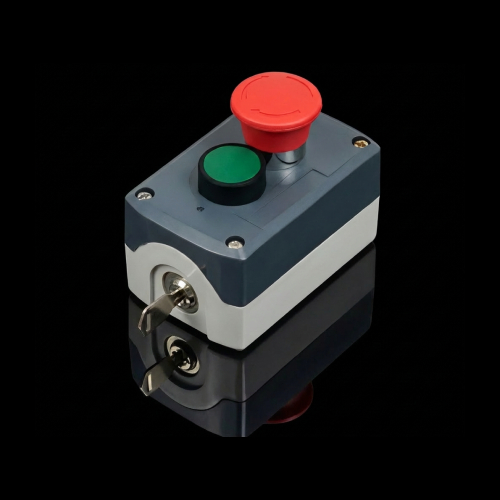
E-Stop Kit
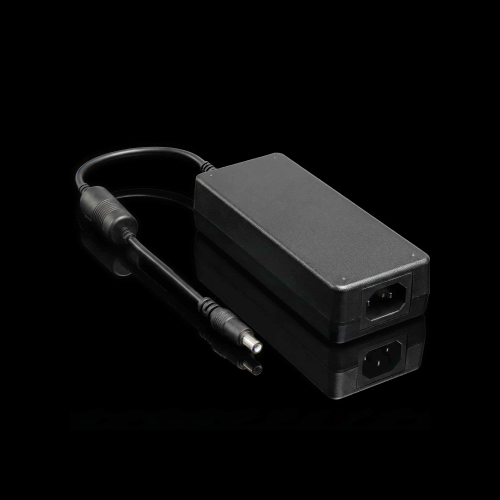
Power Adapter
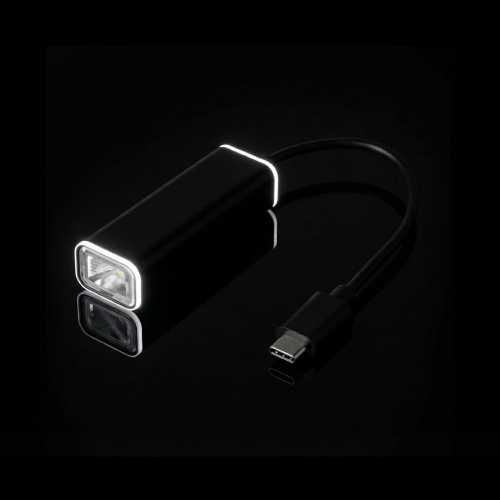
USB-C Adapter
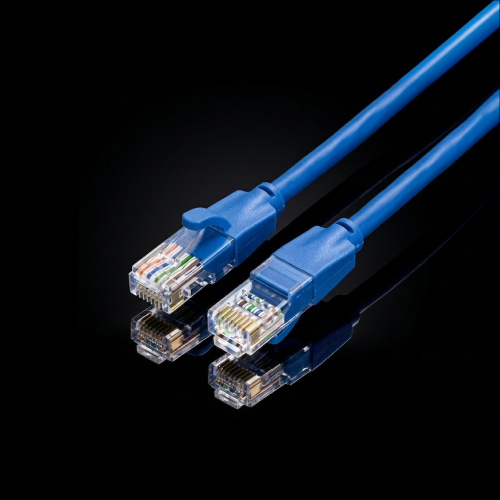
Ethernet Cable
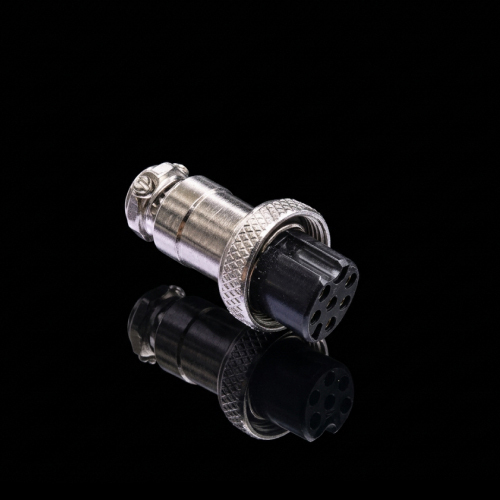
Interlock
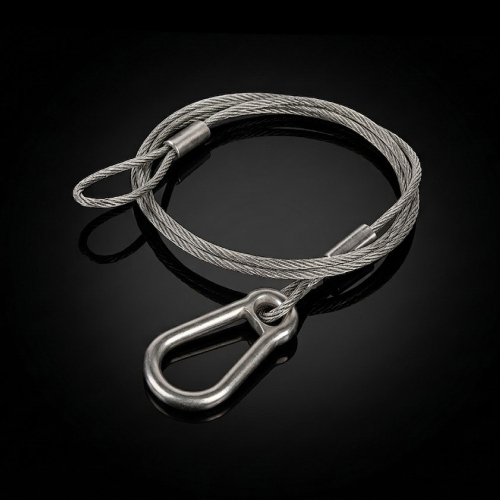
Security Loop
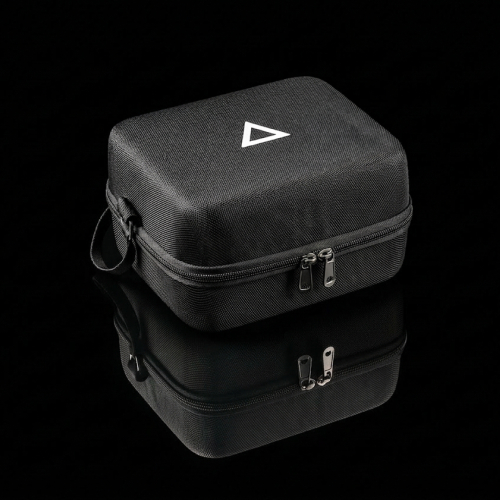
Carrying Case
Technical Specs
Quick setup, powerful body and portability with Creators in mind.


 Power
10,000mW
6,000mW
2,500mW
1,200mW
6,000mW
3,000mW
Power
10,000mW
6,000mW
2,500mW
1,200mW
6,000mW
3,000mW
 Battery
3-4 hours runtime
Battery
3-4 hours runtime 4 hours charging time 2-3 hours runtime
3 hours charging time 2-3 hours runtime
4 hours charging time

 Size & Weight
155
x 150 x 155 mm
Size & Weight
155
x 150 x 155 mm8.2 lbs. / 3.7 kg 130 x 130 x 135 mm
5.5 lbs. / 2.5 kg 10 x 10 x 12.5 cm
3.7 lbs. / 1.7 kg


 Beam Specs
4mm Diameter
Beam Specs
4mm Diameter 1mRad Divergence


 Scanners
35k pps @ 7°
35k pps @ 7°
25k pps @
6°
Scanners
35k pps @ 7°
35k pps @ 7°
25k pps @
6°


 Pure Diode
455 / 525 / 638 nm
Pure Diode
455 / 525 / 638 nm5000 / 2800 / 2800 mW 455 / 525 / 638 nm
2800 / 1500 / 1800 mW 455 / 525 / 638 nm
1350 / 850 / 950 mW 455 / 525 / 638 nm
2800 / 1500 / 1800 mW 445 / 520 / 635 nm
1300 / 800 / 400 mW 445 / 520 / 635 nm
700 / 300 / 200 mW


 Modulation
Analog
70kHz
Modulation
Analog
70kHz16.7 Million Colors Analog 70kHz
16.7 Million Colors Analog 33kHz
16.7 Million Colors


Compare Models
Choose the LaserCube for all your laser needs.
| Choose your Cube | Ultra MK2 | Pro | WiFi |
|---|---|---|---|
|
|
|||
| Setup in under 5 min |  |
|
 |
| Thousands of visuals | |
|
|
| Free app updates | |
|
|
| Mac, PC, iOS, Android | |
|
|
Upgraded scanners  |
|
|
 |
| ILDA ports |
In + Out In/ |
In only | |
| CubeOS Standalone |
|
|
|
| Artnet |
|
|
|
| DMX Control |
Full-size XLR XLR | 3.5mm TRS 3.5mm | |
| 3.5mm Audio ports |
|
|
|
| APC40 & Mini |
|
|
|
| Digital Driver Control |
|
|
|
| Laser diode power | 10W / 6W 10/ |
6W / 3W 6/ |
2.5W / 1.2W 2.5/ |
| Battery capacity | 92Wh | 70Wh | 46Wh |
| Comprehensive warranty | 12mo | 12mo | 12mo |
| Price starting at | $2,454 | $1,673 | $892 |
| Buy | Buy | Buy | |
FAQ
Let us answer your questions
What is the shipping policy?

LaserCube ships from Hong Kong using DHL or Fedex express courier. It typically takes 1-2 weeks for delivery. All tariffs and customs duties are the responsibility of the recipient. During checkout, there is an option to set a lower customs declaration price.
What is the warranty and return policy?
We guarantee your LaserCube will be free from defects for a full year from the date of receipt. In case of defect, we will send a replacement part or repair/replace your LaserCube free of charge. We offer a 2 and 3-year extended warranty program that includes accidental damage. Our service center is located in the United Kingdom. We offer a 30 day return policy.
How can I learn how to use the LaserCube Ultra MK2 or Pro?
The Ultra MK2 and Pro share the LaserCube User Wiki. See https://wiki.laseros.com for setup and how-to guides. If you can't find what you need there, email support@laseros.com.
What connections and controls does the LaserCube Ultra MK2 have?
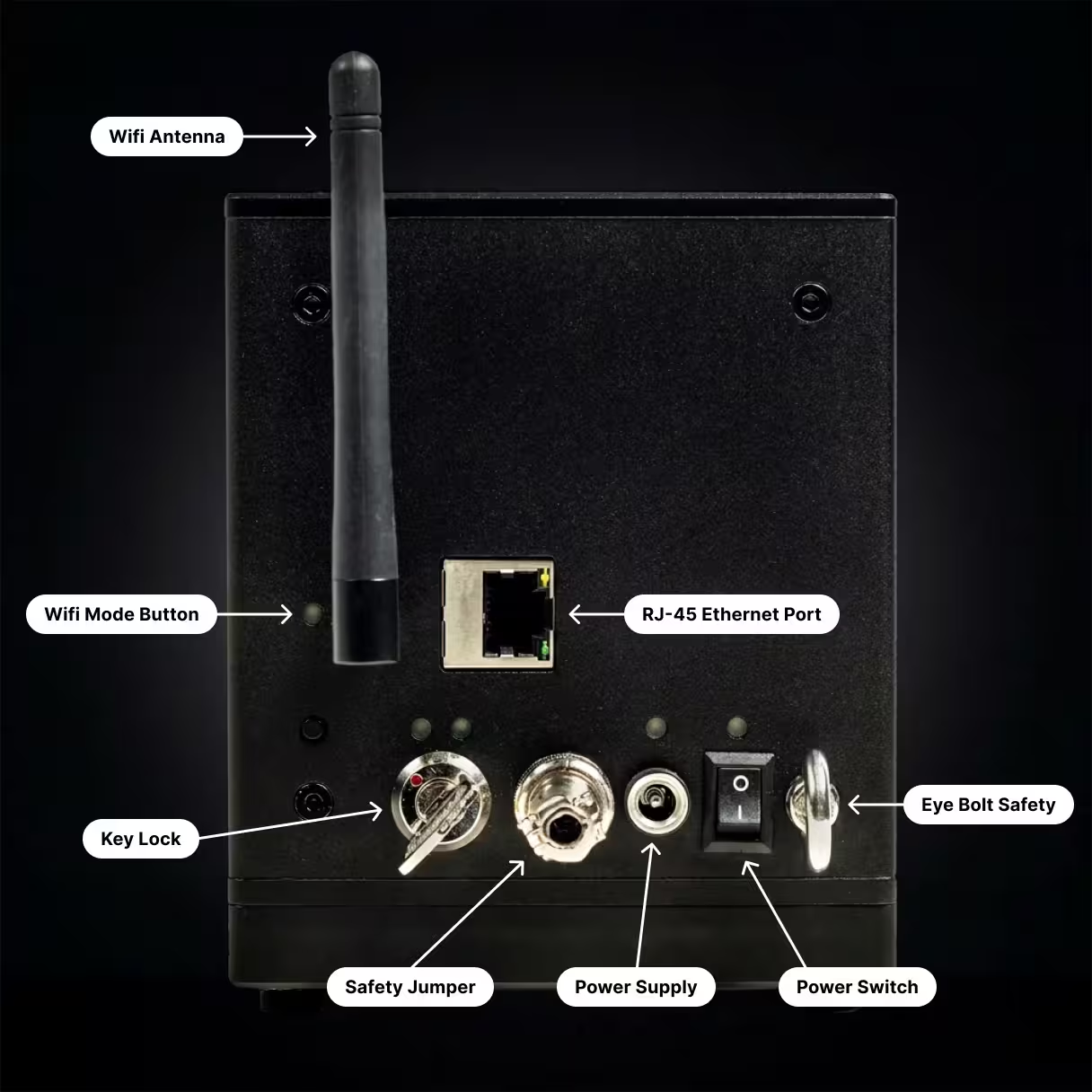
- Built-in screen: a 240×320 IPS LCD with a push/rotary knob for navigating and adjusting CubeOS settings.
- USB-A: connect USB MIDI devices directly.
- microSD slot: store shows, playlists and other projection content on a card. You can also update the firmware from the card.
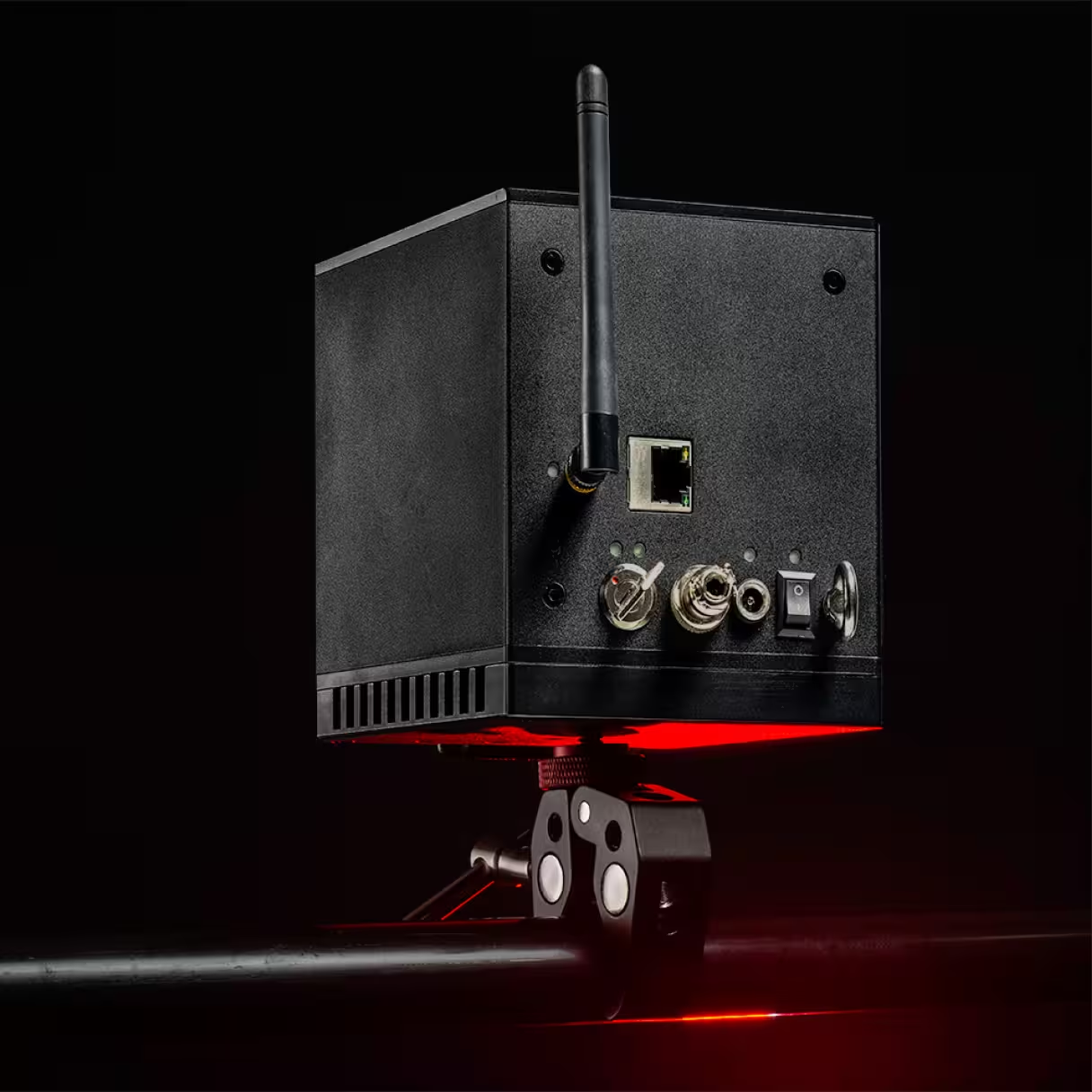
- Full-size DMX in and out: daisy-chain with other LaserCube Ultra MK2 and Pro units and other lighting fixtures.
- ILDA input and output: connect an external DAC, or pass the signal on to another ILDA laser.
- Ethernet: wired network connection, including Art-Net.
- RJ45 safety interlock: daisy-chain multiple LaserCube Ultra MK2 and Pro units from one RJ45 E-Stop pendant.
- Audio: 3.5mm stereo line output, 3.5mm stereo line input, and a built-in mono microphone.
What connections and controls does the LaserCube Pro have?
- Built-in screen: a 240×320 IPS LCD with a push/rotary knob for navigating and adjusting CubeOS settings.
- USB-A: connect USB MIDI devices directly.
- microSD slot: store shows, playlists and other projection content on a card. You can also update the firmware from the card.
- 3.5mm TRS DMX in and out: daisy-chain with other LaserCube Pro and Ultra MK2 units and other lighting fixtures. You'll need adapter cables for standard XLR DMX cables (see “How do I connect DMX cables to the LaserCube Pro?”).
- ILDA input: connect an external DAC.
- Ethernet: wired network connection, including Art-Net.
- RJ45 safety interlock: daisy-chain multiple LaserCube Ultra MK2 and Pro units from one RJ45 E-Stop pendant.
- Audio: 3.5mm stereo line output, 3.5mm stereo line input, and a built-in mono microphone.
How do I connect DMX cables to the LaserCube Pro?
The Pro uses 3.5mm TRS jacks for DMX in and out. Adapter cables aren't included, so you'll need one for each port:
- DMX In: 3.5mm TRS plug to 3-pin XLR male
- DMX Out: 3.5mm TRS plug to 3-pin XLR female
Wiring (the same for both cables):
- Tip → XLR pin 3 (Data+)
- Ring → XLR pin 2 (Data−)
- Sleeve → XLR pin 1 (Ground / shield)
Standard 3.5mm-to-XLR audio cables are wired the other way round (tip to pin 2), so they won't work on their own. Plug an XLR polarity-reverse adapter onto the XLR end of each cable, or have cables made to the wiring above.
Where to buy:
- DMX In cable: Eurolite DMX-Adapter IN Jack 3,5/XLR (3.5mm TRS plug to 3-pin XLR male, 1m)
https://www.thomannmusic.com/eurolite_dmx_adapter_in_jack_35_xlr.htm - DMX Out cable: Eurolite DMX-Adapter Out Jack 3,5/XLR (3.5mm TRS plug to 3-pin XLR female, 1m)
https://www.thomannmusic.com/eurolite_dmx_adapter_out_jack_35_xlr.htm
These are wired for DMX, so they don't need a polarity-reverse adapter. Thomann ships from the EU, including to the US.
How does the LaserCube Ultra MK2 compare to the LaserCube Pro?
The LaserCube Pro is the compact version of the Ultra MK2. It's 37% smaller by volume and 32% lighter, with the same scanners and onboard hardware. To fit the smaller body, it has a 70Wh battery instead of 92Wh, and 3.5mm TRS DMX ports instead of full-size XLR. It has an ILDA input but no ILDA output; Ultra MK2 and Pro units already work together over Ethernet or wirelessly, so the ILDA output is only needed to connect other ILDA lasers.
| Ultra MK2 10W | Ultra MK2 6W | Pro 6W | Pro 3W | |
|---|---|---|---|---|
| Size | 155 × 150 × 155mm 6.1 × 5.9 × 6.1 in | 155 × 150 × 155mm 6.1 × 5.9 × 6.1 in | 130 × 130 × 135mm 5.1 × 5.1 × 5.3 in | 130 × 130 × 135mm 5.1 × 5.1 × 5.3 in |
| Weight | 3.7 kg / 8.2 lbs | 3.7 kg / 8.2 lbs | 2.5 kg / 5.5 lbs | 2.5 kg / 5.5 lbs |
| Laser power | 10,000mW | 6,000mW | 6,000mW | 3,000mW |
| RGB output (455 / 525 / 638nm) | 5000 / 2800 / 2800mW | 2800 / 1500 / 1800mW | 2800 / 1500 / 1800mW | 1350 / 850 / 950mW |
| Battery | 92Wh, 3–4 hrs | 92Wh, 3–4 hrs | 70Wh, 2–3 hrs | 70Wh, 2–3 hrs |
| DMX in/out | Full-size XLR | Full-size XLR | 3.5mm TRS | 3.5mm TRS |
| ILDA | In + Out | In + Out | In only | In only |
All Ultra MK2 and Pro models use the same scanners (35k pps @ 7°) and have the built-in screen, USB MIDI, microSD, RJ45 safety interlock and audio in/out.
- Choose the Ultra MK2 10W for the most brightness. It suits large venues, outdoor shows and beam shows.
- Ultra MK2 6W or Pro 6W? They're the same projector with the same brightness. Choose the Ultra for longer battery life (3–4 hours vs 2–3 hours) and full-size XLR DMX ports. Choose the Pro for a body that's 37% smaller and 32% lighter, at a lower price.
- Choose the Pro 3W for the same features as the Pro 6W at half the power, for smaller rooms and budgets.
Compare all models: https://www.laseros.com/lasercube-models/
How does the LaserCube Pro 3W compare to the LaserCube WiFi 2.5W?
| Pro 3W | WiFi 2.5W | |
|---|---|---|
| Laser power | 3,000mW | 2,500mW |
| RGB output (455 / 525 / 638nm) | 1350 / 850 / 950mW | 1300 / 800 / 400mW |
| Scanners | 35k pps @ 7° | 25k pps @ 6° |
The Pro 3W's scanners are 40% faster and have a wider angle, so it can draw more complex patterns over a larger area. Its red output is more than double the WiFi 2.5W's (950mW vs 400mW), which gives stronger reds and a more balanced white. It also has the Ultra MK2 hardware: built-in screen, DMX, RJ45 safety interlock, USB MIDI, microSD and audio in/out.
Can I use the Ultra MK2 and the Pro together?
Yes. The Ultra MK2 and the Pro both run CubeOS and use the same RJ45 safety interlock, so you can run them from one E-Stop pendant. You can also daisy-chain them over DMX. The Pro's DMX ports are 3.5mm TRS, so you'll need adapter cables for it (see “How do I connect DMX cables to the LaserCube Pro?”).
Is the LaserCube Pro available in the US?
The LaserCube Pro is launching outside the US first and will come to the US later. Email support@laseros.com if you'd like us to let you know when it's available in the US.
Is the LaserCube Pro the same as the LaserCube 2.5W WiFi Pro?
No. Some retailers and older listings call the LaserCube WiFi 2.5W the “2.5W Pro” or “2.5W WiFi Pro.” The LaserCube Pro is a separate, newer model. It comes in 6W and 3W versions and shares its scanners and onboard hardware with the Ultra MK2.
Free shipping
- Free express shipping worldwide, insured and tracked.
- We usually process orders within 24–48 hours of payment. Delivery typically takes 1–2 weeks.
- Orders ship from Hong Kong. Import duties and taxes aren't included; the courier collects them before or at delivery.
30 day returns
- You have 30 days from delivery to return your order. Email support@laseros.com to start.
- Unused and still sealed in the original packaging: we refund it minus the cost of shipping it to you.
- Opened or used: a 15% repacking fee is also deducted.
- You pay the return shipping. We refund within 7 days of receiving it.
- Faulty when it arrived? Within the 30 days you can ask for a refund or a replacement.
1 year warranty
- A 12-month limited warranty: parts and labor, battery included, no deductible. If we can't repair it, we replace it.
- Repairs are done at our UK service center. To start a claim, email support@laseros.com with your order number, the serial number from the cube's label and a short video of the problem.
- Drops and other accidental damage aren't covered, but we still repair them at the best price we can; you pay the repair and the shipping both ways.
100% legal
- LaserCube is fully legal and certified worldwide.
- For public shows, at a venue or bar for example, check your local rules too.
- Questions about your country? Email support@laseros.com.
FAQ
Let us answer your questions
What is the shipping policy?
LaserCube ships from Hong Kong using DHL or Fedex express courier. It typically takes 1-2 weeks for delivery. All tariffs and customs duties are the responsibility of the recipient. During checkout, there is an option to set a lower customs declaration price.
What is the warranty and return policy?
We guarantee your LaserCube will be free from defects for a full year from the date of receipt. In case of defect, we will send a replacement part or repair/replace your LaserCube free of charge. We offer a 2 and 3-year extended warranty program that includes accidental damage. Our service center is located in the United Kingdom. We offer a 30 day return policy.
How can I learn how to use the LaserCube Ultra MK2 or Pro?
The Ultra MK2 and Pro share the LaserCube User Wiki. See https://wiki.laseros.com for setup and how-to guides. If you can't find what you need there, email support@laseros.com.
What connections and controls does the LaserCube Ultra MK2 have?
- Built-in screen: a 240×320 IPS LCD with a push/rotary knob for navigating and adjusting CubeOS settings.
- USB-A: connect USB MIDI devices directly.
- microSD slot: store shows, playlists and other projection content on a card. You can also update the firmware from the card.
- Full-size DMX in and out: daisy-chain with other LaserCube Ultra MK2 and Pro units and other lighting fixtures.
- ILDA input and output: connect an external DAC, or pass the signal on to another ILDA laser.
- Ethernet: wired network connection, including Art-Net.
- RJ45 safety interlock: daisy-chain multiple LaserCube Ultra MK2 and Pro units from one RJ45 E-Stop pendant.
- Audio: 3.5mm stereo line output, 3.5mm stereo line input, and a built-in mono microphone.
What connections and controls does the LaserCube Pro have?
- Built-in screen: a 240×320 IPS LCD with a push/rotary knob for navigating and adjusting CubeOS settings.
- USB-A: connect USB MIDI devices directly.
- microSD slot: store shows, playlists and other projection content on a card. You can also update the firmware from the card.
- 3.5mm TRS DMX in and out: daisy-chain with other LaserCube Pro and Ultra MK2 units and other lighting fixtures. You'll need adapter cables for standard XLR DMX cables (see “How do I connect DMX cables to the LaserCube Pro?”).
- ILDA input: connect an external DAC.
- Ethernet: wired network connection, including Art-Net.
- RJ45 safety interlock: daisy-chain multiple LaserCube Ultra MK2 and Pro units from one RJ45 E-Stop pendant.
- Audio: 3.5mm stereo line output, 3.5mm stereo line input, and a built-in mono microphone.
How do I connect DMX cables to the LaserCube Pro?
The Pro uses 3.5mm TRS jacks for DMX in and out. Adapter cables aren't included, so you'll need one for each port:
- DMX In: 3.5mm TRS plug to 3-pin XLR male
- DMX Out: 3.5mm TRS plug to 3-pin XLR female
Wiring (the same for both cables):
- Tip → XLR pin 3 (Data+)
- Ring → XLR pin 2 (Data−)
- Sleeve → XLR pin 1 (Ground / shield)
Standard 3.5mm-to-XLR audio cables are wired the other way round (tip to pin 2), so they won't work on their own. Plug an XLR polarity-reverse adapter onto the XLR end of each cable, or have cables made to the wiring above.
Where to buy:
- DMX In cable: Eurolite DMX-Adapter IN Jack 3,5/XLR (3.5mm TRS plug to 3-pin XLR male, 1m)
https://www.thomannmusic.com/eurolite_dmx_adapter_in_jack_35_xlr.htm - DMX Out cable: Eurolite DMX-Adapter Out Jack 3,5/XLR (3.5mm TRS plug to 3-pin XLR female, 1m)
https://www.thomannmusic.com/eurolite_dmx_adapter_out_jack_35_xlr.htm
These are wired for DMX, so they don't need a polarity-reverse adapter. Thomann ships from the EU, including to the US.
How does the LaserCube Ultra MK2 compare to the LaserCube Pro?
The LaserCube Pro is the compact version of the Ultra MK2. It's 37% smaller by volume and 32% lighter, with the same scanners and onboard hardware. To fit the smaller body, it has a 70Wh battery instead of 92Wh, and 3.5mm TRS DMX ports instead of full-size XLR. It has an ILDA input but no ILDA output; Ultra MK2 and Pro units already work together over Ethernet or wirelessly, so the ILDA output is only needed to connect other ILDA lasers.
| Ultra MK2 10W | Ultra MK2 6W | Pro 6W | Pro 3W | |
|---|---|---|---|---|
| Size | 155 × 150 × 155mm 6.1 × 5.9 × 6.1 in | 155 × 150 × 155mm 6.1 × 5.9 × 6.1 in | 130 × 130 × 135mm 5.1 × 5.1 × 5.3 in | 130 × 130 × 135mm 5.1 × 5.1 × 5.3 in |
| Weight | 3.7 kg / 8.2 lbs | 3.7 kg / 8.2 lbs | 2.5 kg / 5.5 lbs | 2.5 kg / 5.5 lbs |
| Laser power | 10,000mW | 6,000mW | 6,000mW | 3,000mW |
| RGB output (455 / 525 / 638nm) | 5000 / 2800 / 2800mW | 2800 / 1500 / 1800mW | 2800 / 1500 / 1800mW | 1350 / 850 / 950mW |
| Battery | 92Wh, 3–4 hrs | 92Wh, 3–4 hrs | 70Wh, 2–3 hrs | 70Wh, 2–3 hrs |
| DMX in/out | Full-size XLR | Full-size XLR | 3.5mm TRS | 3.5mm TRS |
| ILDA | In + Out | In + Out | In only | In only |
All Ultra MK2 and Pro models use the same scanners (35k pps @ 7°) and have the built-in screen, USB MIDI, microSD, RJ45 safety interlock and audio in/out.
- Choose the Ultra MK2 10W for the most brightness. It suits large venues, outdoor shows and beam shows.
- Ultra MK2 6W or Pro 6W? They're the same projector with the same brightness. Choose the Ultra for longer battery life (3–4 hours vs 2–3 hours) and full-size XLR DMX ports. Choose the Pro for a body that's 37% smaller and 32% lighter, at a lower price.
- Choose the Pro 3W for the same features as the Pro 6W at half the power, for smaller rooms and budgets.
Compare all models: https://www.laseros.com/lasercube-models/
How does the LaserCube Pro 3W compare to the LaserCube WiFi 2.5W?
| Pro 3W | WiFi 2.5W | |
|---|---|---|
| Laser power | 3,000mW | 2,500mW |
| RGB output (455 / 525 / 638nm) | 1350 / 850 / 950mW | 1300 / 800 / 400mW |
| Scanners | 35k pps @ 7° | 25k pps @ 6° |
The Pro 3W's scanners are 40% faster and have a wider angle, so it can draw more complex patterns over a larger area. Its red output is more than double the WiFi 2.5W's (950mW vs 400mW), which gives stronger reds and a more balanced white. It also has the Ultra MK2 hardware: built-in screen, DMX, RJ45 safety interlock, USB MIDI, microSD and audio in/out.
Can I use the Ultra MK2 and the Pro together?
Yes. The Ultra MK2 and the Pro both run CubeOS and use the same RJ45 safety interlock, so you can run them from one E-Stop pendant. You can also daisy-chain them over DMX. The Pro's DMX ports are 3.5mm TRS, so you'll need adapter cables for it (see “How do I connect DMX cables to the LaserCube Pro?”).
Is the LaserCube Pro available in the US?
The LaserCube Pro is launching outside the US first and will come to the US later. Email support@laseros.com if you'd like us to let you know when it's available in the US.
Is the LaserCube Pro the same as the LaserCube 2.5W WiFi Pro?
No. Some retailers and older listings call the LaserCube WiFi 2.5W the “2.5W Pro” or “2.5W WiFi Pro.” The LaserCube Pro is a separate, newer model. It comes in 6W and 3W versions and shares its scanners and onboard hardware with the Ultra MK2.
Compare Models
Choose the LaserCube for all your laser needs.
| Choose your Cube | Ultra MK2 | Pro | WiFi |
|---|---|---|---|
|
|
|||
| Setup in under 5 min | |
|
|
| Thousands of visuals | |
|
|
| Free app updates | |
|
|
| Mac, PC, iOS, Android | |
|
|
| Upgraded scanners |
|
|
|
| ILDA ports |
In + Out In/ |
In only | |
| CubeOS Standalone |
|
|
|
| Artnet |
|
|
|
| DMX Control |
Full-size XLR XLR | 3.5mm TRS 3.5mm | |
| 3.5mm Audio ports |
|
|
|
| APC40 & Mini |
|
|
|
| Digital Driver Control |
|
|
|
| Laser diode power | 10W / 6W 10/ |
6W / 3W 6/ |
2.5W / 1.2W 2.5/ |
| Battery capacity | 92Wh | 70Wh | 46Wh |
| Comprehensive warranty | 12mo | 12mo | 12mo |
| Price starting at | $2,454 | $1,673 | $892 |
| Buy | Buy | Buy | |
Ultra Combos
| Choose your Combo | SOLO | DJX | STAGE | STADIUM |
|---|---|---|---|---|
|
|
||||
 Carrying Case Carrying Case |
|
|
|
|
 Expander Expander |
|
|
|
|
 Hologram Net Hologram Net |
|
|
|
|
 Rain Cover Rain Cover |
|
|
||
 Optics Kit Optics Kit |
|
|
||
 Diffract Lens Diffract Lens |
|
|||
 Nano Fogger Nano Fogger |
|
|||
 E-Stop Kit E-Stop Kit |
|
|||
| Price | Free | $111 | $279 | $446 |
 |
|
|
|
|
Pro Combos
| Choose your Combo | SOLO | DJX | STAGE | STADIUM |
|---|---|---|---|---|
|
|
||||
| Carrying Case |
|
|
|
|
| Expander |
|
|
|
|
| Hologram Net |
|
|
|
|
| Optics Kit |
|
|
||
| Diffract Lens |
|
|||
| Nano Fogger |
|
|||
| E-Stop Kit |
|
|||
| Price | Free | $111 | $223 | $390 |
|
|
|
|
|
WiFi Combos
| Choose your Combo | SOLO | DJX | STAGE | STADIUM |
|---|---|---|---|---|
|
|
||||
| Carrying Case |
|
|
|
|
 Tripod Tripod |
|
|
|
|
| Expander |
|
|
|
|
| Hologram Net |
|
|
|
|
| Rain Cover |
|
|
||
| Optics Kit |
|
|
||
| Diffract Lens |
|
|||
| Nano Fogger |
|
|||
| E-Stop Kit |
|
|||
| Price | Free | $167 | $334 | $502 |
|
|
|
|
|