

What Is Laser Mapping? How Projection Mapping Works with Portable Lasers
Setting up traditional projection mapping often feels overwhelming for event creators. High-lumen video projectors are heavy, draw massive power, and spill unwanted gray light around physical objects. This constant battle with ambient light and complex software can stall production schedules.
Portable laser mapping offers a clean alternative that delivers sharp, focused vector paths and true zero-light black levels in minutes.
What Is Laser Mapping?
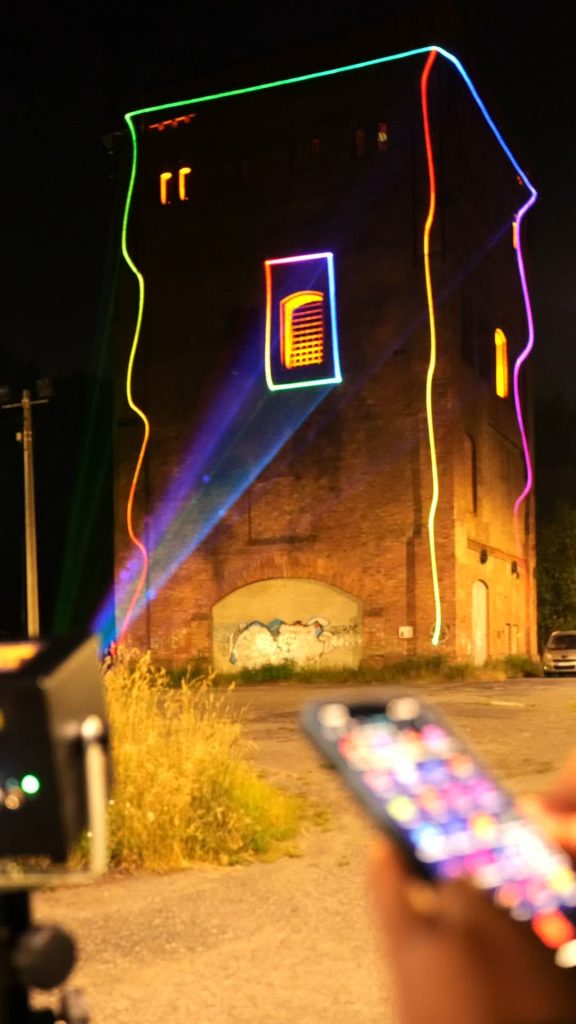
Laser mapping is a visual technique that uses focused vector light beams to outline, trace, and illuminate the physical geometry of 3D objects. Instead of projecting onto a flat white screen, lasers transform physical objects like DJ booths, vehicles, sculptures, and building facades into dynamic visual canvases.
Concentrated laser light maintains sharp focus and high contrast at any projection distance. Whether outlining a small indoor prop or a multi-story building, the projected vector lines stay crisp across every edge and corner.
This versatility allows visual artists, mobile DJs, and event producers to create high-impact visual displays without installing permanent lighting structures. Learn more about selecting hardware in our guide to 3D laser mapping projectors.
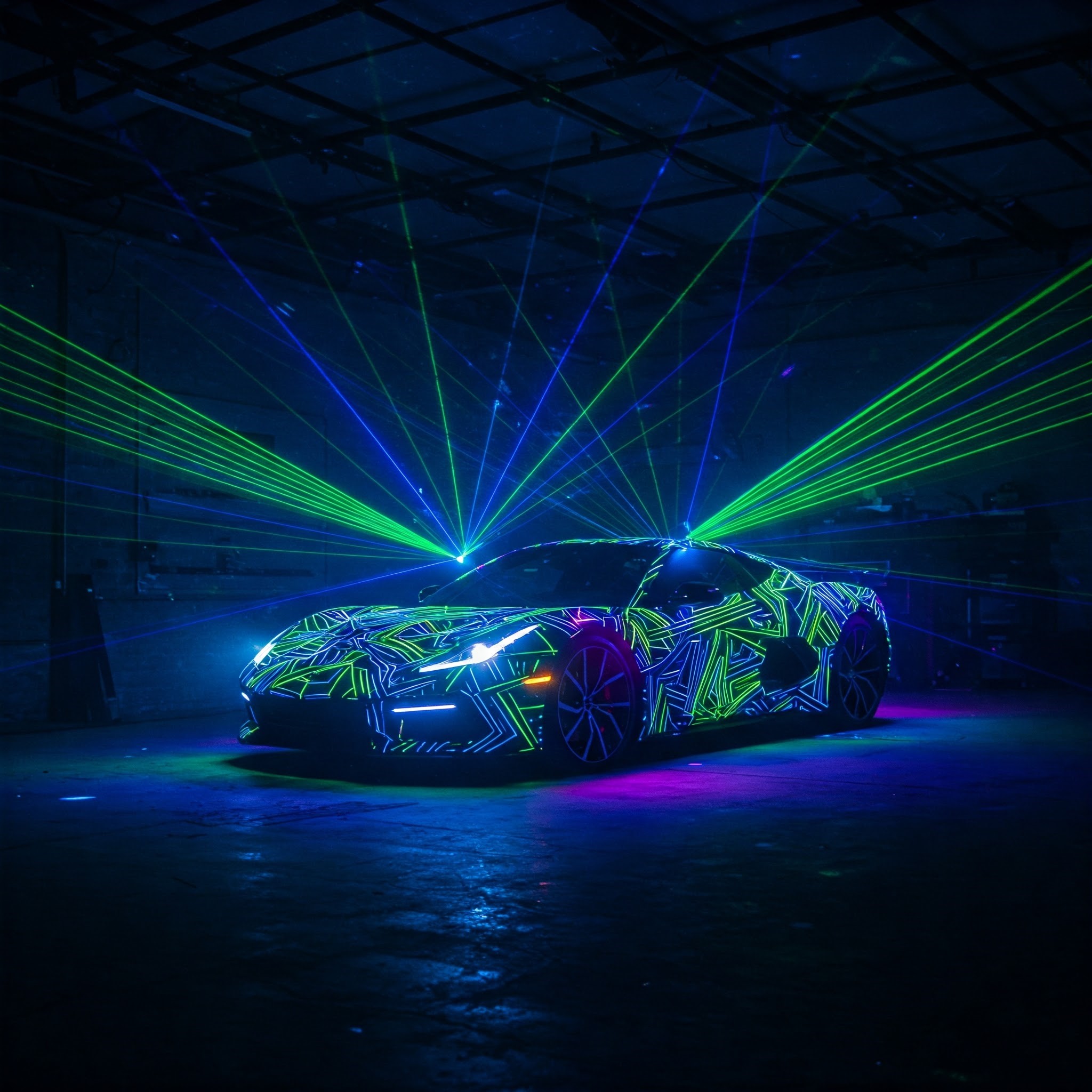
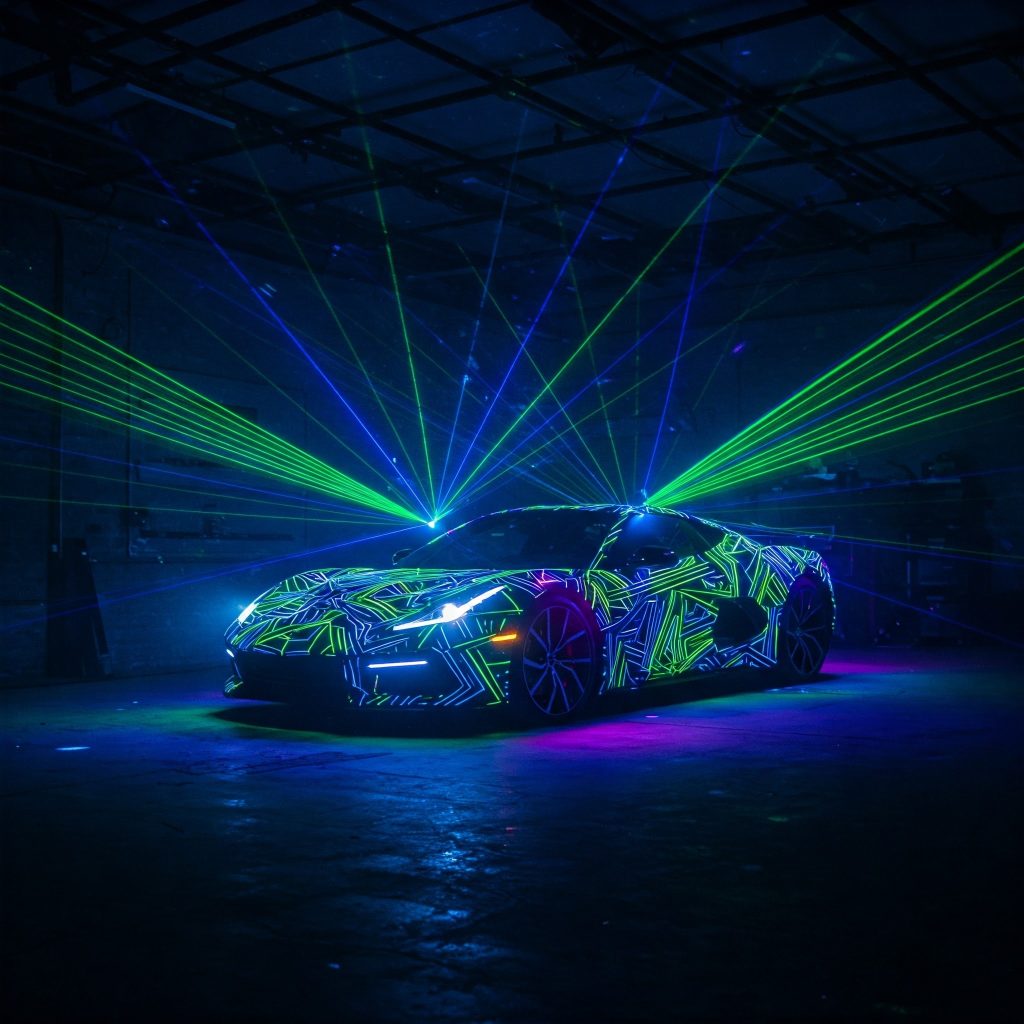
$$Image Placeholder 1: Laser Effect Photo$$
- Suggested Stock Image Search: “car outlined in bright laser vector projection mapping” or “projection mapping on physical sculpture RGB laser”
- Alt Text: A sports car outlined in bright blue and green laser vector paths using projection mapping.
- Caption: Laser mapping projects precise vector lines directly onto physical surfaces to trace contours and edges.
Why Vector Lasers Outperform Video Projectors for Mapping
Traditional video projectors project a fixed grid of rectangular raster pixels. When mapping a complex 3D object, video projectors spill “dark gray” light onto surrounding surfaces because projector lamps cannot output true black.
Vector lasers operate differently by directing a single, concentrated beam only where light is needed. Blank areas receive zero light output, creating absolute contrast against dark backgrounds.
- Projection Style: Video projectors rely on pixel grids (raster), while vector lasers draw continuous, focused lines.
- Black Levels: Video projectors spill dark gray light into unmapped areas, whereas vector lasers produce absolute zero light output.
- Ambient Light Performance: Video projections wash out easily under bright ambient light, while laser beams remain high-contrast and sharp.
- Power & Portability: High-lumen video projectors require heavy AC power drops, while compact laser projectors run on built-in battery power.
Compact laser projectors like the battery-powered LaserCube WiFi Series (1.2W and 2.5W) deliver high-visibility outlines without heavy power cables. For larger venues and building projection mapping, high-output systems like the LaserCube 10W Ultra MK2 provide high brightness from a lightweight, portable chassis.
How Galvo Scanners Drive Precision Vector Graphics
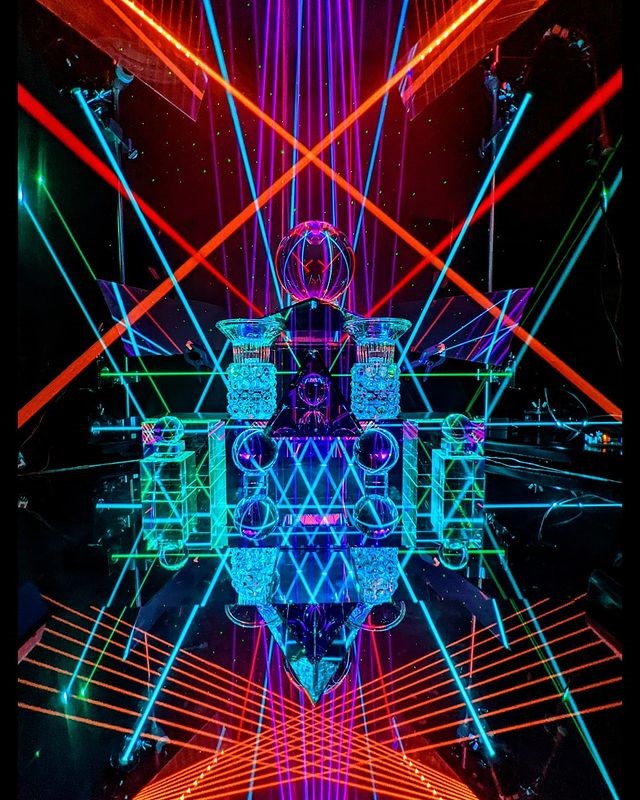
Inside every laser mapping system, motorized X and Y axis mirrors called galvanometer scanners (galvos) steer the laser beam thousands of times per second. These rapid mirror movements trick the human eye into seeing solid shapes, logos, and continuous vector lines.
Galvo scanner speed is measured in Kilo Points Per Second (KPPS). Higher KPPS ratings allow galvos to trace denser vector shapes, complex text, and intricate logos without visual flickering.
- LaserCube WiFi Series (1.2W & 2.5W): Uses AT-25S galvo scanners (25,000 pps @ 6°) for DJ booths, indoor props, monograms, and mobile setups.
- LaserCube 10W Ultra MK2: Uses upgraded AT-40S galvo scanners (35,000 pps @ 7°) for complex 3D vehicle tracing, intricate SVG logos, and wide architectural facades.
How to Map Any 3D Surface in 4 Simple Steps
Modern software like LaserOS makes mapping physical objects accessible through a touch-and-draw or point-and-click workflow on a phone, tablet, or laptop.
1. Position and Power the Hardware
Mount the laser projector securely on a tripod, run on built-in battery power, and connect wirelessly via WiFi or through a wired Ethernet LAN switch.
2. Open the LaserOS Draw App or Trace Mode
Launch the free LaserOS app and open the Draw App for freehand tracing, or enable Trace Mode under tools to convert static SVG logos into dynamic drawing effects.
3. Align Vector Lines to Physical Edges
Touch and drag vector nodes directly on your screen to match the real-world corners, vehicle panels, or architectural details of your target object.
4. Apply Music Sync and Color Effects
Enable music-reactive visualizers, color sweeps, or automated playlists to keep the mapped display moving in sync with audio tracks.
Key Accessories for Short-Throw and Outdoor Mapping
Pairing optical lenses and protective accessories with a laser projector expands mapping coverage and safeguards hardware during live events.
The Expander Lens expands the total projection area by 900%. This optical accessory triples the scan angle, enabling wide-angle projection mapping from short throw distances in tight venue spaces.
For outdoor architectural displays, the Rain Cover upgrades the chassis weather protection to IP63. This keeps internal electronics protected from rain or snow while allowing laser beams to project clearly.
Mounting hardware on a sturdy tripod with a quick-release plate allows fast positioning on uneven ground without running extension cords across venue floors. Explore complete setups on the LaserCube gear page.
How to Configure Safety Zones for Crowd-Safe Displays
High-power Class 4 lasers require careful management to keep audience eyes, camera sensors, and surrounding spaces protected.
The free LaserOS app includes Attenuation Zones (Safety Zones) to create digital blackout areas. Operators draw digital rectangles, circles, or ellipses over audience eyelines, DJ booths, or camera lenses.
When the laser beam crosses into a red attenuation zone, laser power drops to zero percent instantly in that region.
Maintaining a 3-meter overhead clearance above crowds and connecting hardware E-Stop kits via RJ45 cables ensures compliance with regulatory standards and provides instant emergency shutoff during live events. Operators can review official display guidelines through the International Laser Display Association (ILDA).
Wrapping Up
Laser mapping replaces heavy video gear with razor-sharp vector light that transforms physical surfaces straight from a phone or laptop. With intuitive mapping tools and battery-powered mobility, creating dynamic visual displays is simple and fast.
Ready to see the full LaserCube lineup? Visit the LaserCube product page to compare models, bundles, and accessories—and find the right setup for your next show.
Frequently Asked Questions (FAQs)
Here are answers to common questions about laser projection mapping.
What surfaces can you project onto?
What software is needed for laser mapping?
Is laser projection mapping hard to set up?
It used to be quite complex, but tools like LaserOS and devices like LaserCube have made it much easier. The basic steps involve setting up the projector, connecting to the software, and using the software's tools to align the projection with your target object. While complex projects take time, simple mapping is quick.
How is this different from video projection mapping?
Video projectors project pixels to create filled-in images, like a TV screen but shaped to an object. Laser projectors draw lines and shapes with a focused beam of light. Lasers often look brighter, sharper, and can create "outline" or "wireframe" effects that are difficult for video projectors. They work differently and create distinct visual styles.