LED Laser Projector? Laser vs LED Lights Explained
LED laser projector or laser show projector? What LED party lights and lasers each do best, what a laser needs (darkness, haze, care) and how to choose.
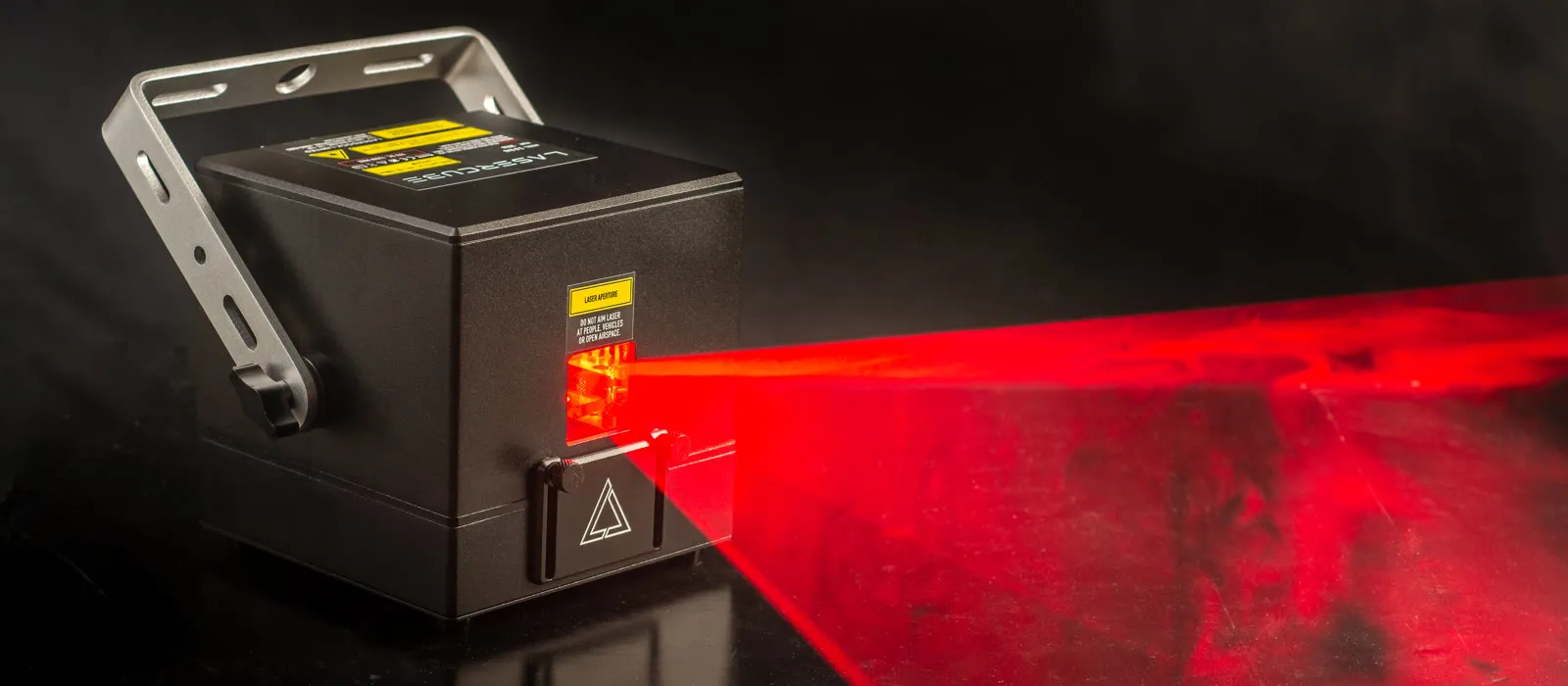
Search for an “LED laser projector” or an “LED laser light” and you get a mix of party lights, video projectors and laser show projectors. They do very different jobs.
In short: most LED party lights wash a room or a wall in color. A laser show projector like LaserCube draws with light: thin beams you can see in haze, and sharp graphics, text and logos on a wall. Here's the difference, and how to choose.
Three things people mean by “LED laser projector”
- A video projector for movies and presentations. It shows a full picture made of pixels, and some use LEDs or lasers as their light source. Our guide What is a laser projector? covers those.
- An LED party light that washes a room in color, sometimes with a laser effect built into the same unit. For party lighting, see our party light ideas.
- A laser show projector that draws with laser light. That's what LaserCube is, and what this guide is about.
How LED lights and lasers make light
LED lights and a LaserCube both use diodes. An LED is a light-emitting diode, and its light spreads out wide. That makes LED wash and party lights good at covering a wall, a ceiling or a stage in color.
A laser keeps its light in a narrow beam. Inside a LaserCube, red, green and blue laser diodes are combined into one beam, and analog modulation lets the colors fade smoothly across 16.7 million colors. The Ultra MK2's beam is about 4 mm wide where it leaves the cube and widens only about 1 mm per meter.
Galvo scanners then move that one beam to draw. A LaserCube is rated by its laser power, in watts: from the WiFi 1.2W up to the Ultra MK2 10W.
What a laser show projector does
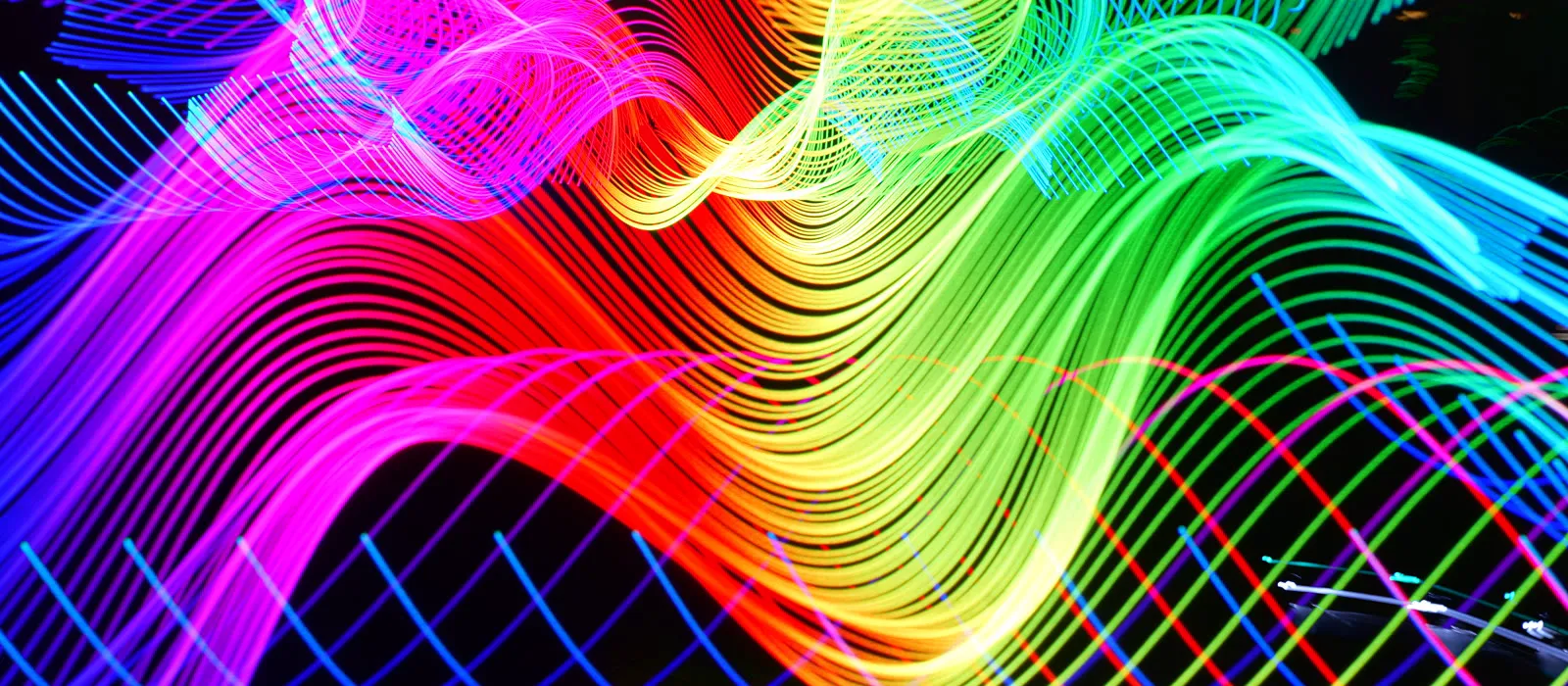
Beams you can see across a room
In a dark room with a little haze, the beams show as lines of light in the air: single beams, fans, bursts and flat sheets of light.
Sharp graphics, text and logos
Aimed at a wall or a screen, a LaserCube draws outlines: shapes, animations, scrolling text and your own logo. LaserOS projects text in any font and imports logos as SVG (best), PNG, JPG or BMP. It draws outlines, not video or photos, and it needs a solid surface: it can't draw a picture in mid-air or on fog.
The scanners in the Pro and Ultra MK2 are rated at over 35,000 points per second (at 7°), those in the WiFi models at 25,000 (at 6°). At full size, the Pro and Ultra MK2 throw a picture about 0.7 times as wide as the distance: about 1.4 m wide at 2 m.
Show control: DMX, Art-Net, ILDA and MIDI
The Pro and Ultra MK2 take DMX or Art-Net from a lighting desk, a DMX app or SoundSwitch, as one 16-channel fixture. An external ILDA DAC plugs into their ILDA In, and a USB MIDI controller (APC40 MK II or APC mini MK II) plugs straight into the cube. Our guide to SoundSwitch and Wolfmix with LaserCube shows the setup.
The WiFi models have no DMX, Art-Net or ILDA, and no MIDI port of their own: they play from the free LaserOS app on a phone, tablet or computer, and a MIDI controller can plug into the computer running LaserOS.
Shows that follow the music
Every LaserCube can react to music. The Pro and Ultra MK2 also play on their own: 174 sound-reactive visualizers built into the cube (firmware 2.1), which listen through its microphone or the 3.5 mm line input, and 38 ready-made shows in 7 categories on the microSD card in the box.
What you need for visible beams
Beams in the air show best with haze or fog, and light in the room makes them harder to see. More laser power helps too. So:
- Darkness. Dim the lights indoors; outdoors, plan the show for after dark.
- A little haze or fog. Thin haze gives the clearest beams, with sharp edges and every color; too much turns them into a bright glow. Any fog or haze machine works. Our Nano Fogger is for small spaces; big venues use a full-size fog or haze machine.
The extra care a laser needs
A laser comes with rules of its own:
- Wherever people may be, keep every beam at least 3 m (10 ft) above the floor. Set the beam block with the cube off and the key out, then switch on and check; repeat until nothing scans into audience areas.
- Every beam ends on a solid surface such as a wall, where no one is; outdoors, never in the sky. Never aim it at windows, mirrors or anything shiny or reflective.
- Arm it by hand each time you switch it on. Without an E-Stop: interlock jumper in and key on. With an E-Stop (required in the USA): key on (and the E-Stop's own key, if it has one), red button up, then press the green START: outside the USA the laser comes on straight away, and on a US cube the LEDs go solid after about 10 seconds. The manual shows the steps.
- The key, interlock and E-Stop must never be bypassed or disabled.
- Keep it away from children; teenagers (13 to 17) use it together with an adult.
- For public shows, check your local rules.
LED, laser or both?
LED wash and party lights suit color across a room, a stage or a wall. A laser suits beams high overhead in a dark, hazy room, logos and graphics on a wall, and shows that follow the music.
You don't have to choose just one. The Pro and Ultra MK2 can share a DMX line with other real DMX fixtures, such as LED bars (on the Pro through 3.5 mm-to-XLR DMX adapter cables, not included; never a fog machine unless you're sure it's true DMX). Give each device its own range of channels, so none overlap: for example a 32-channel LED bar at address 1 (channels 1 to 32) and a LaserCube at 33 (33 to 48). The manual shows how.
Which LaserCube?
It mostly comes down to budget: the bigger the budget, the bigger the party or venue it suits.
- Pro (3W or 6W): our most advanced model, 2.5 kg, with DMX, Art-Net, ILDA In, MIDI and shows without a computer, for audiences of up to about 1,000 people. It isn't sold in the USA yet.
- Ultra MK2 (6W or 10W): our most powerful model, with full-size XLR DMX, Art-Net, ILDA In and Out, MIDI, shows without a computer and the longest battery, also for up to about 1,000 people. In the USA, it is the professional model we sell; US buyers of the Ultra MK2 10W pass a free online Laser Operator Course before it ships: either ours (based on X-Laser's course) or X-Laser's own (X-Laser is our US distributor).
- WiFi (1.2W or 2.5W): the budget option, played from LaserOS, for up to about 500 people.
Compare them on the models page, and see prices and combos for your country on the LaserCube page. New to the Pro or Ultra MK2? Our free LaserCube Academy walks you from the box to your first show.
A word on safety
LaserCube is a professional show laser, not a toy: never aim it at people's eyes, at audiences or at aircraft, and never at anything flammable. More in our safety tips.
Frequently asked questions
Q01Is LaserCube an LED cube projector?
No. LaserCube is a laser show projector. Its light comes from red, green and blue lasers combined into one beam, which galvo scanners move to draw beams, shapes, text and logos.
Q02Can a LaserCube show videos or photos?
No. It draws outlines: beams, shapes, animations, text and logos. For movies and presentations, you need a video projector.
Q03Do I need fog to see laser beams?
For beams in the air, yes: darkness and a little haze or fog make them much more visible.
Q04Can I run a LaserCube with my LED lights?
Any LaserCube can play alongside them. To run both from one lighting desk or DMX app, use a Pro or Ultra MK2: they take DMX or Art-Net as one 16-channel fixture.
Q05Can I use a laser show projector in daylight?
No LaserCube is made for projecting outdoors in daylight. Plan outdoor shows for after dark, with every beam ending on a solid surface, never in the sky.
See it for yourself
LaserCube is a portable, battery-powered RGB laser projector, and its show software, LaserOS, is free.
Explore the LaserCube lineup