Party Laser Lights: Ideas and Setup for House Parties
Laser lights for a party at home or in the garden: what a LaserCube projects, party light ideas, living room setup, haze and which model to buy.
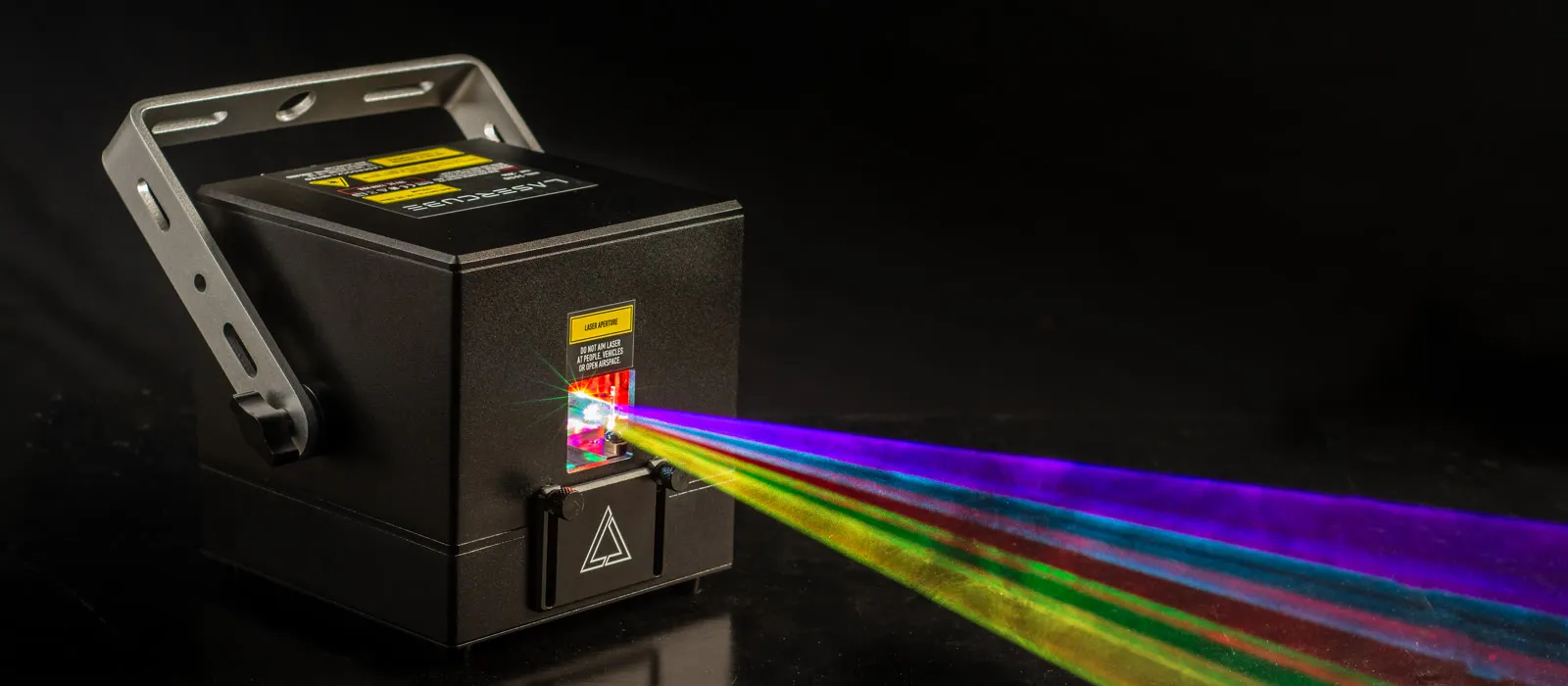
Party laser lights range from small effect lights to professional show lasers. A LaserCube is the second kind: a portable, battery-powered laser projector that draws graphics, text and animations on a wall, and beams in the air with a little haze.
What to look for in party laser lights
- Light that follows the music: in the free LaserOS app, 75+ visualizers react to music through your phone's microphone. The Pro and Ultra MK2 also have 197 built in since firmware 2.2, listening through their own microphone or 3.5 mm line input, with no phone.
- Shows that run by themselves: LaserOS's Autoplay plays the content you pick, in order or shuffled, while the app runs. A Pro or Ultra MK2 also plays microSD playlists and 38 ready-made shows without a phone (their soundtrack plays through powered speakers on its audio output).
- Control from your phone: LaserOS runs on iOS, Android, Mac and Windows, free with no paid upgrades, and works offline. The cube makes its own WiFi network.
- No socket needed: about 3 to 4 hours on battery for the Ultra MK2, 2 to 3 for the Pro and the WiFi, and it charges while it plays on its charger. More in our battery guide.
- Safety and support: a safety key, an interlock or E-Stop, a beam block and a temperature cut-off; a 1-year limited warranty, a 30-day return policy and our support.
Party light ideas with a laser
- Names and messages: type them into LaserOS's Text app on your phone and each letter appears on the wall as you type, in any font. Three or four short words at a time read best; let longer messages scroll.
- Your logo or a theme: import an SVG logo and let the Trace effect make it draw itself, or play LaserOS's free themed content for Christmas, Halloween, Thanksgiving, weddings and New Year's Eve.
- A New Year's countdown: LaserOS's Countdown (in the Clock app; the Chronograph app on a phone) counts down from the time you set.
- Game night: LaserOS's 50+ games on the wall, played with a game controller or the phone app's on-screen controls.
- Floating graphics: hang tulle, a fine net or our Hologram Net in front of a wall and project onto it: the drawing seems to float, and the light passing through ends on the wall behind, with the same 3 m rule as any beam.

Birthdays, weddings, Christmas, Halloween, a home disco and DJ sets have their own guides.
Setting up laser lights in a living room
Every beam stays at least 3 m (10 ft) above the floor wherever people may be. Most living room ceilings are lower, so no beam goes over your guests: the show goes on the wall.
- Pick the spot: a wall, or a corner of the ceiling. Keep the picture and the beams' path at least 3 m (10 ft) from where people stand, sit or dance, and close that part of the room off so nobody can walk into a beam while it runs.
- Secure the cube: on a tripod or stand where it can't be knocked, with space around it for airflow.
- Dim the lights: the darker the room, the better graphics show. In a small room, the power can be turned down in LaserOS.
- Mind the glass: never aim at mirrors, windows or anything shiny.
- Use the cable: guests' phones can make the WiFi stutter. Connect the Ethernet cable and USB-C to Ethernet adapter from the box, and set the cube to LAN Server mode (with the Mode button on a WiFi, under Settings → Connection on a Pro or Ultra MK2).
Haze, fog and beam effects
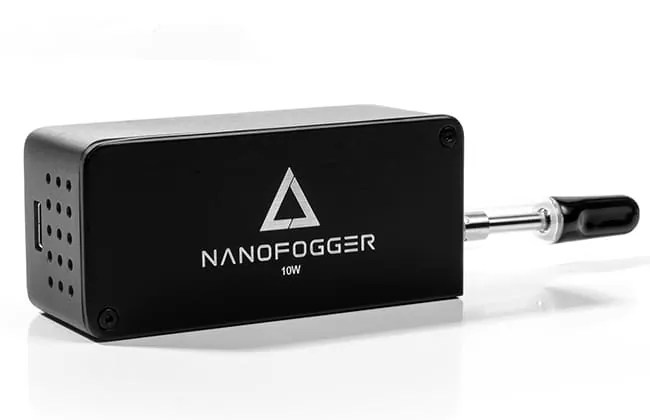
Beams in the air need a dark room and a little haze or fog. Thin haze gives the clearest beams; too much turns them into a glow. Any fog or haze machine works, but never connect one to a Pro or Ultra MK2's DMX ports unless you're sure it's true DMX. Our Nano Fogger is a small 10-watt fogger for small spaces that runs up to about 45 minutes per charge (liquid not included).
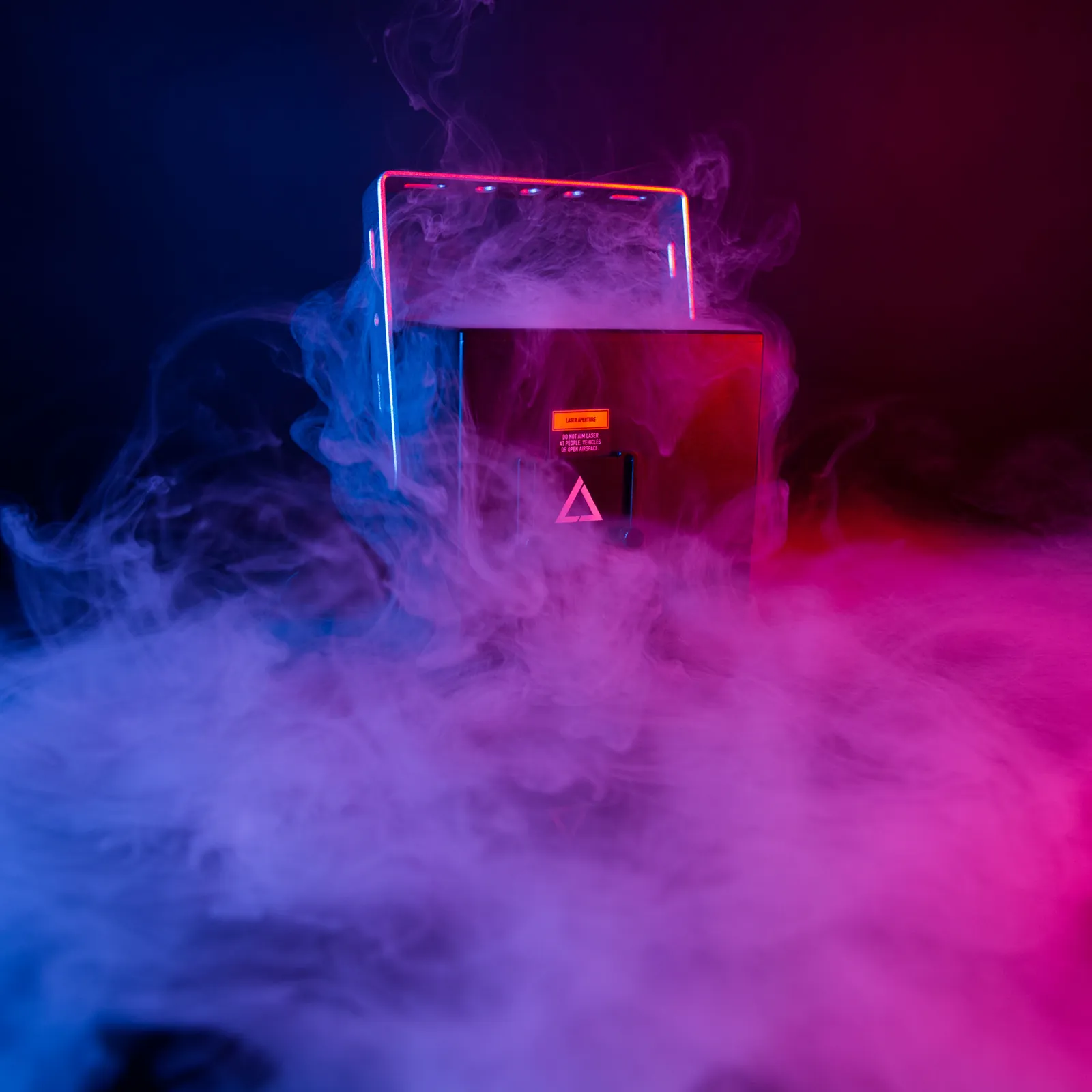
In a living room, a little haze shows the beams on their way to the wall. Keep the picture and the beams' path at least 3 m (10 ft) from where people stand, sit or dance. More in our fog guide.
Garden parties and outdoor events
- Weather: the Ultra MK2 and Pro are made for outdoor use too: IP51, and IP63 with the rain cover fitted (light rain, not heavy rain; never in rain without it). The Pro's cover isn't available yet, so a Pro stays out of the rain. The WiFi is rated the same with its own cover. Keep sand and spray off.
- Timing and temperature: plan the show from dusk on. The operating temperature is 10 °C (50 °F) to 40 °C (104 °F); 45 °C (113 °F) isn't recommended but possible. In hot sun, the temperature cut-off can stop the cube.
- Where the beams end: on a solid surface, such as a house wall without windows, a garden wall or a fence, or on trees and bushes nobody can be in or behind. Never into the sky, at windows or balconies (yours or the neighbors'), or toward roads or moving vehicles.
Pool parties and bigger shows have their own guides: pool laser light show and outdoor laser shows.
A word on safety
LaserCube is a professional show laser, not a toy: never aim it at people's eyes, at audiences or at aircraft, and never at anything flammable. At a party, that means:
- Every beam stays at least 3 m (10 ft) above the floor wherever people may be: never into the crowd or onto the dance floor. Set the beam block (cube off, key out, then switch on and check) before the guests arrive.
- Safety zones at 100% attenuation keep beams off a TV, a camera or other objects. They never protect people: nobody should be in front of the laser, with or without a zone.
- An adult runs the laser. Keep the cube and its key away from children; a teenager (13 to 17) uses it only together with an adult. Keep pets out of the beams' reach.
- Never bypass the key, the interlock or the E-Stop. In the USA every LaserCube comes with an E-Stop and won't emit without it.
- Whoever runs the laser is responsible for where every beam goes.
More in our safety tips.
Which LaserCube for a party?
Get the biggest one you can: more laser power makes beams much more visible.
- Ultra MK2 (6W or 10W): our most powerful model, from €1,999 for the 6W ($2,799 in the USA), for up to about 1,000 people indoors, with the longest battery. The 10W is our pick for a living room party, a garden or an event. US buyers of the Ultra MK2 10W or 6W pass a free online Laser Operator Course before it ships: either ours (based on X-Laser's course) or X-Laser's own.
- Pro (3W or 6W): our most advanced model, essentially a compact Ultra MK2: the Pro 6W has the Ultra MK2 6W's laser output at 2.5 kg instead of 3.7 kg, the pick outside the USA when smaller and lighter matters. From €1,399 for the 3W. The Pro isn't sold in the USA yet.
- A small living room or a bedroom: the Ultra MK2 6W or, outside the USA, the Pro.
- WiFi (1.2W or 2.5W): for a tight budget. Up to about 500 people indoors, always played from a phone, tablet or computer. From €799 for the 1.2W ($1,499 in the USA).
These were the starting prices on 2 November 2026 (more in what a laser show projector costs).
Compare the models on the models page, then pick yours on the LaserCube page, with today's prices for your country.
Frequently asked questions
Q01Is a LaserCube safe at a house party?
Yes, used as the manual says: every beam at least 3 m (10 ft) above the floor where people can be, never into eyes or at aircraft. In most living rooms, that means graphics on a wall, with the picture and the beams' path at least 3 m (10 ft) from where people stand, sit or dance.
Q02Do party laser lights need a fog machine?
Only for beams in the air: graphics and text on a wall show in a dimmed room without haze.
Q03Which laser light is best for a small room or a bedroom?
The Ultra MK2 6W or, outside the USA, the Pro. For a living room party, a garden or an event, the Ultra MK2 10W.
Q04How is a LaserCube different from a cheap party laser?
Here's what a LaserCube gives you: up to 10W of laser power, a safety key and an interlock or E-Stop, a temperature cut-off, the free LaserOS app, a 1-year warranty and our support.
Q05Are laser lights legal at parties and events?
LaserCube is fully legal and certified worldwide. In the US, LaserCube is certified through X-Laser, and a LaserCube bought in the USA comes with the FDA variance (issued by X-Laser). For public shows, check your local rules too.
See it for yourself
LaserCube is a portable, battery-powered RGB laser projector, and its show software, LaserOS, is free.
Explore the LaserCube lineup