Compatible apps
Want to know which apps work with your LaserCube system? Browse our list of compatible software and start making laser light shows today.
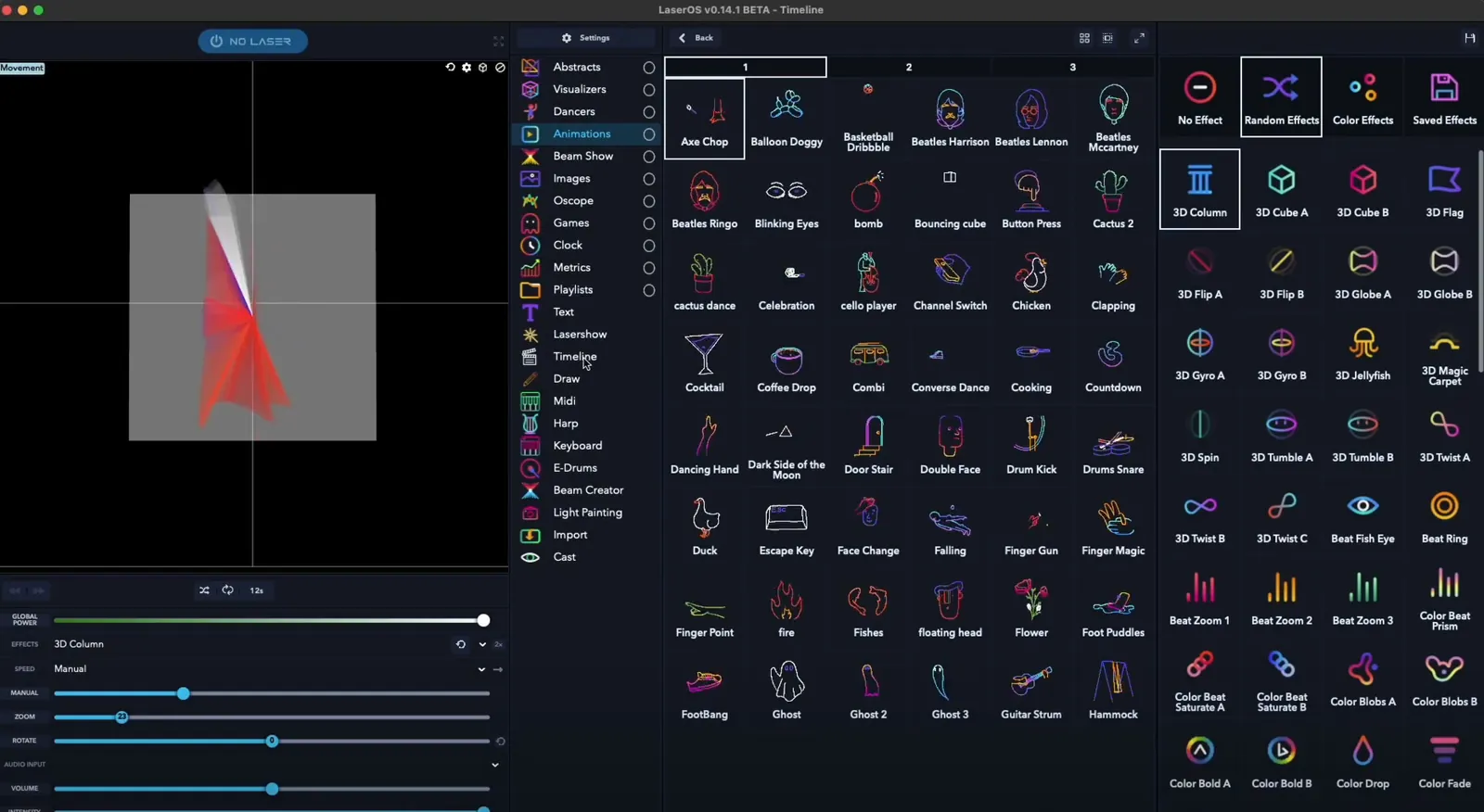
Laser software that works with LaserCube
Our free LaserOS app runs every LaserCube, on iOS, Android, Mac and Windows. These programs work with LaserCube too:
| App | Works with | On the Ultra MK2 and Pro |
|---|---|---|
| MadMapper / MadLaser | All LaserCube models | LaserOS control mode |
| Liberation | All LaserCube models | LaserOS control mode |
| LaserShow Gen | All LaserCube models | LaserOS control mode |
| Modulaser | All LaserCube models | – |
| TouchDesigner | Ultra MK2 and Pro | Ether Dream control mode |
| Ableton Link | All LaserCube models | Built into LaserOS on a computer |
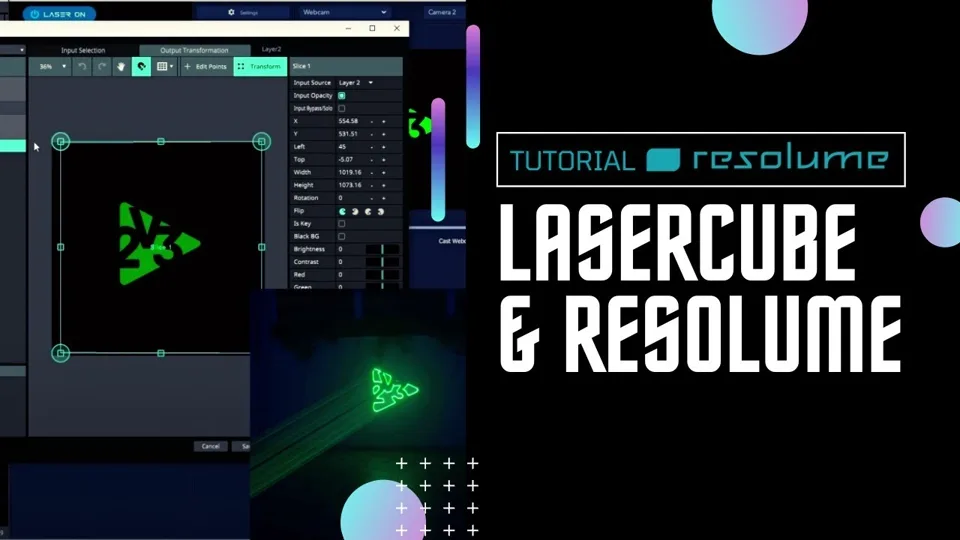
| Resolume | All LaserCube models | – |
| Millumin | All LaserCube models, over a cable (LAN) | LaserOS control mode |
| Pangolin QuickShow and BEYOND | Ultra MK2 and Pro | A Pangolin interface on ILDA In |
Control modes are a setting on the cube’s own menu, on the Ultra MK2 and Pro. Which one each program needs: Laser Show Software in the LaserCube manual.
MadMapper / MadLaser
MadMapper drives every LaserCube model with its laser add-on, MadLaser. On the Ultra MK2 and Pro, set the cube to LaserOS control mode. How to set it up: MadMapper in the LaserCube manual.
Liberation
Liberation works with every LaserCube model. On the Ultra MK2 and Pro, set the cube to LaserOS control mode. Every new LaserCube comes with 3 months of Liberation free: how to get it.
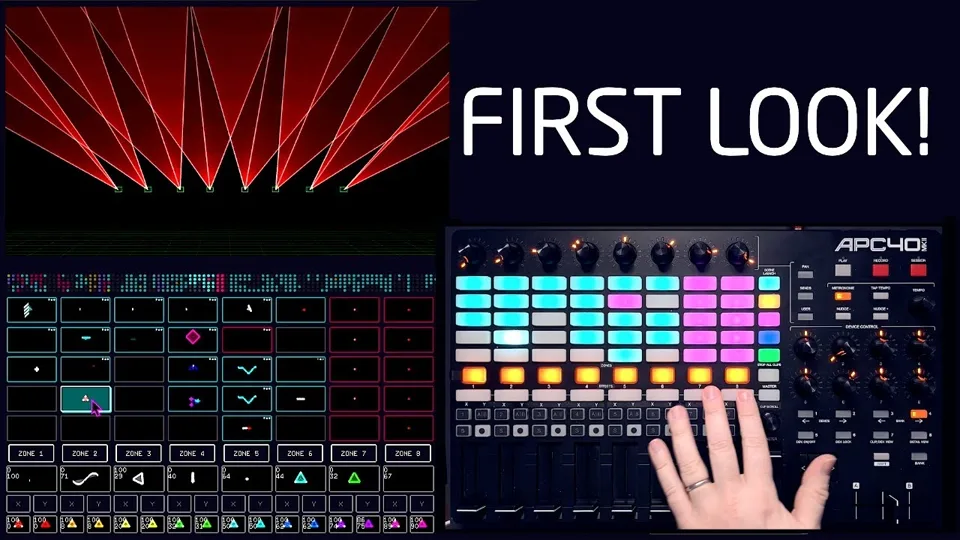
LaserShow Gen
LaserShowGen works with every LaserCube model. On the Ultra MK2 and Pro, set the cube to LaserOS control mode.
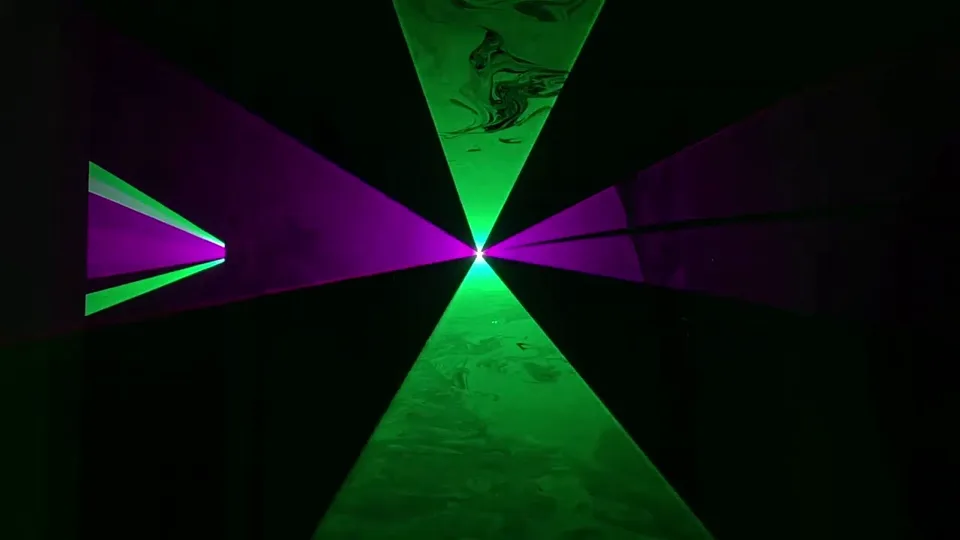
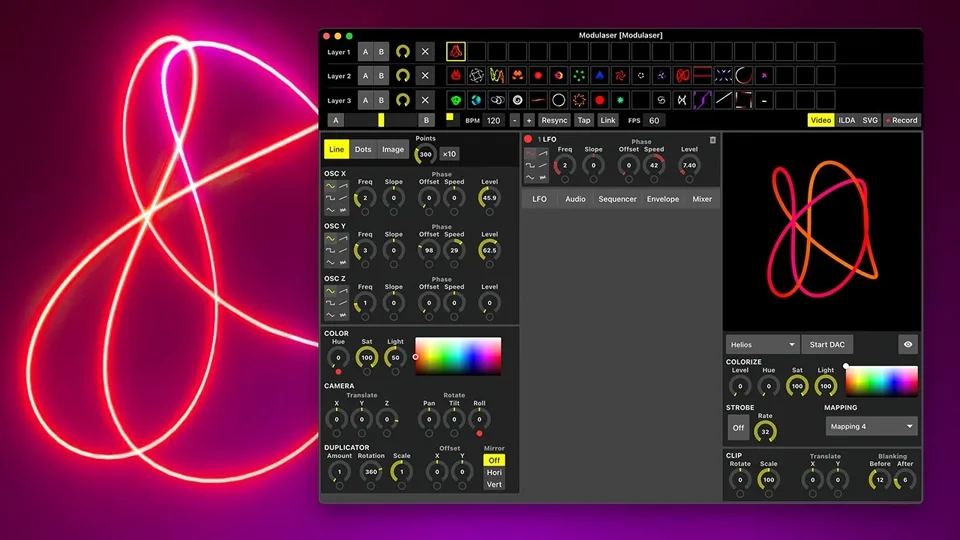
Modulaser
Modulaser works with every LaserCube model. Setup steps: Modulaser with LaserCube.
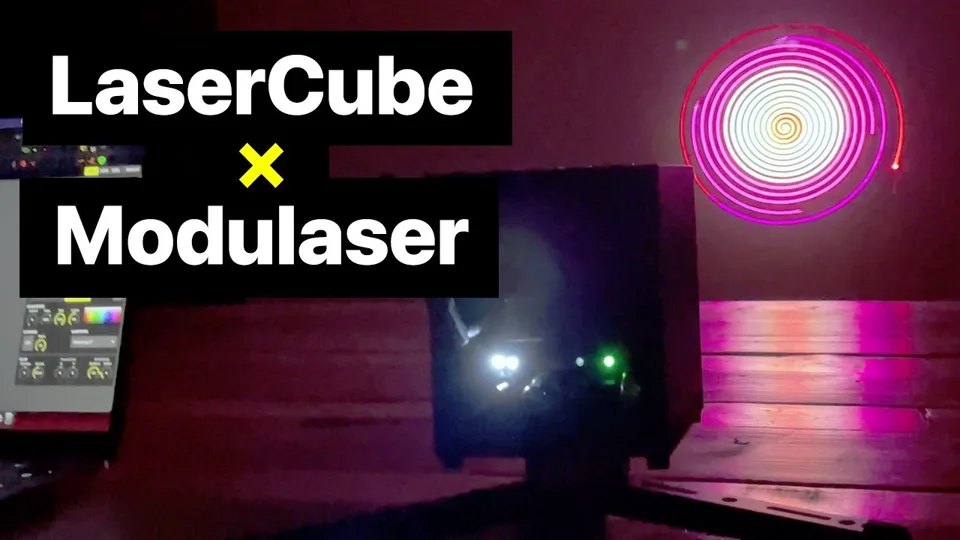
TouchDesigner
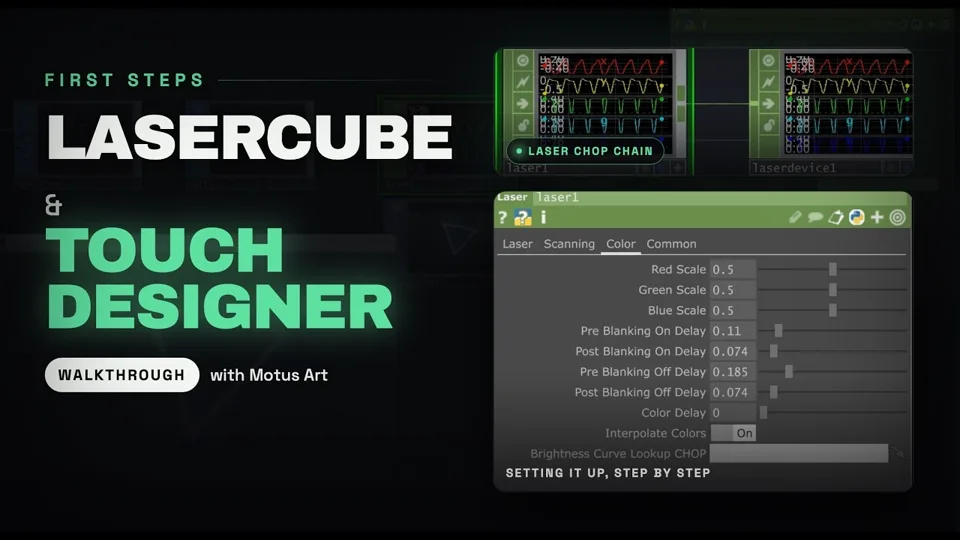
TouchDesigner sends to the LaserCube Ultra MK2 and Pro in Ether Dream control mode. The LaserCube WiFi has no Ether Dream mode, so TouchDesigner can’t send to it. Its picture can still reach a LaserCube WiFi through LaserOS on a computer: LaserOS’s Cast draws a video input (Syphon on a Mac) or a capture of the screen as laser outlines.
Learn the Ultra MK2 and Pro way step by step in our free course LaserCube with TouchDesigner, with the video series by Motus Art.

Ableton Link
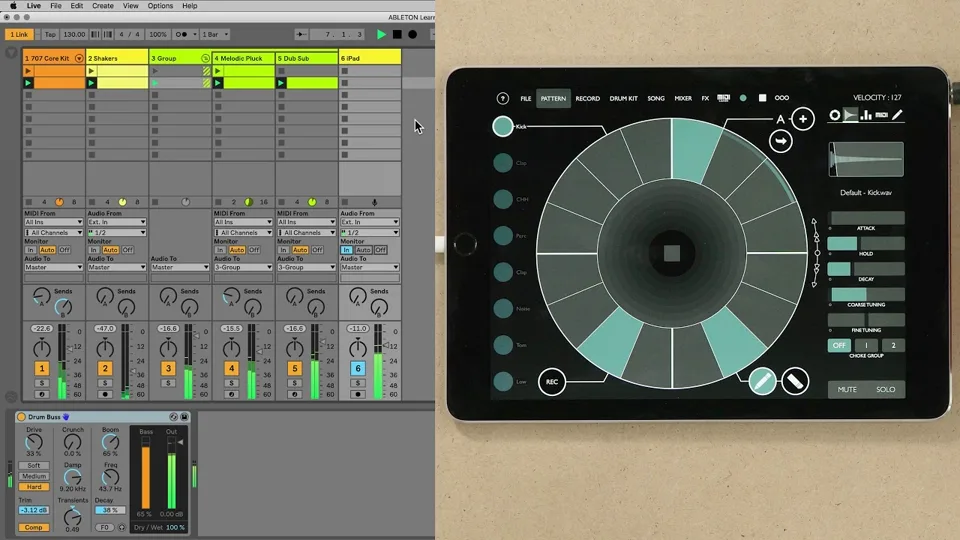
Ableton Link is built into LaserOS on a computer (Windows and Mac), for every LaserCube model. The phone and tablet apps don’t have it.
Resolume
Resolume works with every LaserCube model.
Millumin
Millumin works with every LaserCube model over a cable (LAN) connection. On the Ultra MK2 and Pro, set the cube to LaserOS control mode.
Pangolin QuickShow and BEYOND
The LaserCube Ultra MK2 and Pro work with QuickShow and BEYOND through a Pangolin interface on their ILDA input: Pangolin QuickShow with a LaserCube.
Programs that use IDN or Ether Dream drive the Ultra MK2 and Pro in those control modes.
For developers
Our open API is on GitHub: libLaserdockCore.
Programs can stream laser data to the Ultra MK2 and Pro over the network, with the cube in LaserOS control mode. The UDP DAC Streaming Protocol Specification describes the commands and data packets and includes an example sender in Python.
See it for yourself
LaserCube is a portable, battery-powered RGB laser projector, and its show software, LaserOS, is free.
Explore the LaserCube lineup