Best Home Laser Show System: Buyer's Guide & Specs
Looking for the best home laser show system? Compare galvo scanners, power levels, and app control to pick the right setup for living rooms and yards.
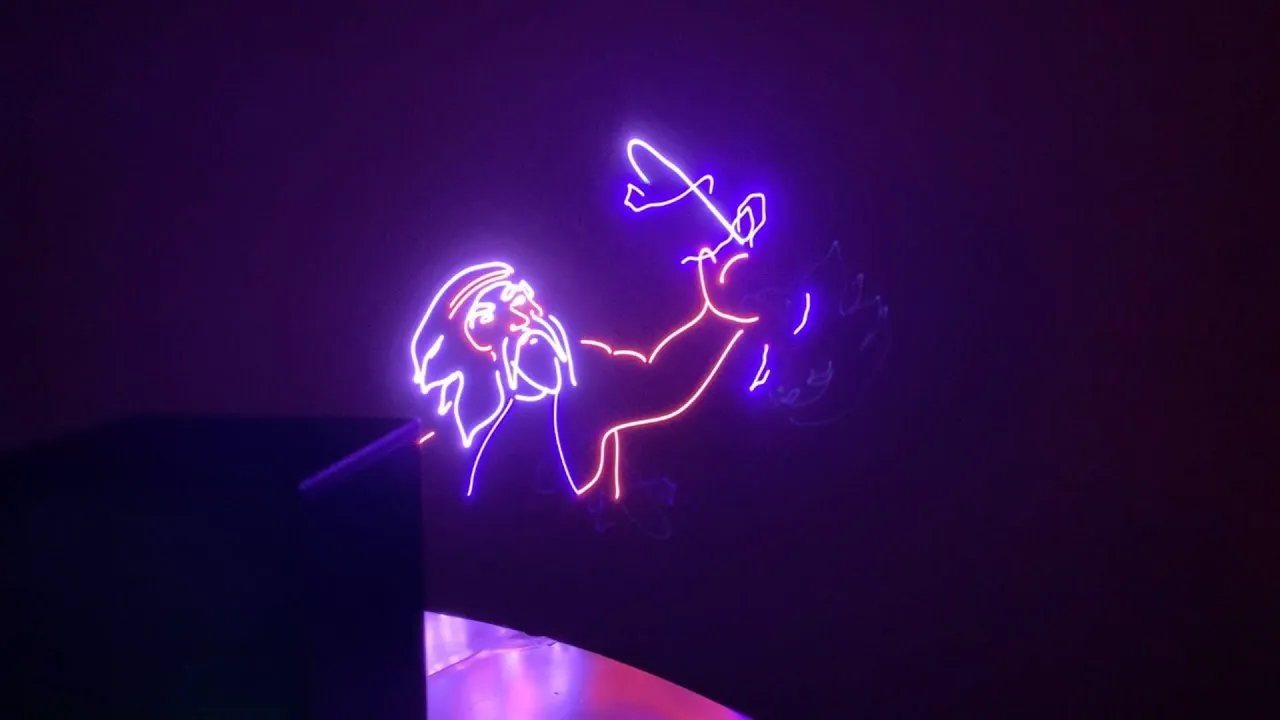
Searching online for a home laser display often leads to basic novelty lights that scatter repeating dots across a ceiling. While these budget fixtures work well as ambient nightlights, they lack the internal components needed to project clear vector shapes, custom text, or responsive animations.
Choosing an authentic display setup requires understanding what hardware separates true show lasers from simple party toys.
Understand key hardware criteria for home laser show systems
Evaluating a home laser show system starts by looking beyond raw wattage to verify scanner speed, optical precision, and color control. Budget lights rely on simple motors that rotate stamped glass discs, which simply scatter fixed dots.
A true laser display system uses motorized mirrors called galvanometer scanners (galvos) to guide concentrated light beams across horizontal and vertical axes:
- Galvo scanner speed (25,000+ pps): Fast-moving mirrors operating at 25,000 points per second (pps) or higher trace smooth vector lines, text, and animations without visual flicker.
- Full analog RGB color mixing: Blending pure red, green, and blue laser diodes across variable voltages creates over 16.7 million distinct hues with gentle fading transitions.
- Zero background light bleed: Concentrated laser light shines only where artwork exists, leaving surrounding walls completely dark without back-light bleed.
- Integrated software control: Modern systems replace physical lighting desks with free applications like LaserOS, which works on phones, tablets, or laptops over local Wi-Fi.
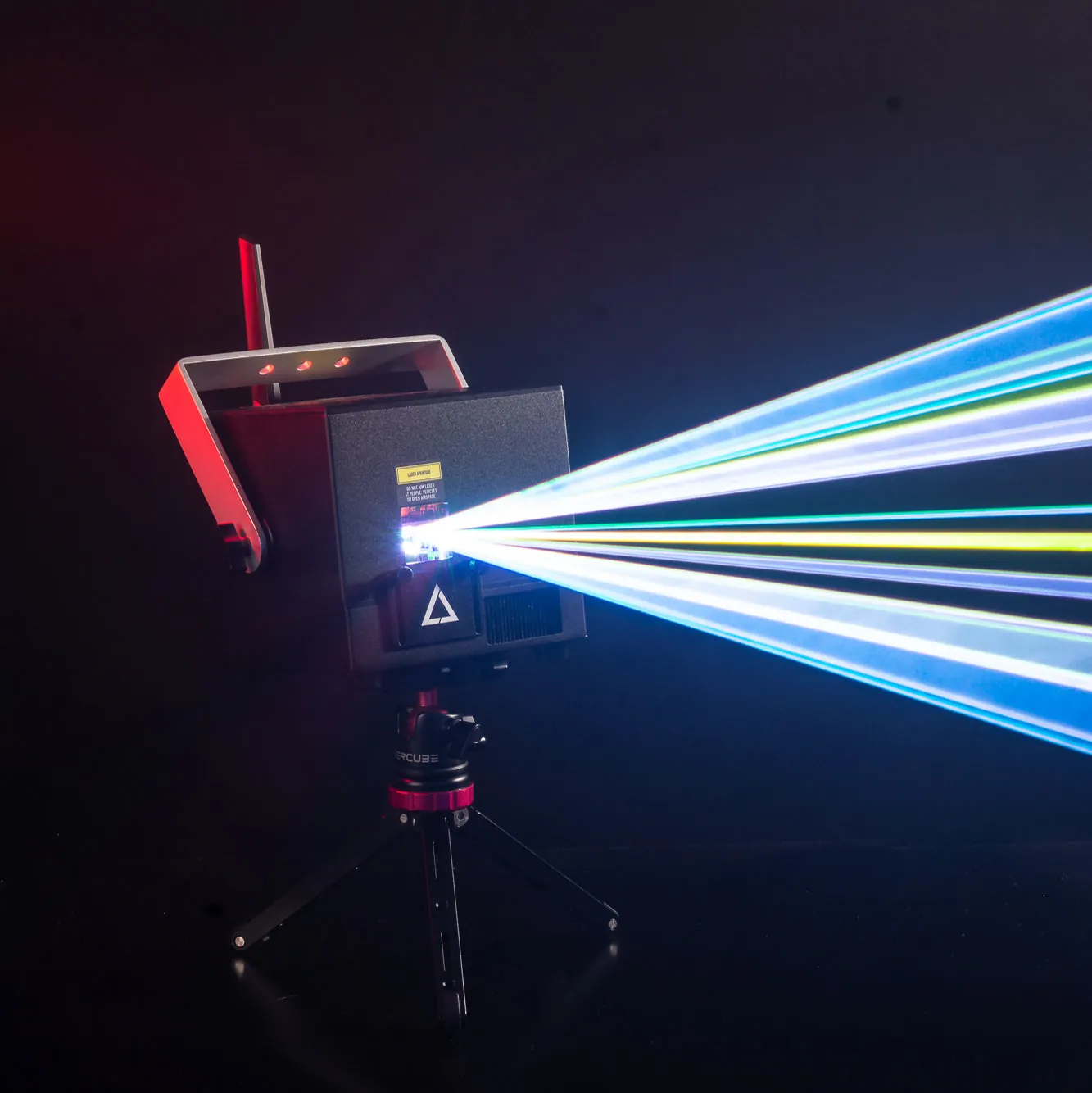
For residential spaces on a tight budget, the LaserCube WiFi series offers compact battery power, vector graphics and wireless app control for living rooms and backyards; the compact LaserCube Pro (3W or 6W, sold outside the US for now) adds DMX, ILDA, MIDI and standalone shows from microSD.
For large private outdoor properties or permanent stage installations, the LaserCube 10W Ultra MK2 is the top high-power choice.
Compare LaserCube to generic budget galvo lasers
Shoppers researching laser displays will also encounter generic import projectors marketed as “RGB animation lasers” for a few hundred dollars. While these units feature basic galvo mirrors, they carry significant hidden hurdles for home users:
- Wired power restrictions: Generic units require permanent AC wall power and thick cabling, creating immediate tripping hazards across living rooms and hallways.
- Complex control interfaces: Most budget animation lasers rely on confusing DMX channel faders or require expensive external converter boxes (DACs) and paid third-party software licenses just to run custom graphics.
- Built-in wireless ecosystem: Units running LaserOS eliminate extra hardware, giving users instant access to over 75 music visualizers, 500 pre-built animations, and retro arcade games like Tetris directly over Wi-Fi.
- Safety zone masking: Budget imports rarely include software safety controls, whereas LaserCube hardware integrates seamlessly with digital attenuation masking to safeguard household items.
Select the right power level for your room or yard
Matching optical output to room dimensions ensures comfortable brightness throughout the viewing area. Reviewing the technical gap between consumer units and pro-grade lasers shows why output levels must fit the environment:
- 1.2W WiFi: Features AT-25K galvo scanners rated at 25,000 pps, providing comfortable brightness for bedrooms, home studios, and living rooms.
- 2.5W WiFi: Offers more than double the visible brightness to cut through ambient light in backyards, open patios, and large house parties.
- 10W Ultra MK2: Features 35,000 pps scanners alongside native DMX, Art-Net, and ILDA ports, engineered for large private event venues and outdoor building facades. The compact LaserCube Pro (3W or 6W, sold outside the US for now) offers the same scanner speed and DMX, Art-Net and ILDA in a smaller body.
- Wire-free battery portability: Both WiFi models run on internal rechargeable lithium-ion batteries for two to three hours, keeping floors clear of loose extension cords.
Picture a weekend patio gathering: you set the projector up alongside a compact Nano Fogger, select a sound-reactive visualizer on your tablet, and let multi-colored beam sheets sweep above the lawn, at least 3 meters (10 feet) above the ground wherever people may be and ending on a wall, never in the open sky, while friends dance, with zero cables running across the grass.
Keep beams away from people and set safety zones for screens
Operating a show laser at home requires responsible beam placement and clear safety boundaries. The LaserCube manual requires all beams to stay at least 3 meters (10 feet) above the floor wherever people may be. LaserCube is a professional show laser, not a toy: never aim it at people’s eyes, at audiences or at aircraft, and never at anything flammable. Safety tips.
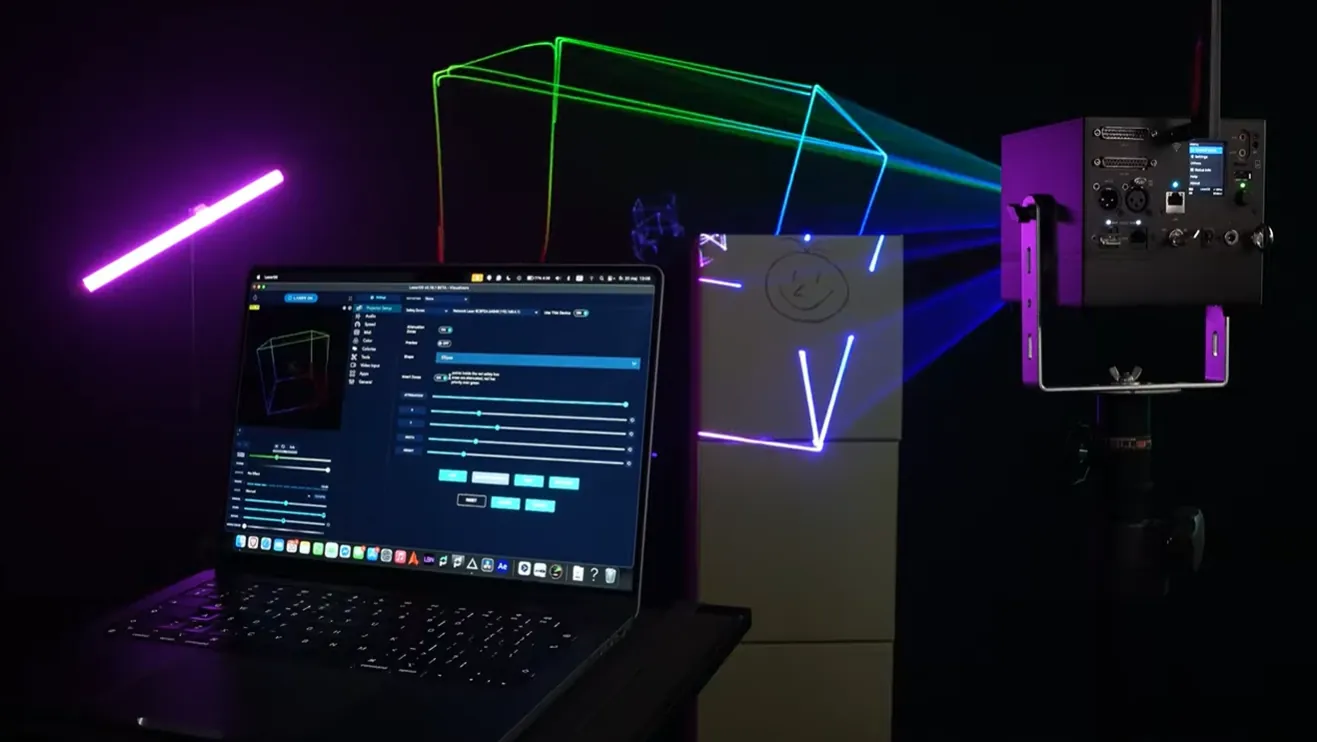
Most residential living rooms have 8-foot ceilings, which leaves no room for beams 10 feet above people indoors. In standard homes, operators project graphics onto walls and other surfaces away from people, make sure nobody is in front of the laser, and set up digital boundaries for screens and objects:
- Digital Attenuation Zones: Inside the software, operators can draw red blackout boxes over television screens, camera lenses and windows; inside them, the beams are reduced according to the attenuation setting (at 100% they are blanked fully). A zone never protects people: nobody should be in front of the laser, with or without a zone.
- Step-by-step setup guides: New owners can review official LaserOS tutorials to learn how to position, size, and invert safety zones on a mobile screen.
- Physical hardware fail-safes: Built-in mechanical beam blockers cut off low-angle light mechanically, while safety key locks and interlock jumpers prevent accidental operation. Keep the cube and its key away from minors.
Surface graphics like text, holiday art, and animations illustrate on clean walls without extra equipment. For aerial beam shows, reviewing when fog is needed for a laser show helps hosts plan proper atmosphere, using a fine mist to reveal beams without heavy smoke.
Identify whether a prosumer laser projector fits your needs
Galvo-driven show projectors offer broad creative flexibility, but they are built for specific entertainment activities. Reviewing these distinctions helps buyers choose the right lighting style for their home.
A prosumer laser projector works well for:
- Home entertainers and party hosts: Anyone who enjoys sound-reactive visualizers, customized wall greetings, or interactive vector games during gatherings.
- Bedroom producers and mobile DJs: Creators who want synchronized visual accompaniment for live streams, music sessions, or private events.
- Holiday decorators: Homeowners who want to project animated holiday graphics onto garage doors or home facades year-round.
Conversely, buyers should consider alternative lighting if:
- Soft ambient nightlights are preferred: Buyers who only want soft, static starry dots to serve as a child’s nightlight will be better served by entry-level LED ambient lights.
- Video streaming is the primary goal: Viewers looking to stream movies or television shows should select an LED video projector rather than a vector laser display.
Wrapping up
Finding the best home laser show system depends on selecting high-speed galvo scanning, analog RGB color modulation, and digital safety masking over basic novelty fixtures or complicated club rigs. Matching the power level to the room ensures clear, comfortable visuals for any indoor living room or backyard patio.
Ready to build your portable home laser show system? Visit the LaserCube product page to compare the WiFi, Pro and Ultra MK2 models, explore accessory bundles, and find the right setup for your space.
Frequently Asked Questions (FAQs)
Q01Can a home laser show projector damage television screens or computer monitors?
Yes. Concentrated laser beams can damage LCD, LED, and OLED panels as well as camera sensors. Operators should use the Attenuation Zones in LaserOS to draw a digital blackout boundary over all monitors, TVs, and cameras before running a show.
Q02Do home laser light shows require fog or haze to work?
Surface projections like text, logos, holiday graphics, and vector games display clearly on solid walls without any fog. Seeing 3D aerial beams, tunnels, and sweeping sheets in mid-air requires airborne haze particles, which can be produced using a compact tool like the Nano Fogger.
Q03What is the difference between a home laser show projector and a cheap party light?
Cheap party lights use slow internal motors to spin patterned glass discs, casting static, repeating dots. Home laser show projectors use high-speed galvanometer mirrors to draw smooth vector lines, custom text, sound-reactive visualizers, and playable games.
Q04Are high-power laser projectors legal to use in a residential home?
Yes: LaserCube is fully legal and certified worldwide, as long as you follow its safety instructions and keep beams away from people's eyes. In the US, LaserCube is certified through X-Laser, and a LaserCube bought in the USA comes with the FDA variance (issued by X-Laser). For public shows, check your local rules too.
See it for yourself
LaserCube is a portable, battery-powered RGB laser projector, and its show software, LaserOS, is free.
Explore the LaserCube lineup