DJ Light Setup: Build a DJ Light Show Around a Laser
Plan your DJ lighting setup around a laser: what to buy, where it goes, how it follows your mix, and a mobile rig or a club booth.
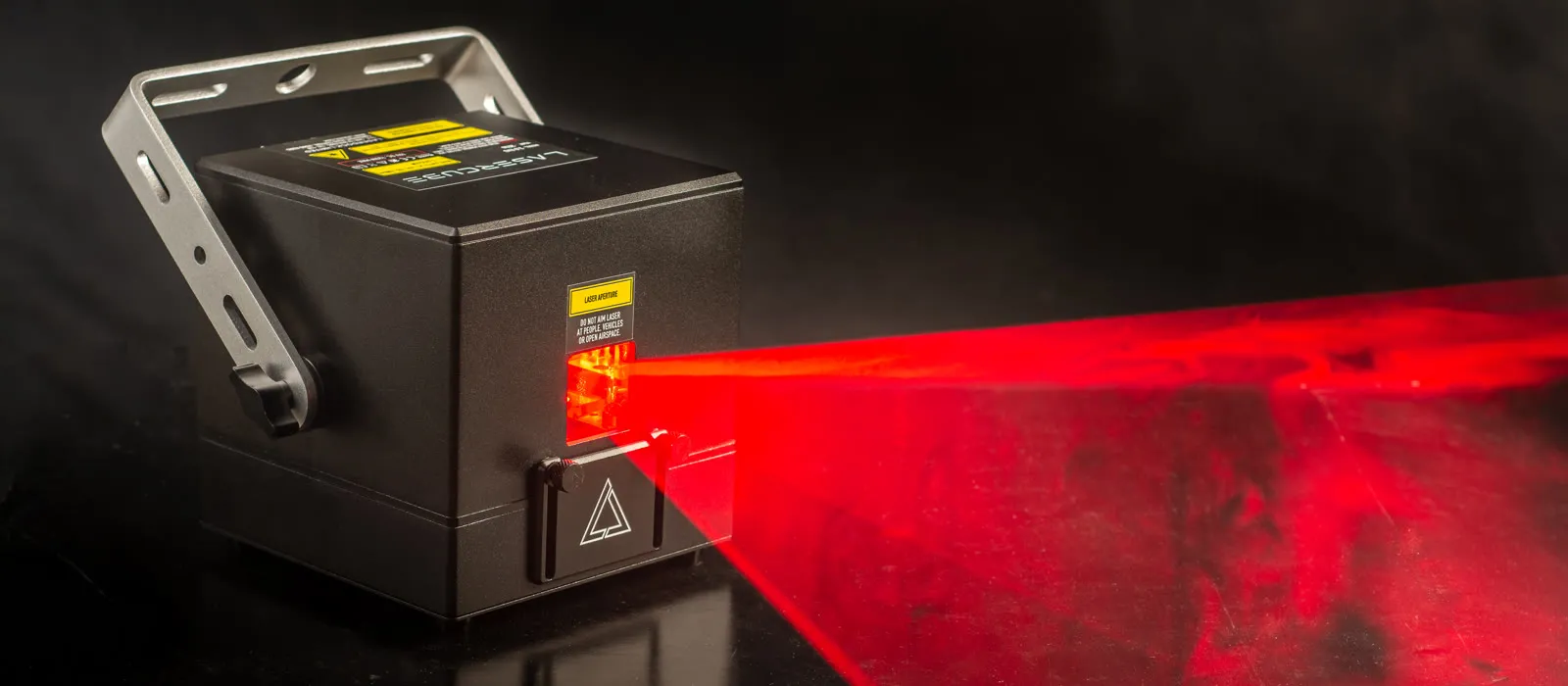
A good DJ lighting system fills the room with movement, follows the music and leaves your hands free for the mix.
Build your DJ lighting setup around a show laser like LaserCube, then add haze, a mount and a way to run it while you mix.
DJ lighting equipment: what goes in a setup
- A laser as the centerpiece: beams and sheets of light high above the dance floor, and your name or logo on a wall.
- Haze or fog: beams in the air show best in a dark room with a little haze, and any fog or haze machine works. More in our guide to fog for a laser show.
- Wash lights, moving heads and strobes, if you want them: LED pars or bars color the booth or the room, moving heads add movement and strobes add hits, and the laser adds thin beams and sharp graphics.
- A mount: a tripod, a stand or a truss.
- A way to run it while you mix: the laser on its own, your phone, a MIDI controller or a DMX desk.
DJ light setup design: where the laser goes
- Height first: place or mount the cube so every beam stays at least 3 m (10 ft) above the floor wherever people may be, measured from the highest place someone could stand, such as a stage or a riser. Aim at a wall, a backdrop or the ceiling, above that line. Nobody stands in front of the cube while it runs.
- In a room too low for that: no beam goes over the dance floor. Put your name or logo on a wall or backdrop where nobody can stand, with the beams' whole path out of everyone's reach too.
- Mount it so it can't move: the Pro and Ultra MK2 bracket takes an M8 or M10 bolt for your truss clamp; at height, add a safety cable through the eye bolt. Leave space around the cube for airflow.
- Then set the beam block: with the cube mounted and aimed, adjust it with the cube off and the key out, then arm it and check, until nothing scans into the audience area.
How your light show follows the music
- CubeOS, on the cube itself (Pro and Ultra MK2): since firmware 2.2 (October 2026), CubeOS has 197 sound-reactive visualizers built in. They listen through the cube's microphone or a 3.5 mm cable from your mixer into the A-IN line input (choose it in the cube's Audio settings), and many also follow a tempo you set with Tap BPM.
- In LaserOS: our free app (iOS, Android, Mac and Windows) has 200+ visualizers. On a computer, pick your mixer or audio interface as its audio input and run it on the same laptop as your DJ software: desktop LaserOS's Ableton Link takes the tempo from DJ apps that have Link, such as rekordbox, Serato DJ Pro and Traktor Pro.
More in our music laser show guide.
Running it while you mix
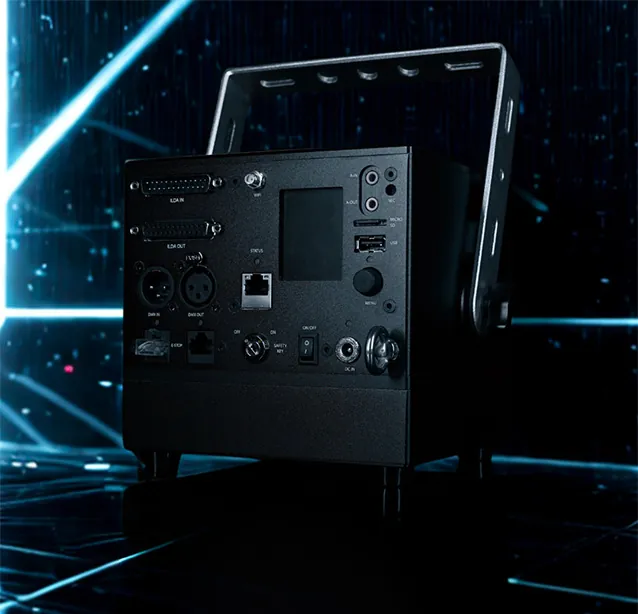
- Hands-free (Pro and Ultra MK2): in Visualizer mode the cube plays CubeOS's visualizers to the music; in Playlist mode it plays your own playlist from its microSD card. Both can start by themselves once the cube is armed; for playlists that is Power-On Play, which is on by default.
- A MIDI controller: an APC40 MK II or APC mini MK II plugged into a Pro or Ultra MK2, with USB MIDI turned on in the cube's settings, plays its microSD playlists and CubeOS's effects with no computer.
- A lighting desk or DJ lighting software: the Pro and Ultra MK2 take DMX or Art-Net as one 16-channel fixture, with ready-made fixtures in SoundSwitch and the Wolfmix W1 (see our SoundSwitch and Wolfmix guide).
For a party playlist, collect the looks you want for the night in the LaserOS app on your phone, then let Autoplay run it while you mix, with a time per item, repeat or shuffle (see the Autoplay steps in the manual). This short video shows how to make one in the phone app.
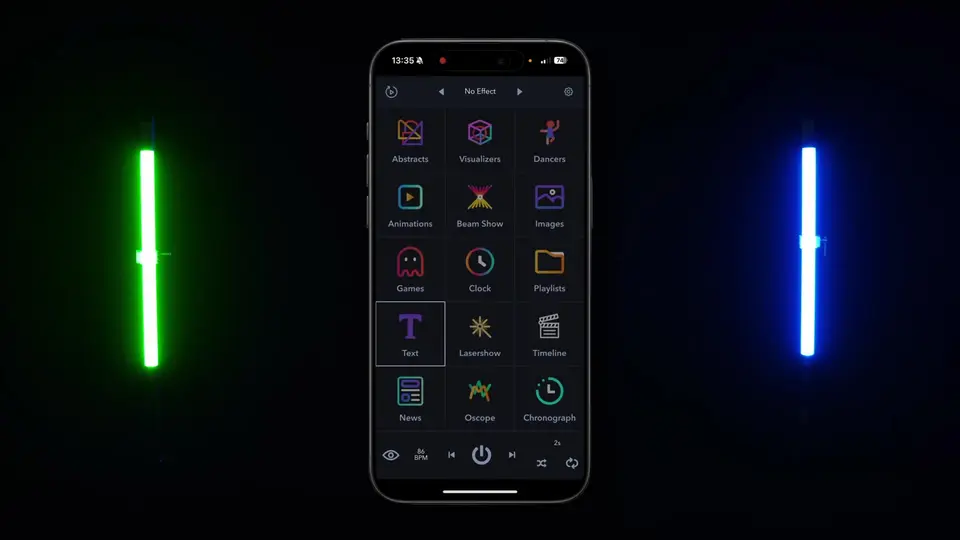
A playlist made on the phone plays from the phone; for one on a Pro or Ultra MK2's microSD card, use LaserOS on a computer. At a busy gig, use a cable: a room full of phones can cause WiFi drop-outs, and every LaserCube comes with a network cable and a USB-C to Ethernet adapter.
Mobile DJ rig or club booth?
A small or mobile DJ lighting setup
One cube on a tripod or stand with every beam at least 3 m (10 ft) above the floor where people may be, a little haze, and the cube playing to the music on its own (Pro and Ultra MK2) or from your phone. A cube on a tripod usually starts below that height: mount it higher, with a safety cable, or close off the floor under the beams, plus at least 3 m (10 ft) on all sides, until they have climbed past 3 m, so nobody can get into them. No socket needed: the Ultra MK2 runs about 3 to 4 hours on its battery, the Pro and WiFi about 2 to 3, and every model charges while it plays on its charger (see our battery laser projector guide). More on lasers for nightclubs, weddings and mobile DJs.
A club booth
Mount the cube on the truss; a Pro or Ultra MK2 can also hang upside down from a suitable mount on its handle bar. A Pro or Ultra MK2 can share the venue's DMX line with other real DMX fixtures, such as LED bars, as long as each has its own channels. Never plug a fog machine into the cube's DMX ports unless you're sure it's true DMX: many put mains power on their XLR socket, which damages the cube. For more than about 1,000 people indoors, run several cubes in sync.
What to buy for your DJ light setup
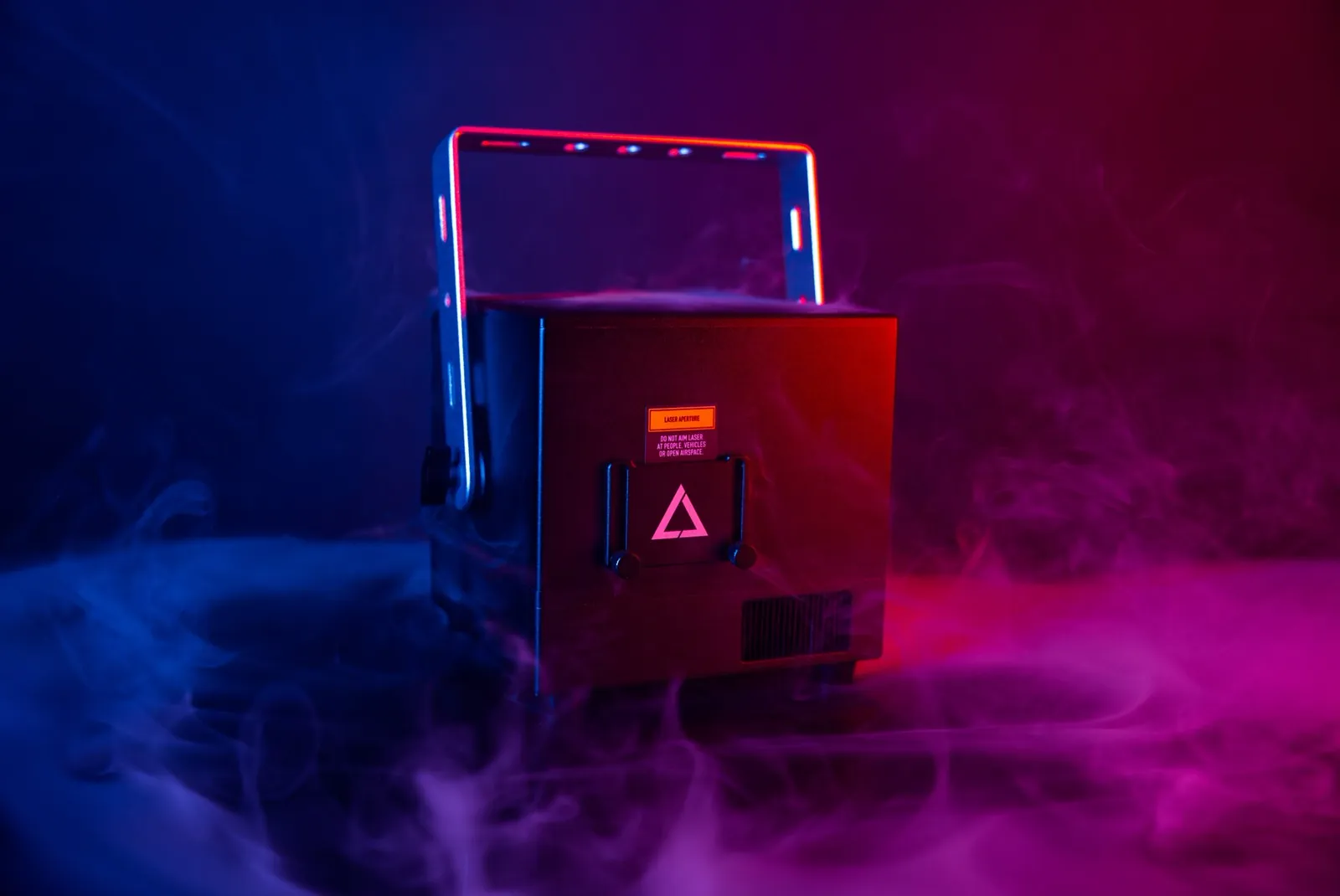
Our advice: the biggest model, unless you have a reason to go smaller.
- LaserCube Ultra MK2 (10W or 6W): the 10W is our most powerful model and our first pick. For up to about 1,000 people indoors, with the longest battery, full-size XLR DMX, MIDI and shows without a laptop. From €1,999 for the 6W ($2,799 in the USA). In the USA, the Ultra MK2 is the professional model we sell. US buyers of the Ultra MK2 10W or 6W pass X-Laser's free online Laser Operator Course before it ships.
- LaserCube Pro (6W or 3W), outside the USA: the smaller, lighter choice. The Pro 6W has the same laser output as the Ultra MK2 6W at 2.5 kg instead of 3.7 kg, also for up to about 1,000 people indoors, with DMX, Art-Net, MIDI and shows without a laptop too (its DMX uses 3.5 mm jacks, with adapter cables not included). From €1,399 for the 3W. The Pro isn't sold in the USA yet.
- LaserCube WiFi (1.2W or 2.5W), for a tight budget: up to about 500 people indoors, always played from a phone, tablet or computer, with no DMX or MIDI port. From €799 for the 1.2W ($1,499 in the USA).
Bundles (SOLO, DJX or STAGE outside the USA; in the USA also STADIUM) add more gear at each step. These were the starting prices on 2 November 2026; the LaserCube page shows today's prices and bundles for your country. More in what a laser show projector costs and our DJ laser lights buyer's guide.
A word on safety
LaserCube is a professional show laser, not a toy: never aim it at people's eyes, at audiences or at aircraft, and never at anything flammable. At a gig, that means:
- Every beam at least 3 m (10 ft) above the floor wherever people may be: never into the crowd or onto the dance floor, no audience scanning.
- Never at mirrors, a mirror ball, windows or anything shiny.
- Outdoors, every beam ends on a wall or another solid surface: never the sky.
- The safety key is turned by hand at every switch-on. In the USA every LaserCube comes with an E-Stop and won't emit without it; elsewhere it's optional. Never bypass the key, the interlock or the E-Stop.
- Whoever runs the laser is responsible for where every beam goes. For public shows, check your local rules.
More in our FAQ's safety tips.
Choose your LaserCube
Compare the models on the LaserCube models page, then pick yours on the LaserCube buy page.
Frequently asked questions
Q01What is the best DJ light setup for a mobile DJ?
Our pick: a LaserCube Ultra MK2 10W, mounted so every beam stays at least 3 m (10 ft) above the floor where people may be, a little haze, and the cube playing to the music on its own or from your phone. Outside the USA, the Pro 6W is the smaller, lighter choice.
Q02What DJ lighting equipment do I need?
A laser, a little haze or fog, a tripod, stand or truss clamp, and a way to run it: the cube on its own, the free LaserOS app, a MIDI controller or a DMX desk. LED wash lights are optional.
Q03Where should the laser go in a DJ setup?
Where every beam stays at least 3 m (10 ft) above the floor wherever people may be, aimed at a wall, a backdrop or the ceiling, with nobody in front of the cube. Secure it so it can't move.
Q04How is a LaserCube different from cheap DJ lights?
A LaserCube is a professional show laser, which adds beams and graphics next to any wash lights you have. Every LaserCube comes with a safety key and an interlock or E-Stop, a temperature cut-off, the free LaserOS app with no paid upgrades, a 1-year limited warranty and our support. For DJs we recommend the Ultra MK2 10W; on a tight budget, the LaserCube WiFi suits up to about 500 people indoors. Today's prices for your country are on the LaserCube page.
Q05Is a LaserCube legal for DJ gigs?
LaserCube is fully legal and certified worldwide. In the US, LaserCube is certified through X-Laser, and a LaserCube bought in the USA comes with the FDA variance (issued by X-Laser). For public shows, check your local rules too.
See it for yourself
LaserCube is a portable, battery-powered RGB laser projector, and its show software, LaserOS, is free.
Explore the LaserCube lineup