MadMapper Projection Mapping With LaserCube
Set up MadMapper projection mapping with a network laser. Connect your LaserCube directly to the MadMapper software on any Windows PC or MadMapper Mac.
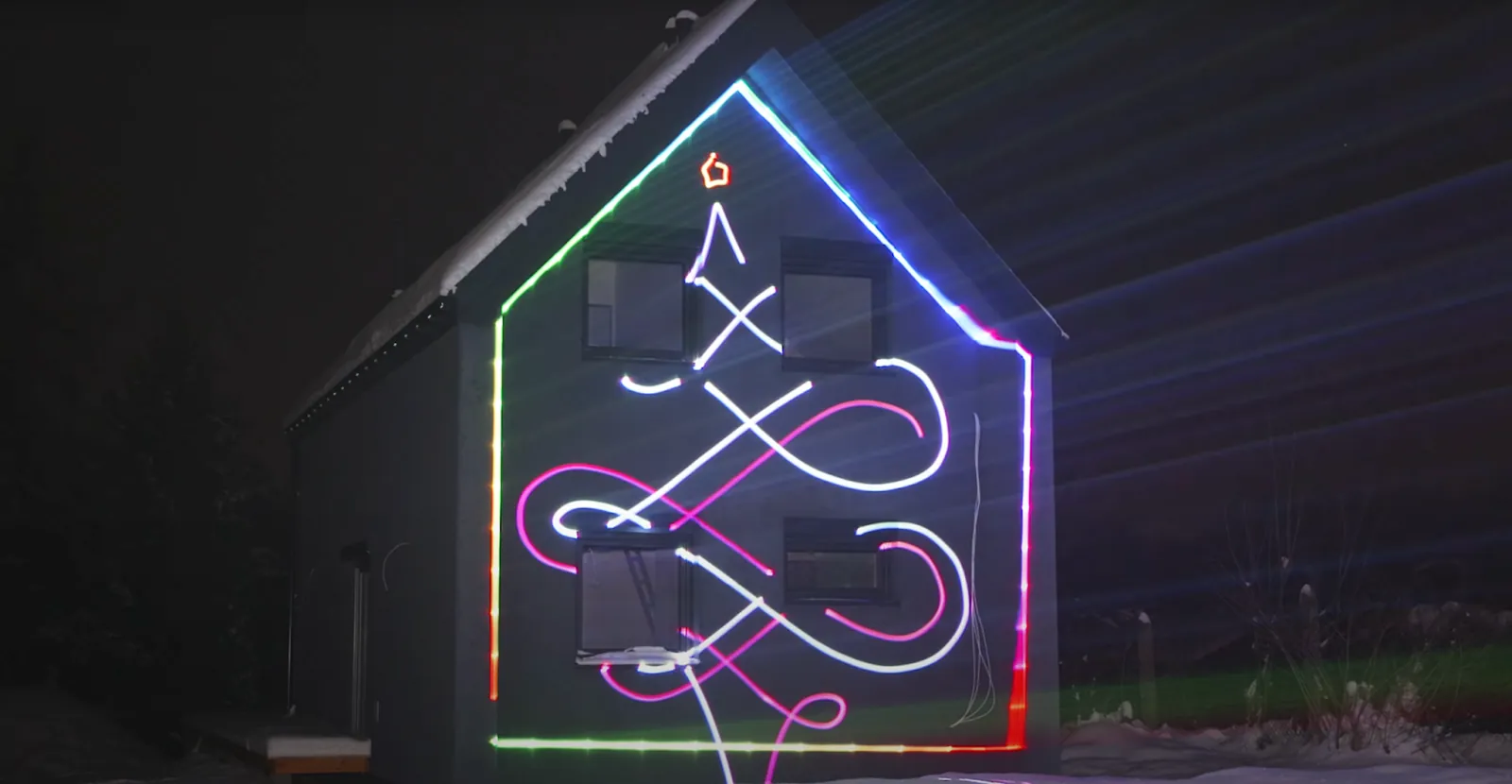
Setting up complex visuals at live events takes a lot of time. Visual artists often struggle when connecting software to hardware. Extra hardware boxes and bridge programs slow down the creative process. These extra steps also create more chances for equipment to fail during a show.
Network-ready lasers solve this problem. Devices like the LaserCube Ultra MK2 plug directly into the MadMapper software. This direct connection turns generative art into physical light instantly.
Map Visuals Natively with MadLaser
MadMapper offers an integrated ecosystem called MadLaser. This feature translates standard video mapping and shapes directly into raw laser point data. Artists do not need to run separate bridge software. This keeps the creative workflow stable during live sets. MadMapper works with the LaserCube, a strong hardware match for this exact workflow.
Drop Heavy DB25 Cables for Direct Network Streaming
Real-time network streaming uses standard TCP and UDP protocols. This handles massive amounts of point data without the lag seen in older digital setups.
The flagship LaserCube 10W Ultra MK2 processes complex geometry easily. It uses 35,000 pps AT-40S galvo scanners to display graphics without dropping frames. This ensures that bass-driven visuals generated in MadMapper stay perfectly synced with the physical light output.
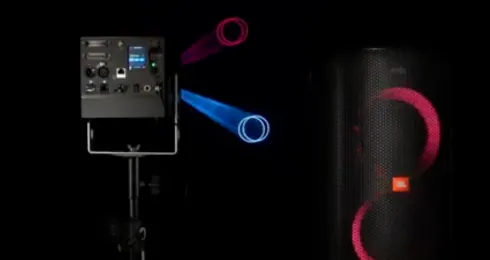
Avoid Latency During Live Audio-Reactive Sets
Older visual setups rely on heavy analog cables like DB25 connections. Modern setups replace these with universal network streaming.
MadMapper connects to the cube over the network in its LaserOS control mode (the Ultra MK2 and Pro also offer Etherdream and IDN modes for other software, once the firmware is updated). Creators can skip buying and routing expensive digital-to-analog converters (DACs) entirely. A standard ethernet connection handles the entire process, whether you use a Windows PC or a portable MadMapper Mac setup.
Scale Up for Professional Venues
Touring artists and large venue installations need hardware that scales up. The Ultra MK2 series is built to meet these demands.
The projectors feature RJ45 In and Through interlock ports, which give clean E-Stop routing (they are not network ports). One E-Stop can stop several Ultra MK2s chained through these ports: one press of the red button stops them all.
Add 3D Dimension with Atmospheric Effects
Laser mapping often happens on flat walls. Pairing the mapping setup with a Nano Fogger introduces 3D mid-air beam effects.
Fog makes the laser beams visible as they travel through the air. This simple addition turns a standard flat wall mapping gig into a fully immersive aerial laser show.
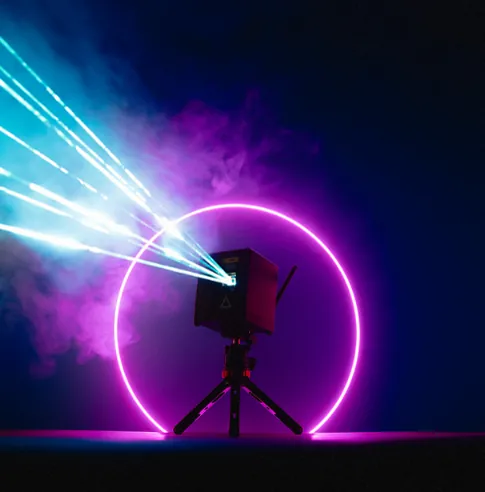
The Modern Projection Setup
Transitioning to open-standard network mapping saves time. It removes hardware barriers and expands creative options for visual artists.
Visit the LaserCube Ultra MK2 series at laseros.com to review the full specs and find the right 3D laser mapping projector for the next show.
Frequently Asked Questions (FAQs)
Q01What is the difference between Etherdream and IDN?
Both protocols replace thick analog cables with simple network streaming. Etherdream is a highly popular standard used by creative coding apps like TouchDesigner. IDN is an official industry standard designed to replace traditional analog setups. The Ultra MK2 supports both, giving artists complete freedom over their software choice.
Q02Do I need an external DAC to use MadMapper with these protocols?
No. MadMapper connects to the LaserCube over the network in the cube's LaserOS control mode. The projector handles the digital-to-analog conversion internally. This means creators can skip buying external hardware boxes entirely.
Q03Which LaserCube models support Etherdream and IDN?
Etherdream and IDN are available on the Ultra MK2 series and the LaserCube Pro once the firmware is updated. MadMapper itself works with every current LaserCube model.
See it for yourself
LaserCube is a portable, battery-powered RGB laser projector, and its show software, LaserOS, is free.
Explore the LaserCube lineup